5 Essential Maintenance Tips to Extend the Life of Your Thermal Receipt Printer
5 Essential Maintenance Tips to Extend the Life of Your Thermal Receipt Printer
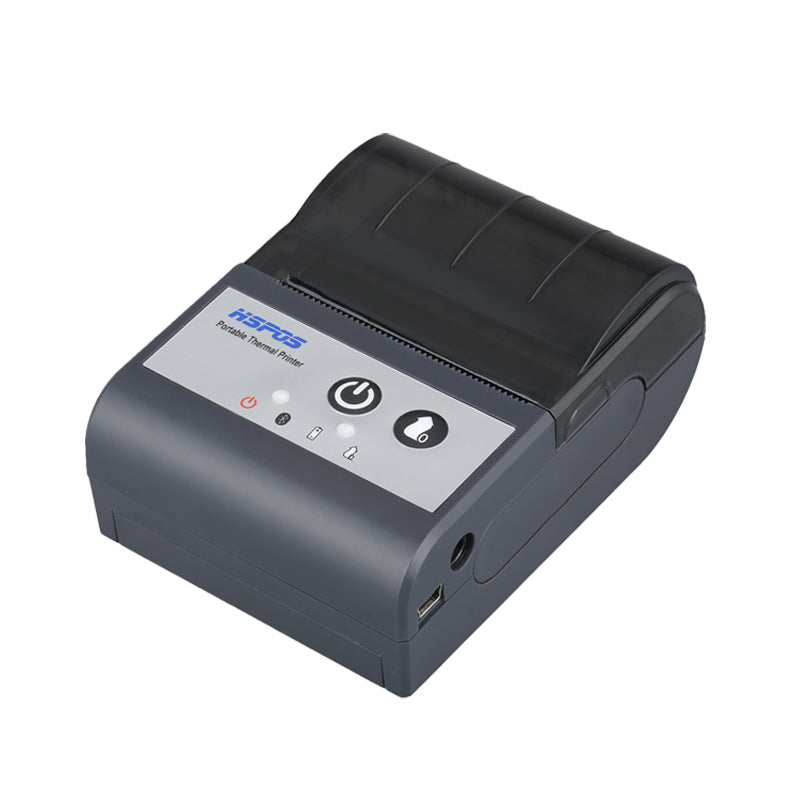
Printer downtime doesn�t just slow down service; it leads to lost revenue. Keeping your POS printer running smoothly requires a few simple habits.
1. Regular Print Head Cleaning
Use alcohol wipes to gently clean the print head every time you change a roll to prevent debris buildup.
2. Use High-Quality Paper
Low-quality paper sheds dust that can clog gears and sensors. Invest in BPA-free thermal rolls.
3. Proper Environment
Position your printer away from direct heat sources and excessive moisture in the kitchen.
Need help? Browse our Hardware Accessories or contact support.
Related Posts

Windows vs. Android POS Systems in 2024: Which is Right for Your Business?
Windows vs. Android POS Systems in 2024: Which is Right for Your Business?In 2024, the debate between Windows POS systems and Android POS machines...
May 11 2026

Why Your Clothing Brand Needs a Wash Care Label Printer: A Comprehensive Guide
Why Your Clothing Brand Needs a Wash Care Label Printer: A Comprehensive GuideIn the competitive world of fashion and apparel, the difference between a...
May 11 2026

How to Stop Missing Food Delivery Orders: The Ultimate Guide to Automated POS Printing
How to Stop Missing Food Delivery Orders: The Ultimate Guide to Automated POS PrintingIn the fast-paced world of modern food service, a missed order...
May 11 2026