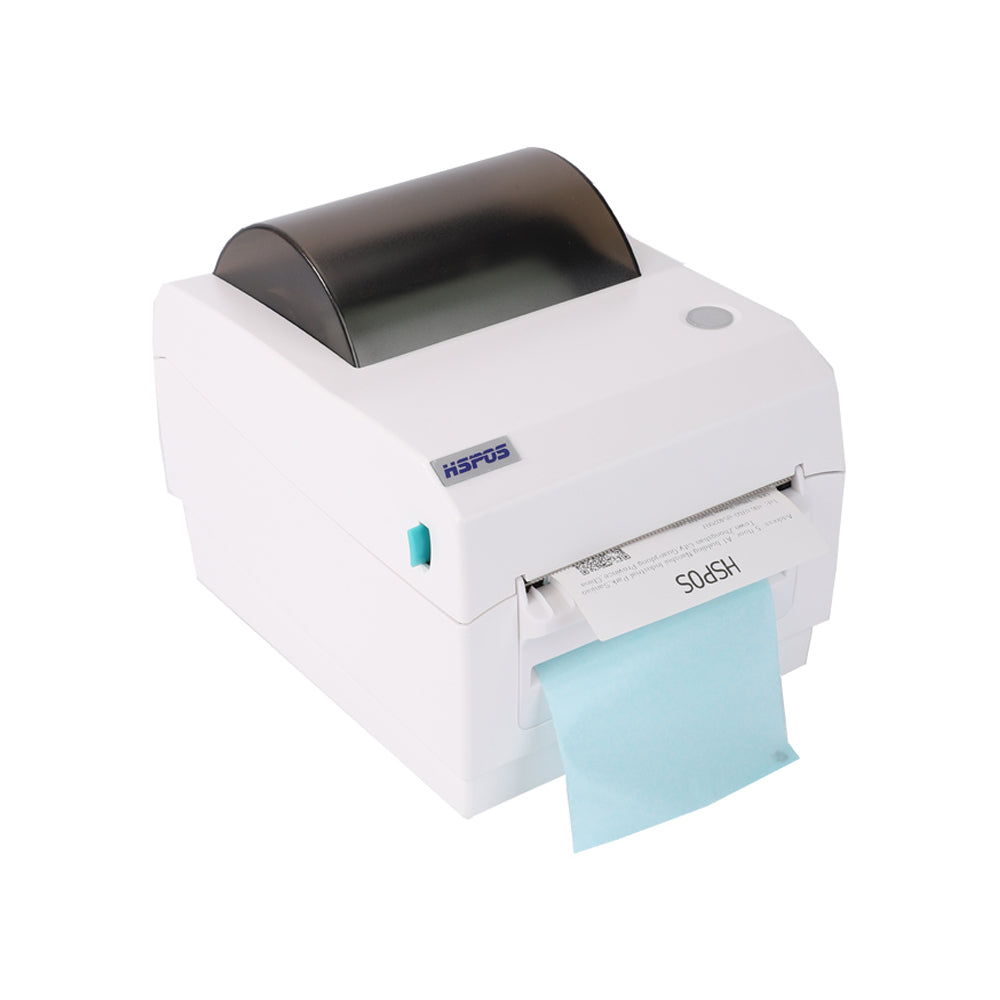
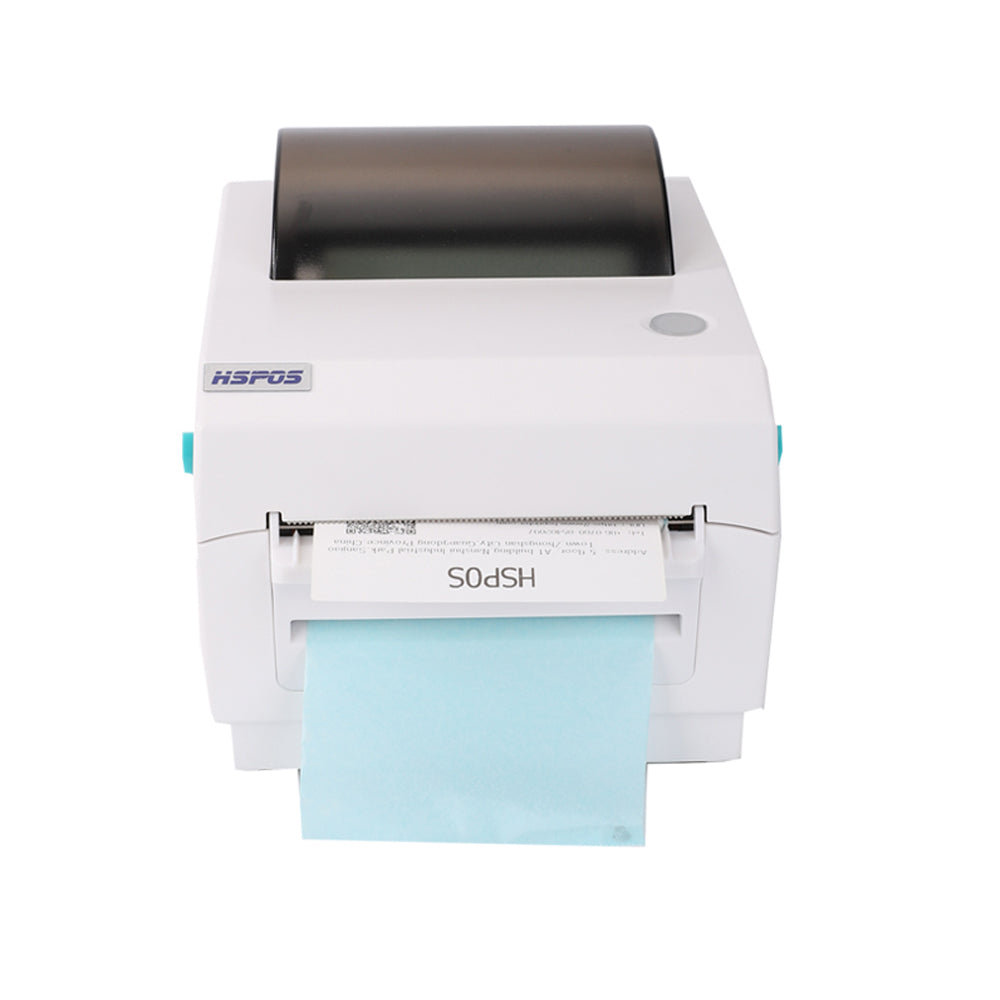
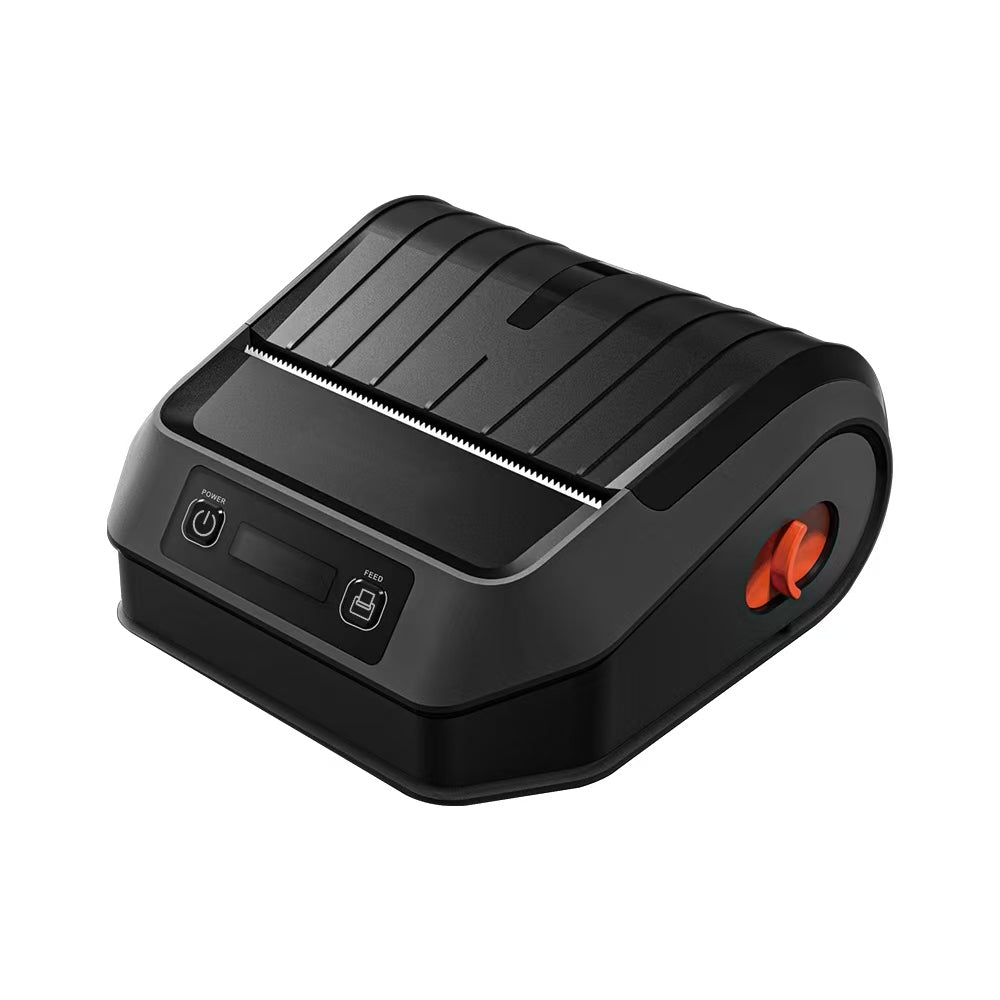
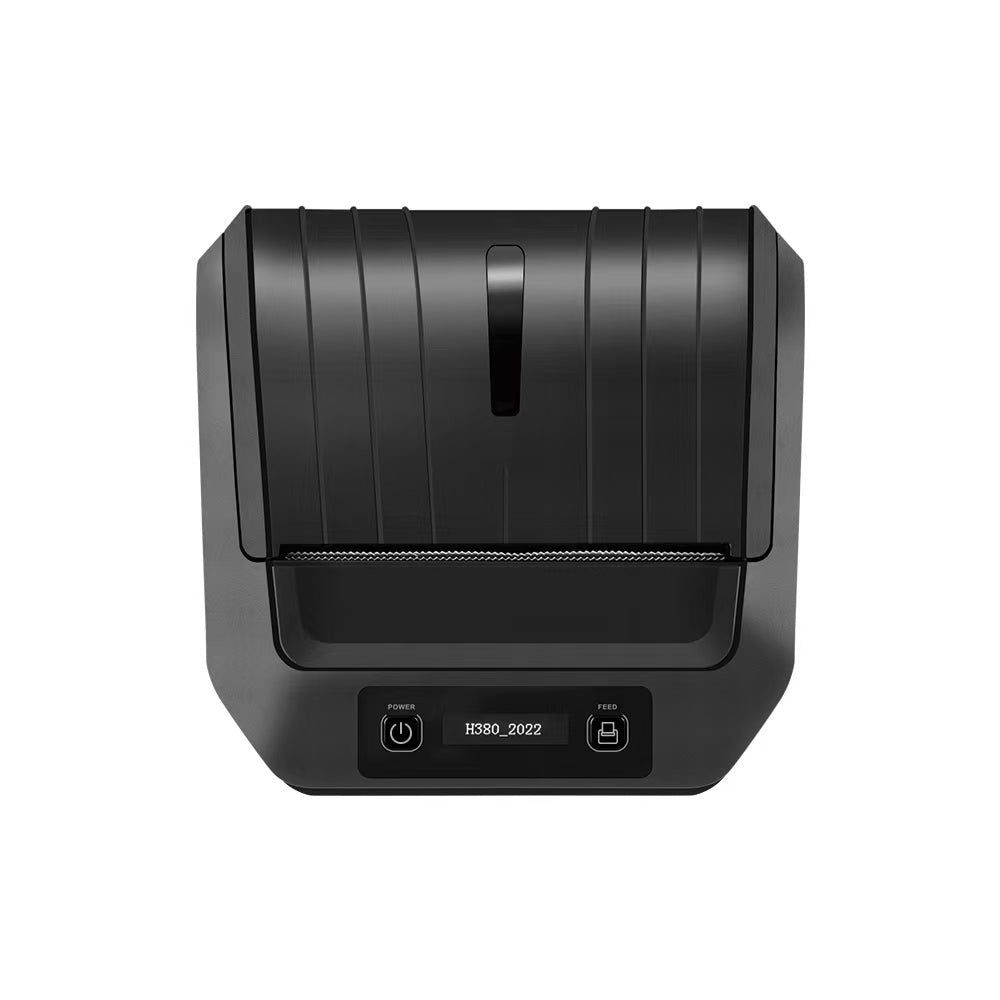
5 Essential Maintenance Tips to Extend the Life of Your Thermal Receipt Printer
5 Essential Maintenance Tips to Extend the Life of Your Thermal Receipt Printer
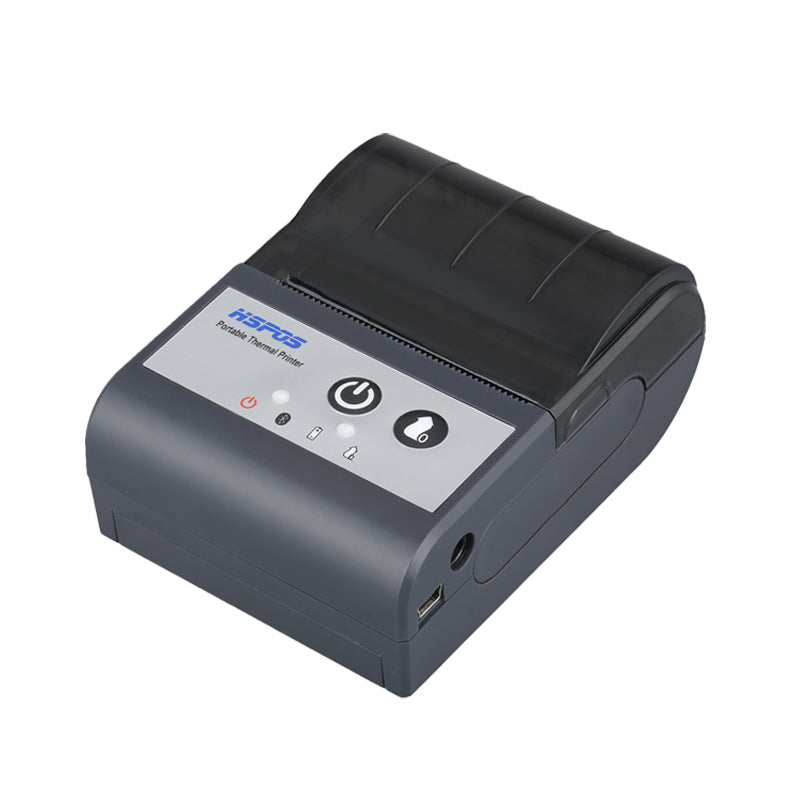
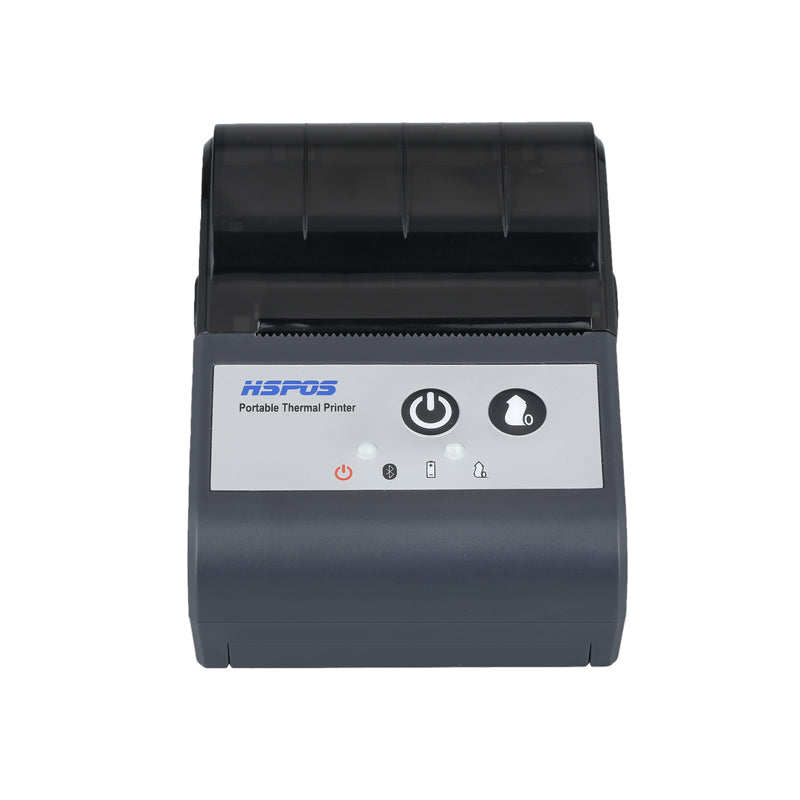
Printer downtime doesn�t just slow down service; it leads to lost revenue. Keeping your POS printer running smoothly requires a few simple habits.
1. Regular Print Head Cleaning
Use alcohol wipes to gently clean the print head every time you change a roll to prevent debris buildup.
2. Use High-Quality Paper
Low-quality paper sheds dust that can clog gears and sensors. Invest in BPA-free thermal rolls.
3. Proper Environment
Position your printer away from direct heat sources and excessive moisture in the kitchen.
Need help? Browse our Hardware Accessories or contact support.
Tags:
Previous post
Windows vs. Android POS Systems in 2024: Which is Right for Your Business?
Next post
The Science of Silence: Why ESC/POS Compatibility is the Backbone of Successful Food Delivery
Related Posts

The Ultimate Fulfillment Tool for E-commerce Sellers: TechPOS TP-K38 High-Speed Thermal Label Printer Review
The Ultimate Fulfillment Tool for E-commerce Sellers: TechPOS TP-K38 High-Speed Thermal Label Printer ReviewFor any growing e-commerce business, shipping speed is your lifeline. As...
Aug 02 2026

The Ultimate Guide to Android-Compatible Barcode Printers in Australia & Canada: Reliable Hardware for Shopify & DoorDash
The Ultimate Guide to Android-Compatible Barcode Printers in Australia & Canada: Reliable Hardware for Shopify & DoorDashIn the rapidly evolving e-commerce landscapes of Australia...
Jul 22 2026

Multi-Platform Integration: Connecting Your 14-inch POS to Shopify, Square, and UberEats
Multi-Platform Integration: Connecting Your 14-inch POS to Shopify, Square, and UberEats In the competitive landscape of the 2026 restaurant and retail industry, a single...
Jul 20 2026

The Future of AI Weighing: How Smart Scales are Transforming Grocery Checkout in 2026
The Future of AI Weighing: How Smart Scales are Transforming Grocery Checkout in 2026 In the high-speed world of modern grocery retail, efficiency is...
Jul 20 2026

The 2026 Master Guide to Setting Up Multiple Delivery Tablets with the HS-M80 (TP-M30)
Introduction: Mastering the 'Big Three'If you are a restaurant owner in Canada or Australia, you know that managing the 'Big Three'—UberEats, DoorDash, and SkipTheDishes—is...
Jul 10 2026

Ending the 'Ghost Order' Nightmare: Why Your Kitchen Needs Industrial Concurrency
Introduction: The Pulse of Modern Food DeliveryIf you run a food delivery business in Toronto or Sydney, you know the sound of a 'ghost...
Jul 10 2026

The Multi-Tablet Revolution: How to Connect 7 Food Delivery Devices to One Bluetooth Printer
The Multi-Tablet Revolution: How to Connect 7 Food Delivery Devices to One Bluetooth Printer In the competitive landscape of the 2026 restaurant industry, your...
Jul 08 2026

The Heavy-Duty Advantage: Why Manual Push-Open Cash Drawers are the Unsung Heroes of Retail Stability
The Heavy-Duty Advantage: Why Manual Push-Open Cash Drawers are the Unsung Heroes of Retail Stability In the high-stakes world of retail and hospitality—whether you...
Jul 05 2026