Add Your Customer’s Logo to Receipts Yes, Huangsheng Electronics Printers Support It!

Add Your Customer’s Logo to Receipts Yes, Huangsheng Electronics Printers Support It!

For businesses like cafes, retail stores, or service shops, adding a customer’s logo to receipts isn’t just a “nice-to-have”—it’s a way to boost brand recognition, build customer loyalty, and make every transaction feel personalized. A common question we get from global clients at Zhongshan Huangsheng Electronics (our 10-year-old foreign trade factory specializing in thermal printers) is: “Can your printers add custom logos to receipt paper?” Today, we’re here to give a clear, enthusiastic answer: Absolutely yes!


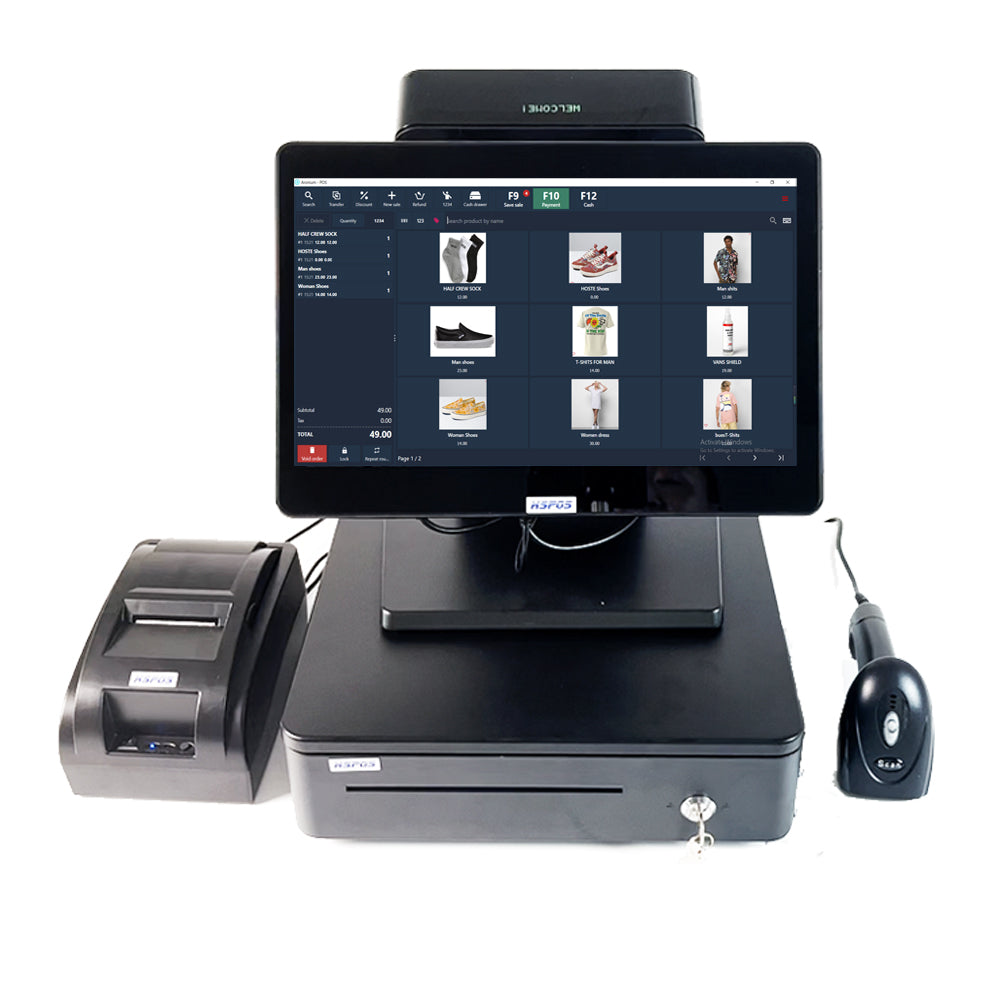
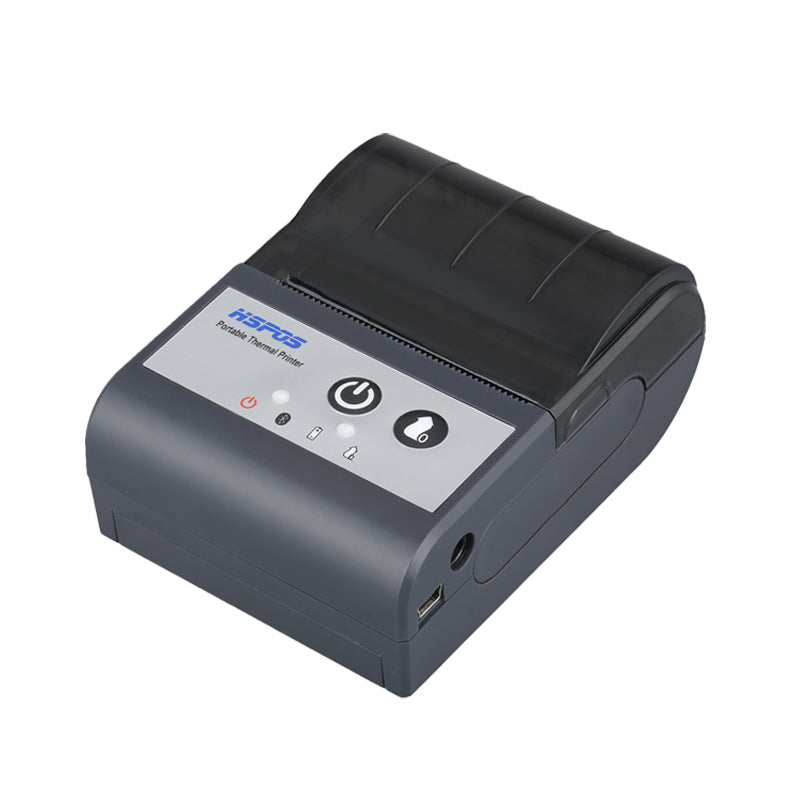
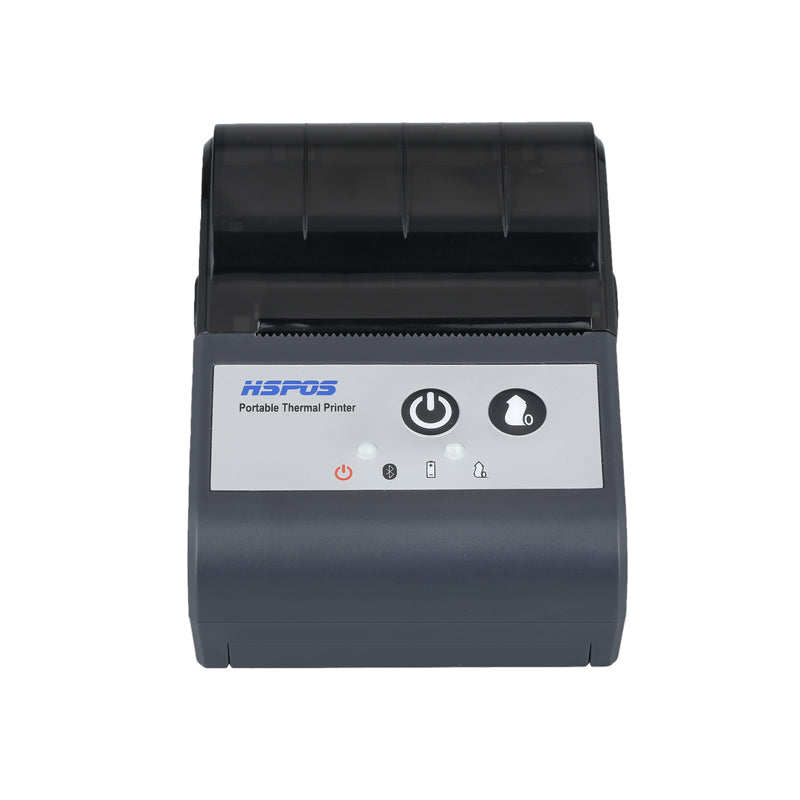
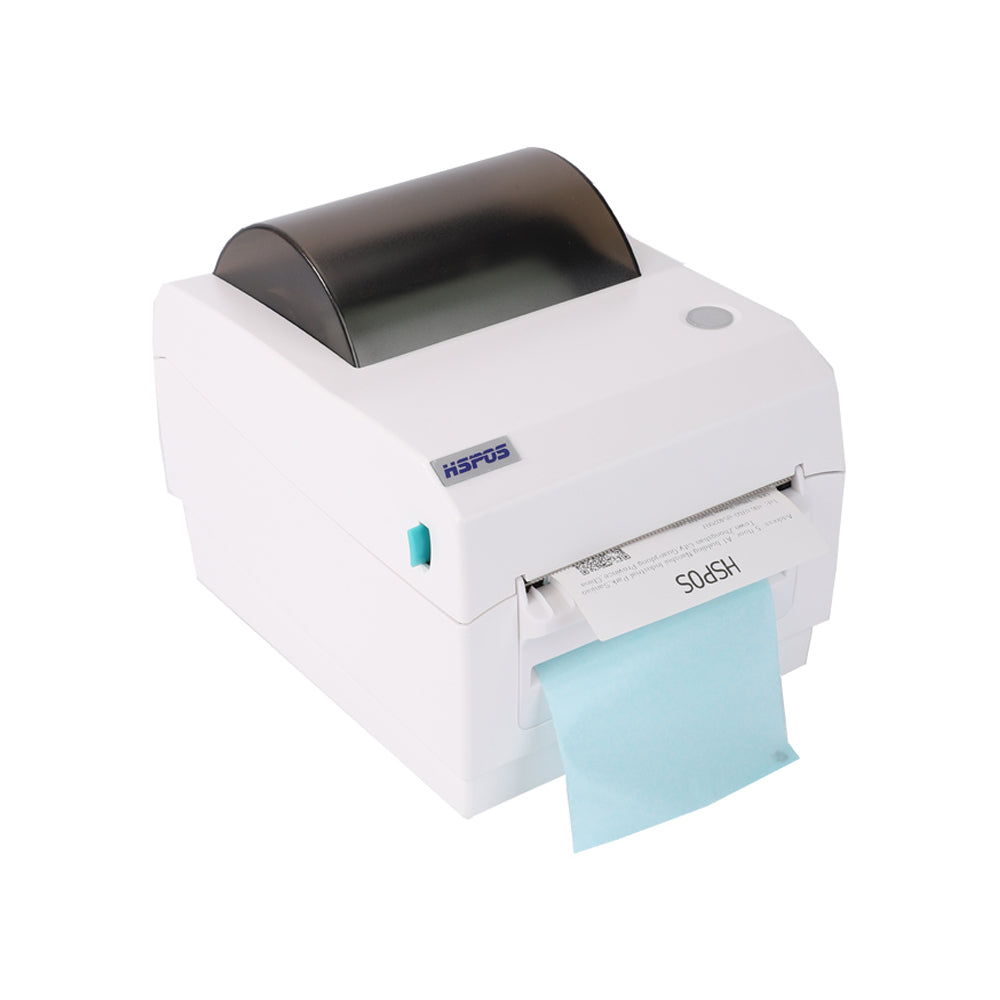
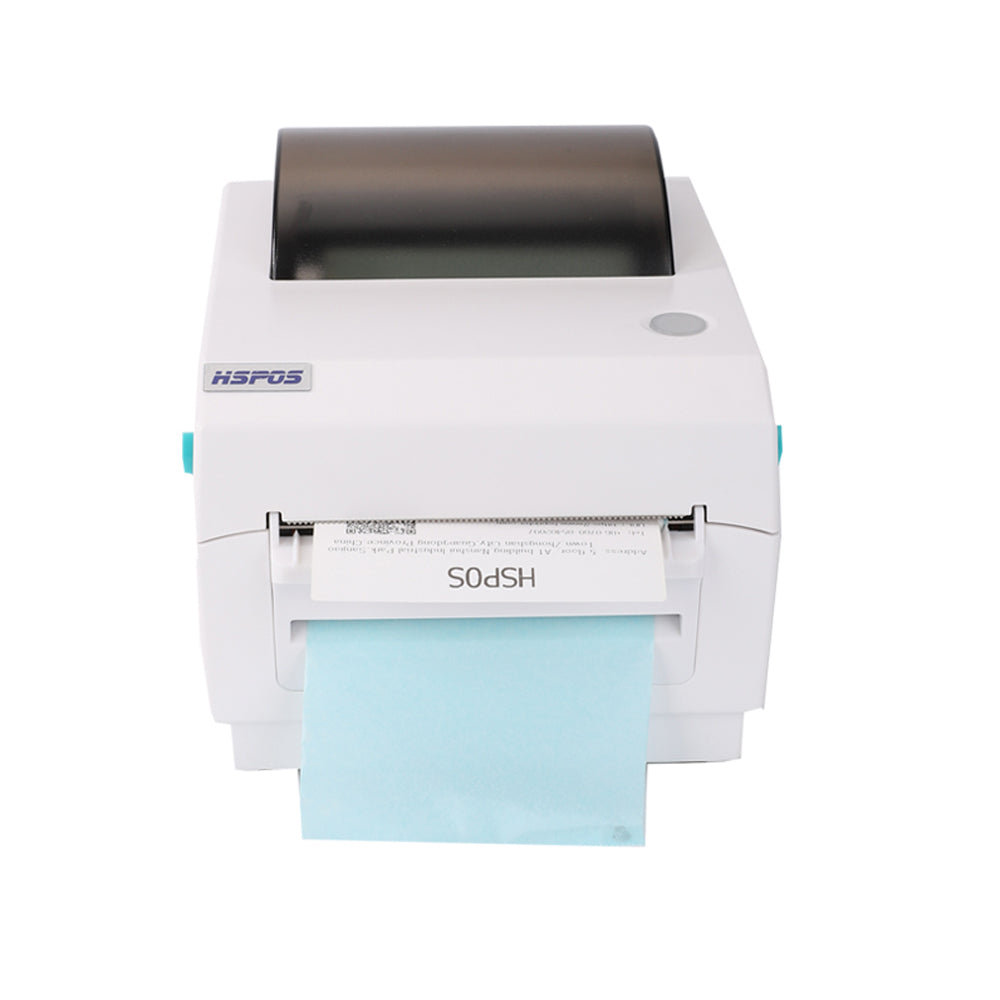
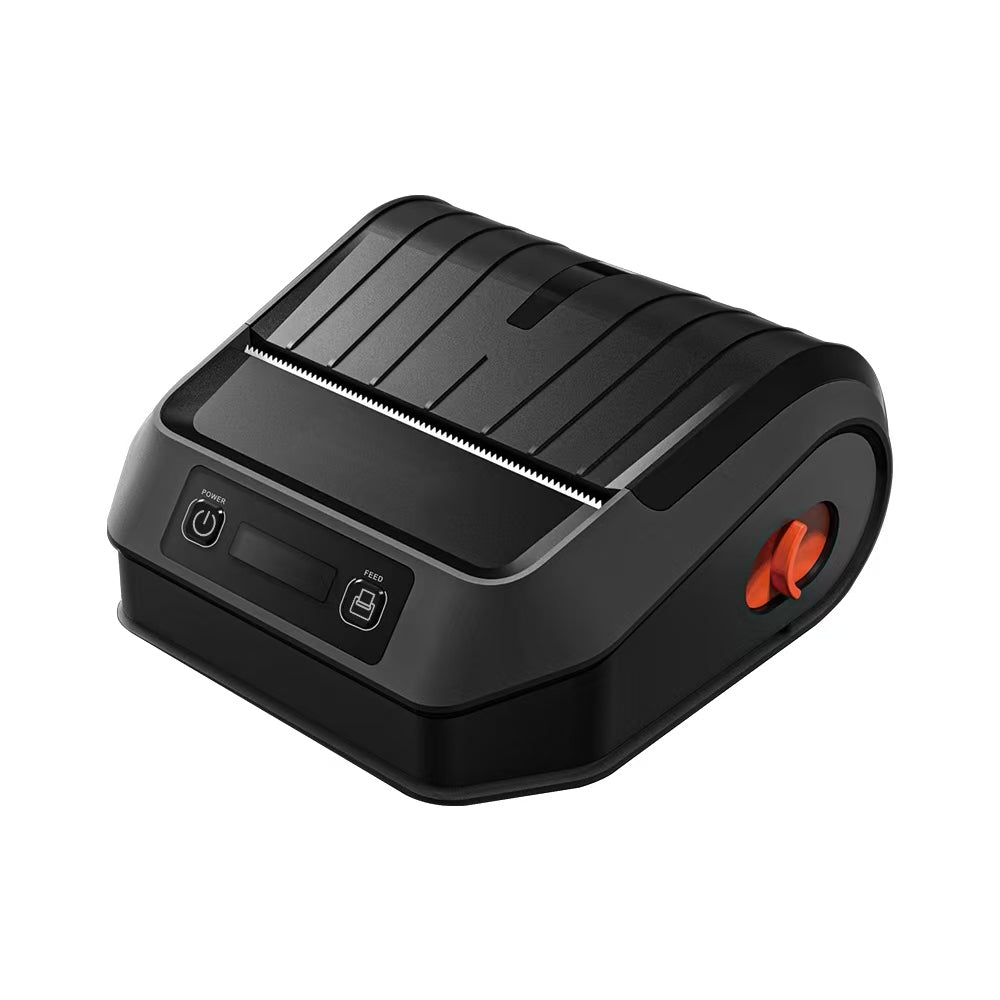
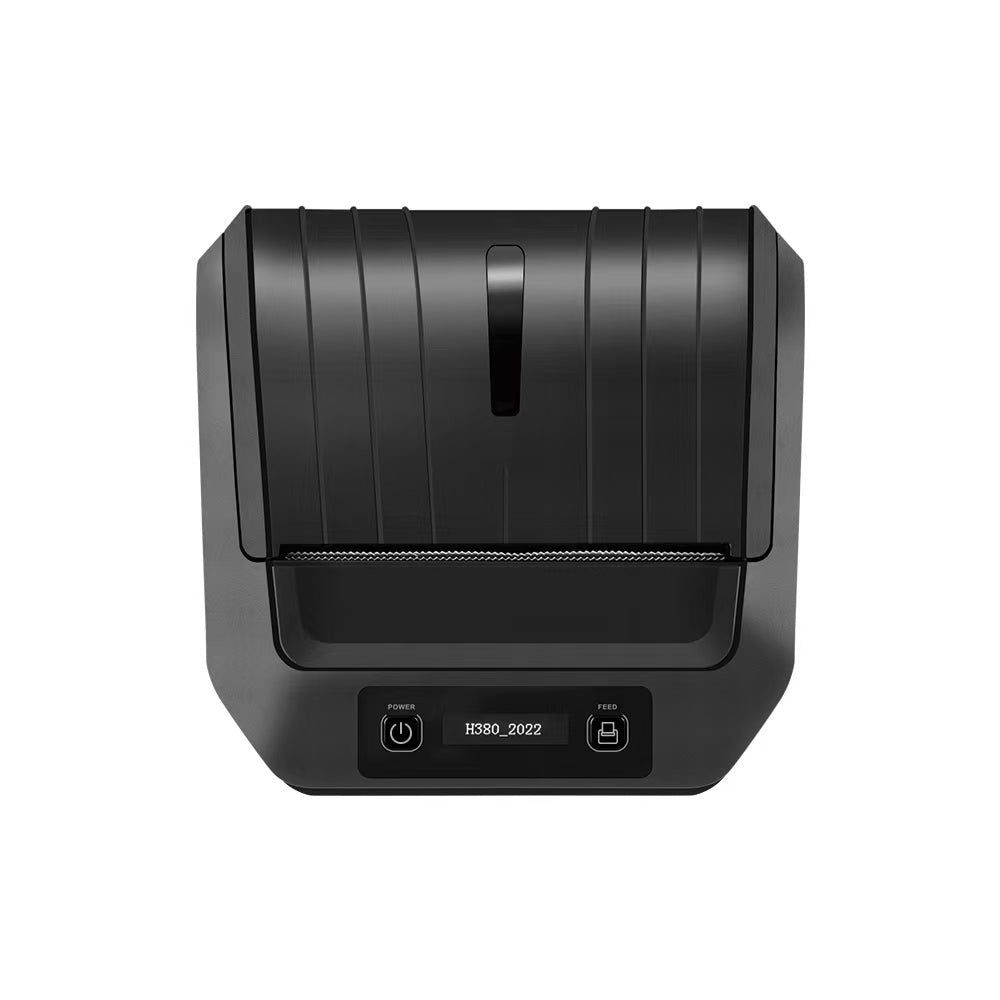
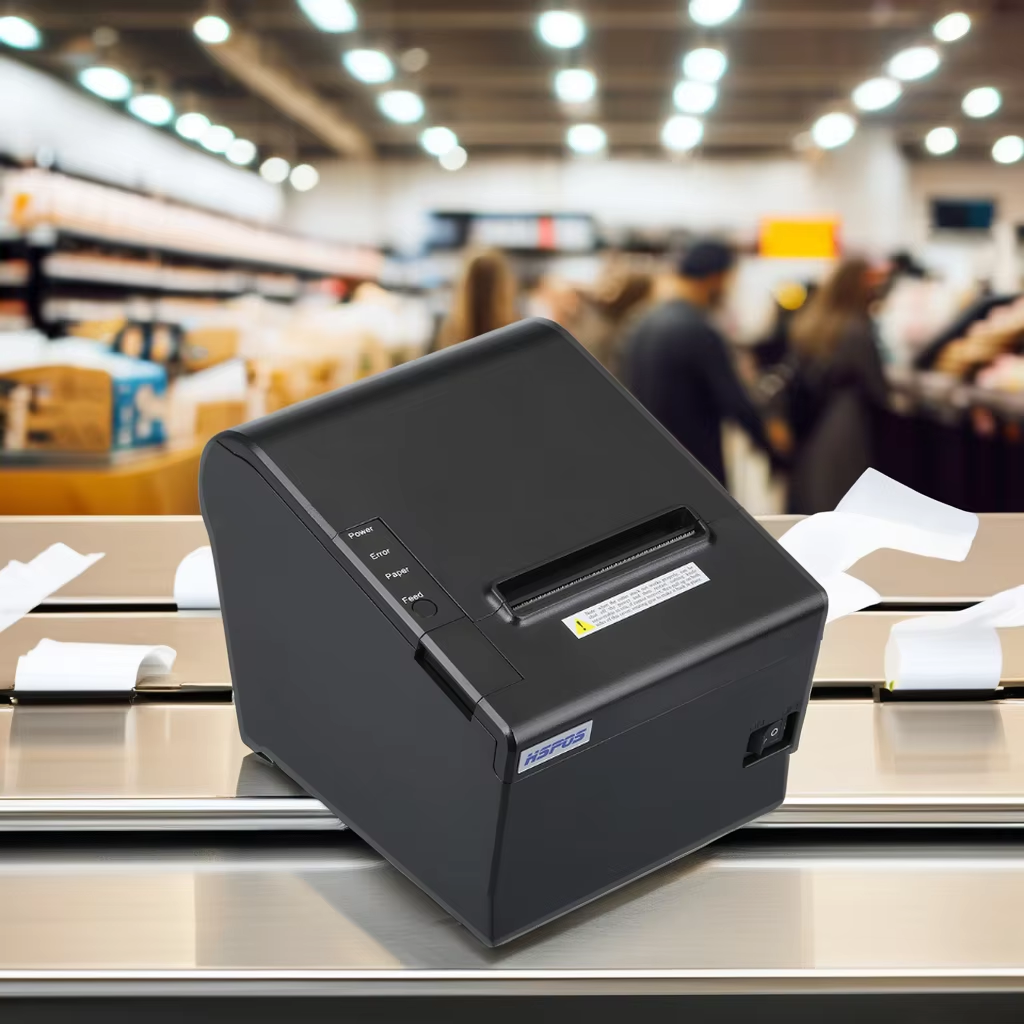
Our thermal printers—from the compact HS-EC58 to the versatile HS-802—are designed to support custom logo printing on receipts with minimal effort. No extra hardware, no complicated coding, and no hidden fees—just a few simple steps to turn ordinary receipts into branded assets. Let’s break down how it works, which printers are compatible, and why this feature matters for your business.

1. Why Adding Logos to Receipts Matters (For You & Your Customers)

Before we dive into “how,” let’s talk about “why”—because logo printing isn’t just about aesthetics:


  • Brand recall: Every time a customer keeps a receipt (for returns, warranties, or records), your logo reminds them of your business. A study by the National Retail Federation found that branded receipts increase repeat purchases by 18%—small details like logos make a big difference.
  • Professionalism: Receipts with clear logos look more trustworthy than plain text. For B2B clients (e.g., a restaurant supplying office catering), a logo on the receipt reinforces your status as a legitimate, established vendor.
  • Customization for clients: If you’re a reseller or offer white-label services, adding your customer’s logo to receipts (instead of just yours) shows you prioritize their brand too. For example, a POS system reseller can print their restaurant client’s logo on receipts—making your service more valuable.

2. How Our Printers Add Logos to Receipts (Simple Steps, No Expertise Needed)

The best part about our printers is that logo printing is user-friendly—you don’t need to be a tech expert. Here’s the standard process, which works for all our thermal receipt printers:

Step 1: Prepare Your Logo File

First, get your logo in a compatible format. Our printers work best with:


  • File types: PNG (preferred, for transparent backgrounds) or JPG
  • Resolution: 203dpi (matching our printers’ native resolution—ensures no blurriness)
  • Size: Adjust to fit your receipt width (e.g., 50-80mm wide for standard 58mm/80mm receipt paper—avoid making it too big, or it will crowd text).


If you need help resizing your logo, our team can provide a free logo optimization tool (available in English) to tweak the file for perfect printing.

Step 2: Use Our Free Printing Software (or Your Existing Tool)

We provide a free, easy-to-use software called “Hangsheng Receipt Designer” (compatible with Windows/Mac) that lets you add logos in 2 clicks. Here’s how:


  1. Download and install the software from our website (no registration required).
  2. Open a new receipt template (or edit your existing one).
  3. Click “Add Image,” select your logo file, and drag it to your preferred position (top of the receipt, bottom, or next to your business name).
  4. Save the template—your logo is now part of every receipt.


If you prefer to use your existing POS software (e.g., Square, Shopify POS, or Toast), our printers are fully compatible. Just upload your logo to the POS system’s “receipt settings” tab, and the printer will automatically print it—no extra setup needed.

Step 3: Print & Verify

Load your thermal receipt paper into the printer, run a test print, and check the logo:


  • Is it clear? (If not, adjust the resolution to 203dpi.)
  • Does it fit the receipt width? (Resize if it’s cut off.)
  • Is the position right? (Drag it in the software to move it.)


That’s it—your receipts will now print with the logo every time, no further adjustments needed.

3. All Our Receipt Printers Support Logo Printing (No Exceptions)

You don’t need to buy a “special model” to get logo functionality—every thermal receipt printer we make at Zhongshan Huangsheng Electronics supports it, including:


  • HS-EC58 (lockable/non-lockable receipt printer): Perfect for retail self-checkouts and cafes.
  • HS-802 (versatile receipt/label printer): Great for businesses that print both receipts and small labels (with logos).
  • HS-QR26 (triple-interface receipt printer): Ideal for industrial or legacy POS systems—still prints logos seamlessly.


All printers use direct thermal technology, so the logo won’t fade over time (even if the receipt is stored for months). For clients who need extra durability (e.g., restaurants with oily hands or warehouses with dust), we also offer waterproof thermal paper that keeps logos sharp longer.

4. Why Trust Zhongshan Huangsheng Electronics (10 Years of Expertise)

When you choose our printers for logo printing, you’re not just getting a device—you’re getting a partner with a decade of experience:


  • Global compatibility: Our software and printers work in every country (CE, FCC, RoHS certified) and support multiple languages (English, Spanish, German, French) for easy setup.
  • Free support: If you get stuck adding your logo, our 24/7 English-speaking team can help via email, video call, or even remote desktop—we’ll walk you through every step.
  • No hidden costs: The logo printing feature is free (no subscriptions, no extra licenses) because we believe basic branding tools should be accessible.


Adding a customer’s logo to receipts shouldn’t be hard—and with our printers, it isn’t. Whether you’re a small café wanting to print your logo or a reseller adding your client’s brand to receipts, Zhongshan Huangsheng Electronics’ printers make it simple, fast, and effective.


Ready to start printing branded receipts? Contact our team to request a sample print (we’ll send you a receipt with your logo to test!), ask about compatible printers, or get a tailored quote. We’re here to help you make every receipt count.

Related Posts

The Future of B2B Retail and Manufacturing: A Masterclass in High-Precision POS Hardware

The Future of B2B Retail and Manufacturing: A Masterclass in High-Precision POS HardwareIn the modern B2B landscape, the difference between a thriving operation and...
Post by TechPOS Engineer
Jun 06 2026

The Engineering Choice: 203 DPI vs. 300 DPI — Which Resolution Does Your Business Actually Need?

The Engineering Choice: 203 DPI vs. 300 DPI — Which Resolution Does Your Business Actually Need?In the world of B2B operations—whether you are managing...
Post by TechPOS Engineer
Jun 05 2026

The AI Revolution in Fresh Produce Retail: How Smart Product Identification Scales Are Slashing Supermarket Checkout Times

The AI Revolution in Fresh Produce Retail: How Smart Product Identification Scales Are Slashing Supermarket Checkout Times For grocery stores, supermarkets, fruit shops, and...
Post by TechPOS Engineering Team
Jun 05 2026

The Ultimate POS Hardware Checklist: Scaling Your Business from Pop-up Shops to Enterprise Fulfillment

The Ultimate POS Hardware Checklist: Scaling Your Business from Pop-up Shops to Enterprise Fulfillment In the competitive landscape of 2026, the difference between a...
Post by TechPOS Engineering Team
Jun 04 2026

How to Connect Multiple Delivery Tablets (DoorDash, UberEats, Skip) to a Single Bluetooth Receipt Printer

Blog Draft 2: How to Connect Multiple Delivery Tablets (DoorDash, UberEats, Skip) to a Single Bluetooth Receipt Printer If you own a restaurant or...
Post by TechPOS Engineering Team
Jun 04 2026

Why Is My Thermal Label Printer Skipping Labels or Printing Blank? Calibration & Troubleshooting Guide

Blog Draft 1: Why Is My Thermal Label Printer Skipping Labels or Printing Blank? The Ultimate Troubleshooting and Calibration Guide In the high-stakes world...
Post by TechPOS Engineering Team
Jun 04 2026

The Definitive Guide to ESC/POS Protocol Compatibility for Food Delivery Networks

The Definitive Guide to ESC/POS Protocol Compatibility for Food Delivery Networks In the high-speed food delivery ecosystem of 2026, the distance between a customer’s...
Post by TechPOS Engineering Team
Jun 02 2026

Logistics Accuracy: How the HS-K38 Reduces Delivery Errors to Boost Your Yelp Ratings

Logistics Accuracy: How the HS-K38 Reduces Delivery Errors to Boost Your Yelp Ratings In the high-velocity e-commerce landscape of 2026, the final mile is...
Post by TechPOS Engineering Team
May 31 2026