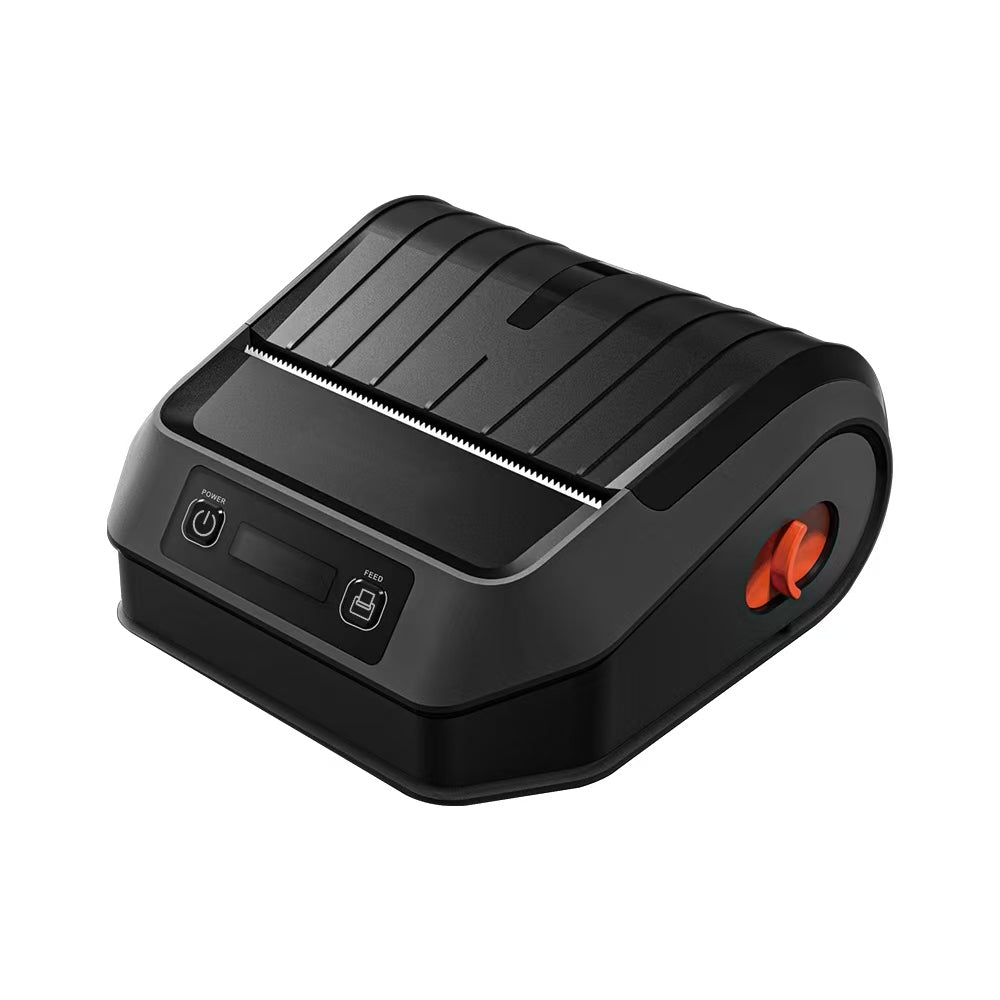
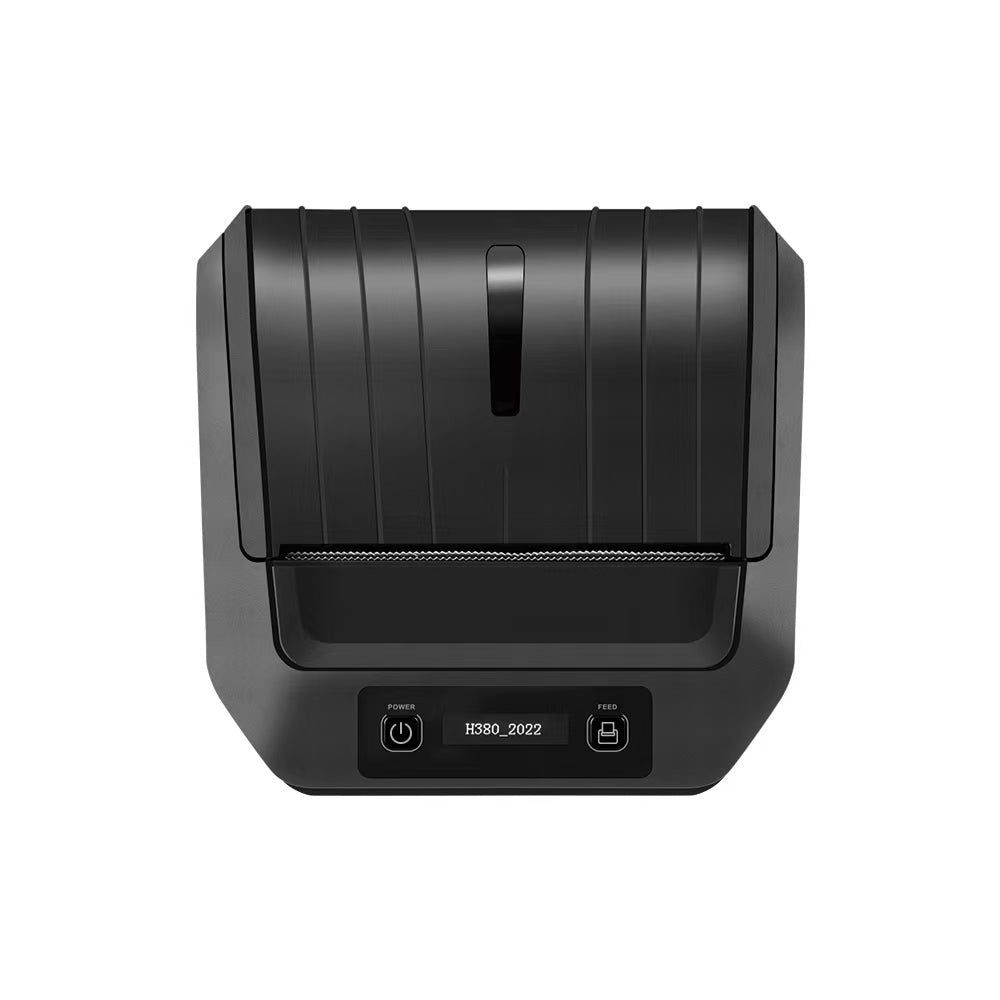
Precision in Every Stitch: 203 DPI vs. 300 DPI for Wash Care Label Printing
Precision in Every Stitch: 203 DPI vs. 300 DPI for Wash Care Label Printing
In the apparel and textile industry, a wash care label is more than just a regulatory requirement—it is a critical point of contact between your brand and the consumer. It carries essential instructions on fiber content, country of origin, and those internationally recognized care symbols that dictate the garment's longevity.
For manufacturers in the US, Canada, and Australia, the technical decision often boils down to one specification: DPI (Dots Per Inch). Choosing between 203 DPI and 300 DPI isn’t just a matter of price; it’s an engineering decision that affects legal compliance, brand perception, and scanning reliability.
At TechPOS, we provide the engineering infrastructure that powers these labeling lines. In this guide, we dive into the technical nuances of DPI to help you choose the right printer for your textile operations.
1. What is DPI? The Engineering Perspective
DPI stands for Dots Per Inch. In the world of thermal printing, it refers to the density of the heating elements on the print head.
- 203 DPI (8 dots per mm): The industry workhorse. It is cost-effective and perfectly suited for standard shipping labels and large receipts.
- 300 DPI (12 dots per mm): The precision standard. By packing 50% more dots into every inch, it allows for significantly sharper edges and the ability to render microscopic details that 203 DPI simply cannot achieve.
2. The 203 DPI Reality: When is it Enough?
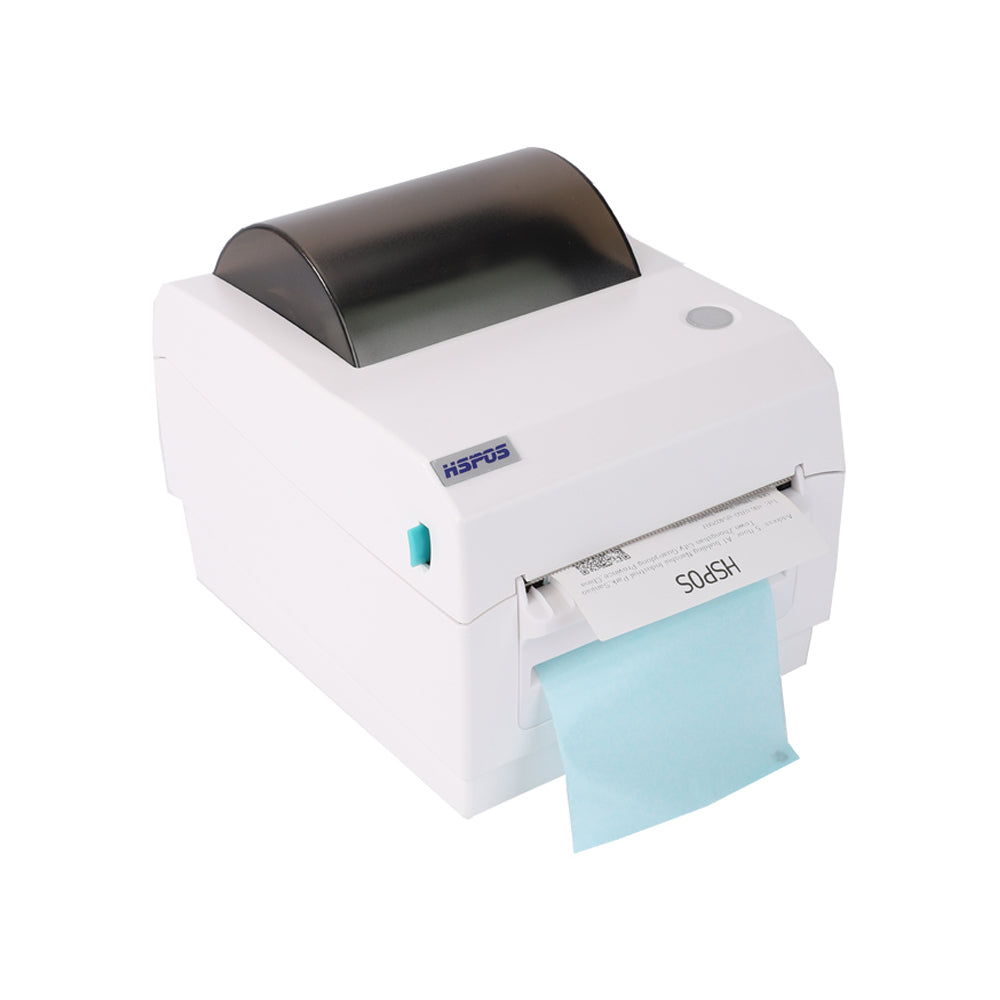
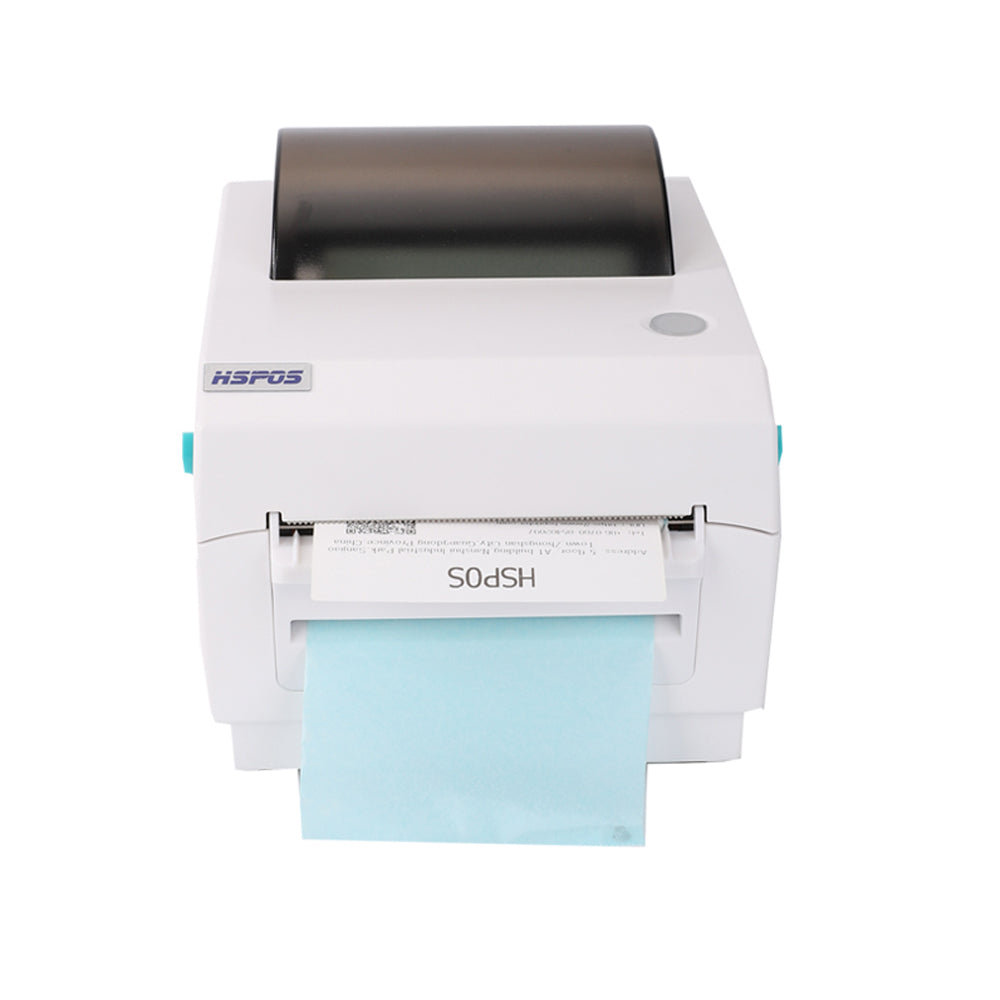
203 DPI is the "workhorse" of the logistics world. Most shipping labels, like the ones generated by our HS-K38 110mm Label Printer, function perfectly at 203 DPI.
3. The 300 DPI Necessity: Why Textiles Demand More
Wash care labels present a unique technical challenge that 203 DPI often cannot meet. Unlike a shipping label, a wash care label is usually very narrow and must contain an immense amount of data in that small footprint.
- International Care Symbols: Ensuring every line of the pictogram is sharp and legally compliant.
- Multi-Language Compliance: In bilingual markets like Canada, 300 DPI allows 4pt text to remain perfectly legible.
- High-Density Barcodes: Ensures QR codes used in apparel tracking scan instantly.
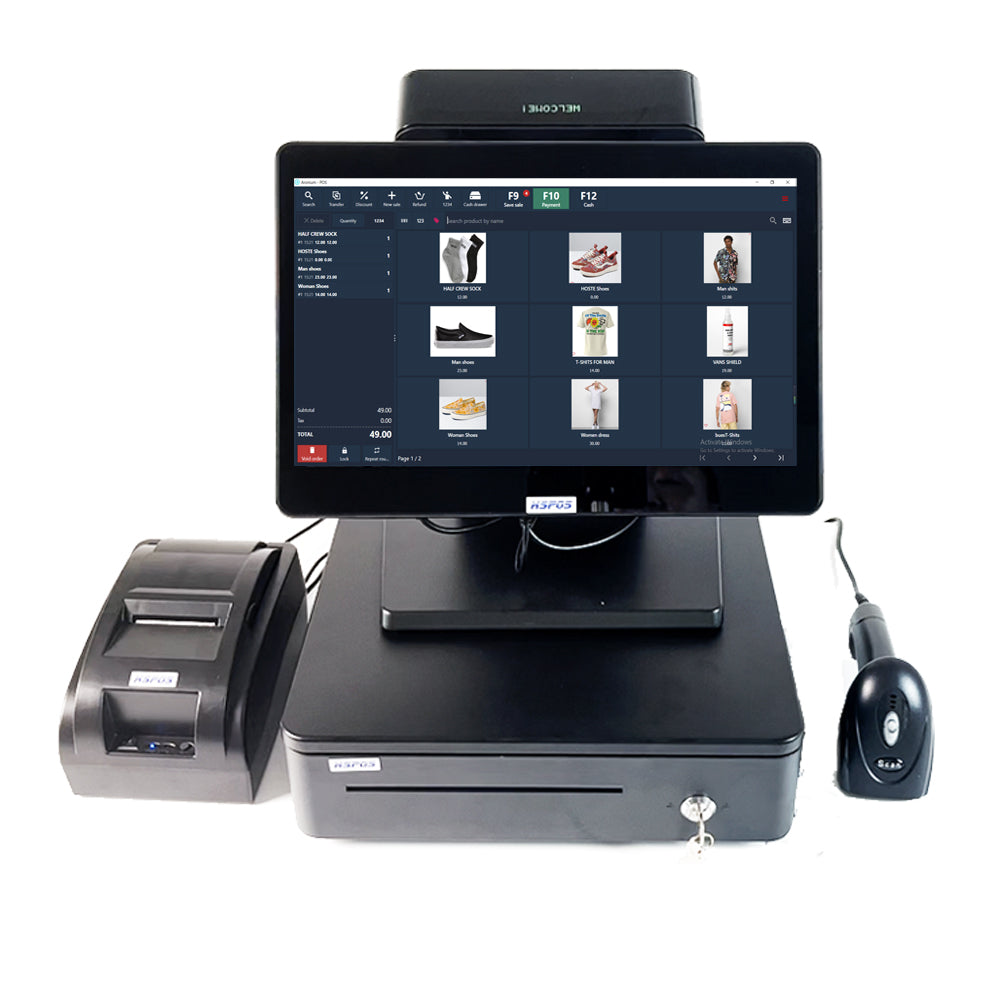
For manufacturers looking for a versatile hub, integrating a 300 DPI printer with a central 14-inch POS System ensures that inventory tracking and labeling are perfectly synced.
Conclusion: Which is Right for You?
Choosing between 203 DPI and 300 DPI comes down to legibility and compliance. Explore the full TechPOS Hardware Collection today and find the resolution your business deserves.
The Portable POS Revolution: Choosing Between Mobile and Desktop Systems
203 DPI vs. 300 DPI: The Ultimate Guide to Professional Wash Care Label Printing
Related Posts

The Ultimate Fulfillment Tool for E-commerce Sellers: TechPOS TP-K38 High-Speed Thermal Label Printer Review

The Ultimate Guide to Android-Compatible Barcode Printers in Australia & Canada: Reliable Hardware for Shopify & DoorDash

Multi-Platform Integration: Connecting Your 14-inch POS to Shopify, Square, and UberEats

The Future of AI Weighing: How Smart Scales are Transforming Grocery Checkout in 2026

The 2026 Master Guide to Setting Up Multiple Delivery Tablets with the HS-M80 (TP-M30)

Ending the 'Ghost Order' Nightmare: Why Your Kitchen Needs Industrial Concurrency

The Multi-Tablet Revolution: How to Connect 7 Food Delivery Devices to One Bluetooth Printer