QR71 Thermal Printer: Dual Power Voltages (1.5-9V / 12V) – Your Questions Answered

QR71 Thermal Printer: Dual Power Voltages (1.5-9V / 12V) – Your Questions Answered

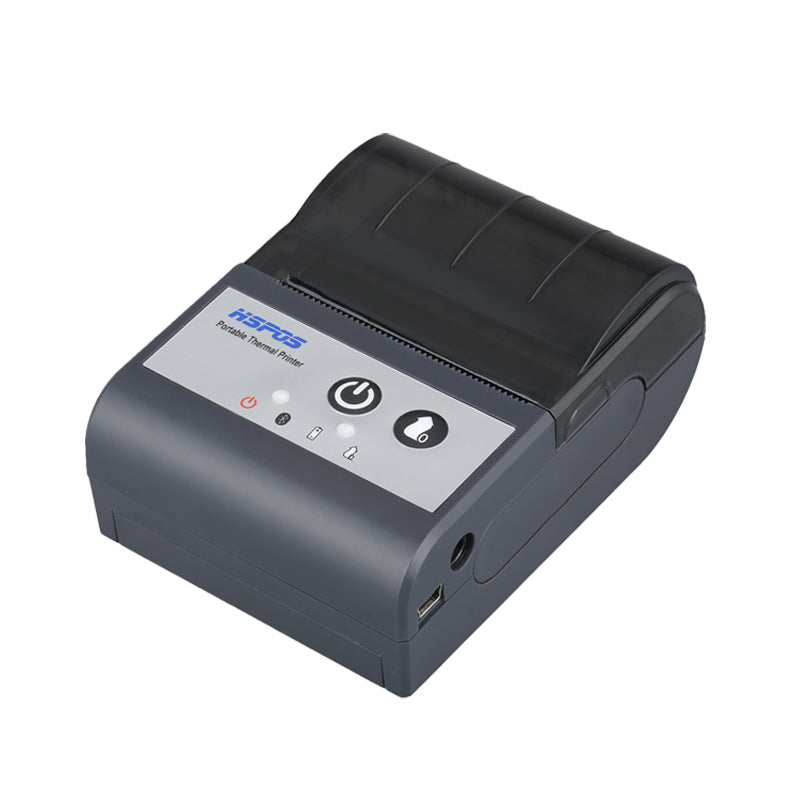
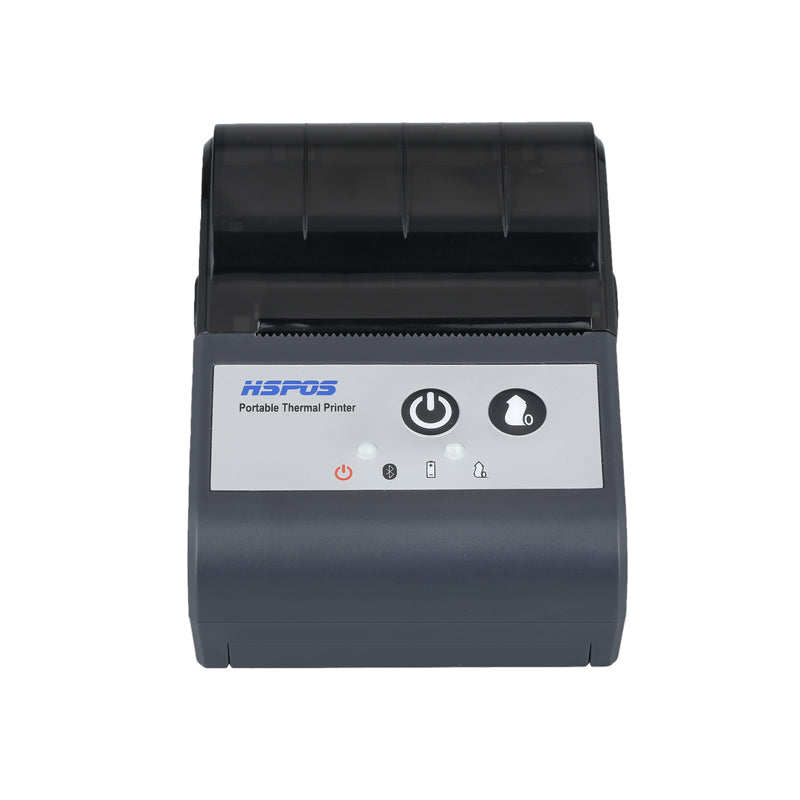
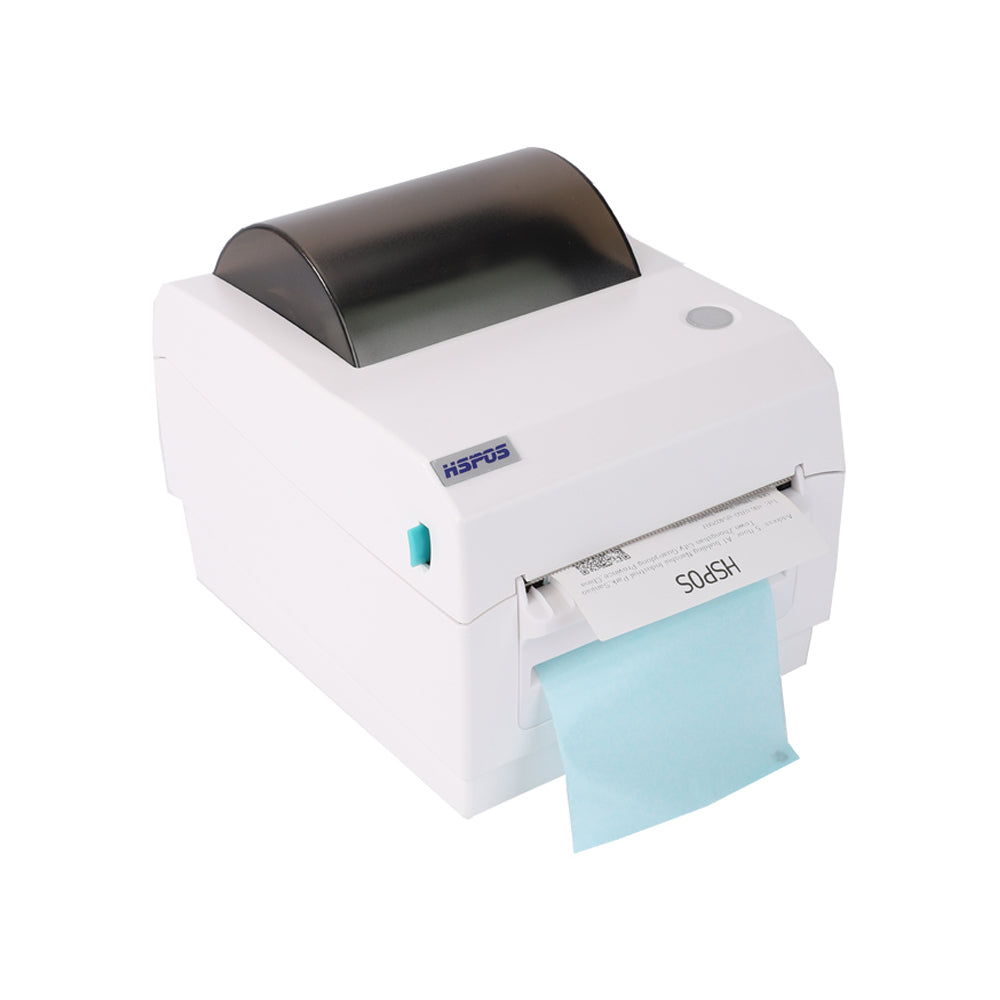
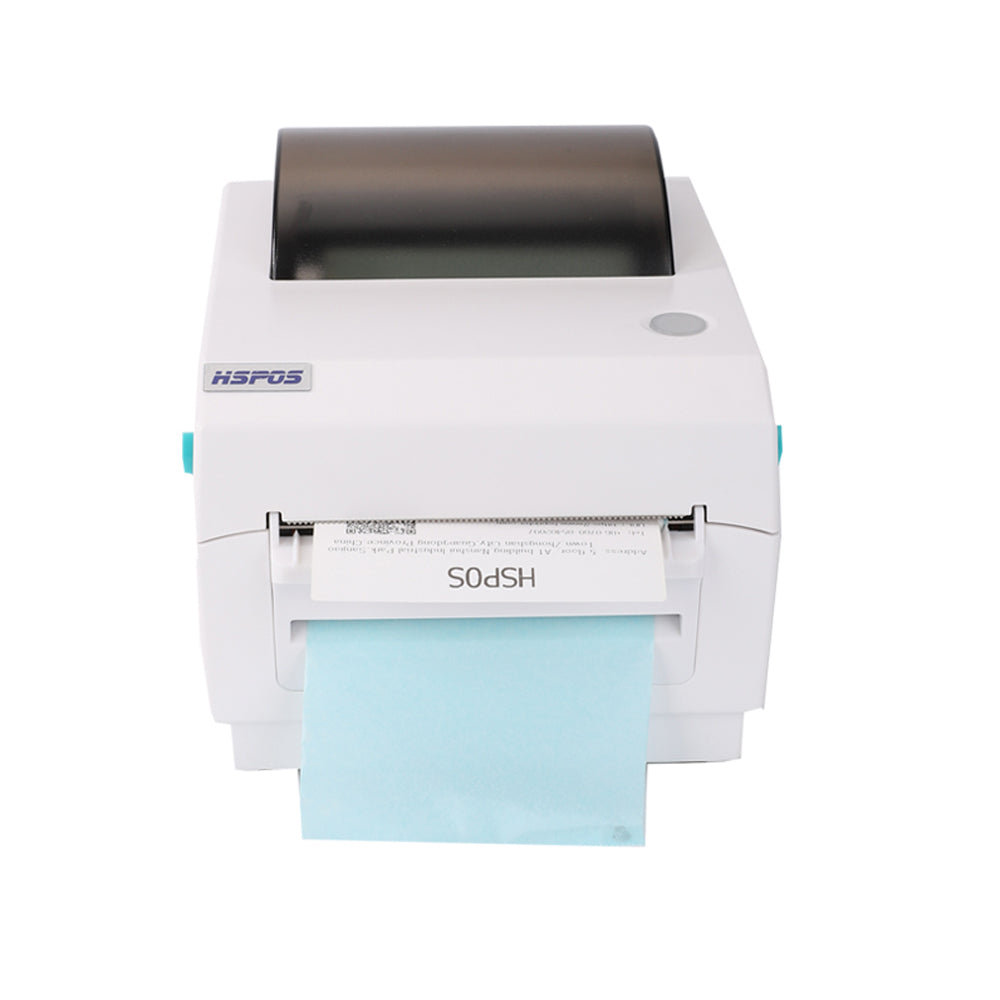
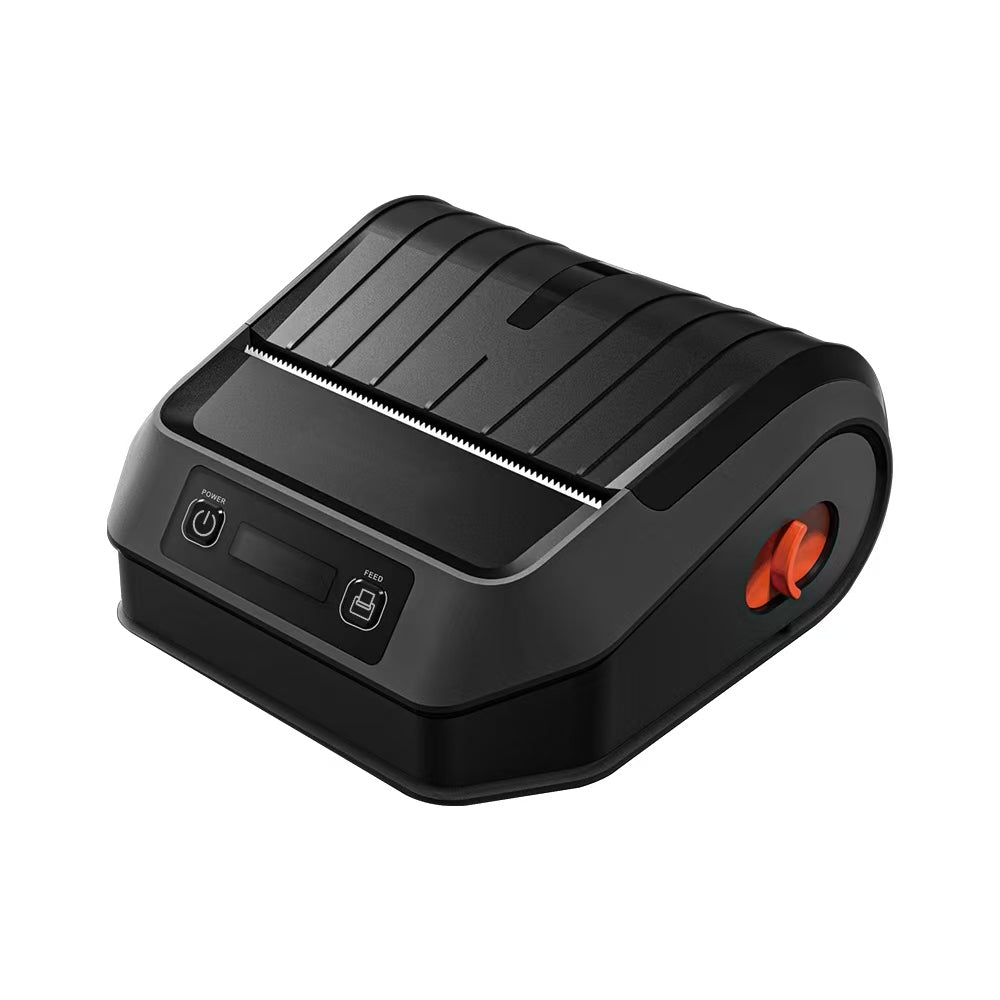
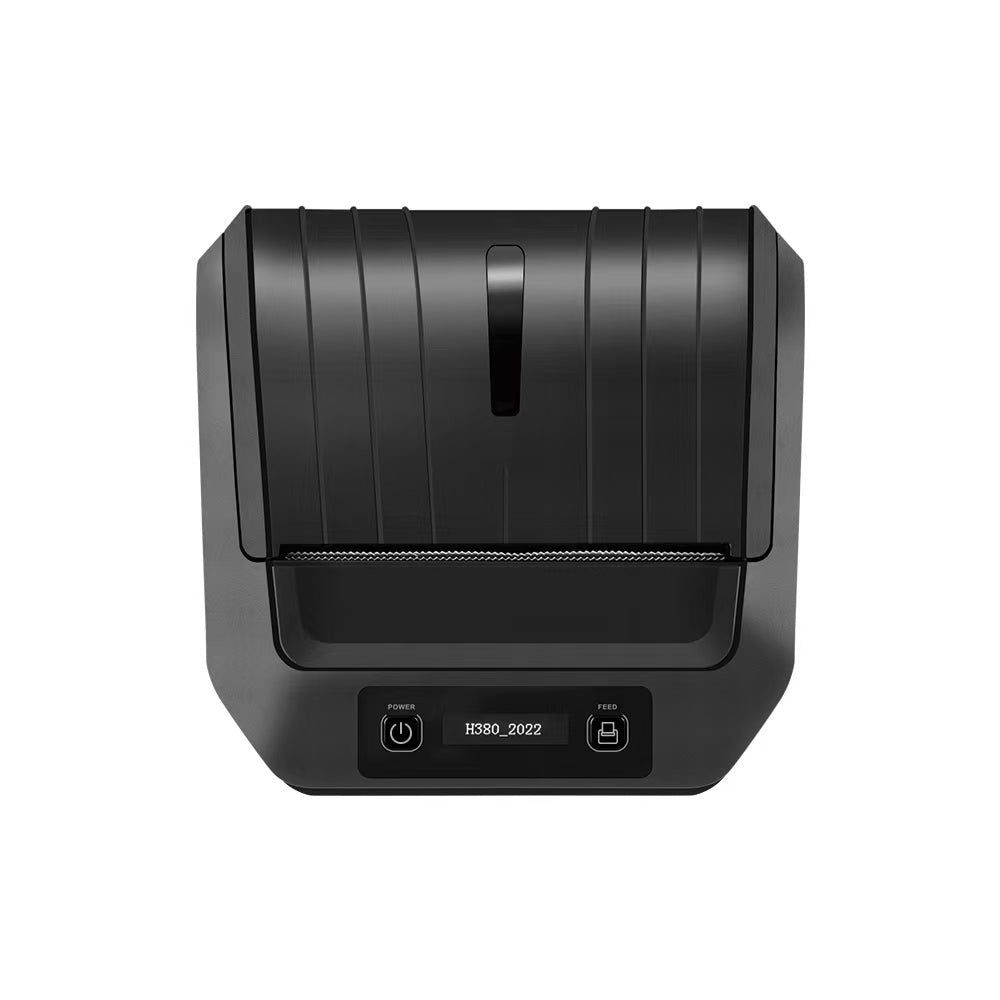
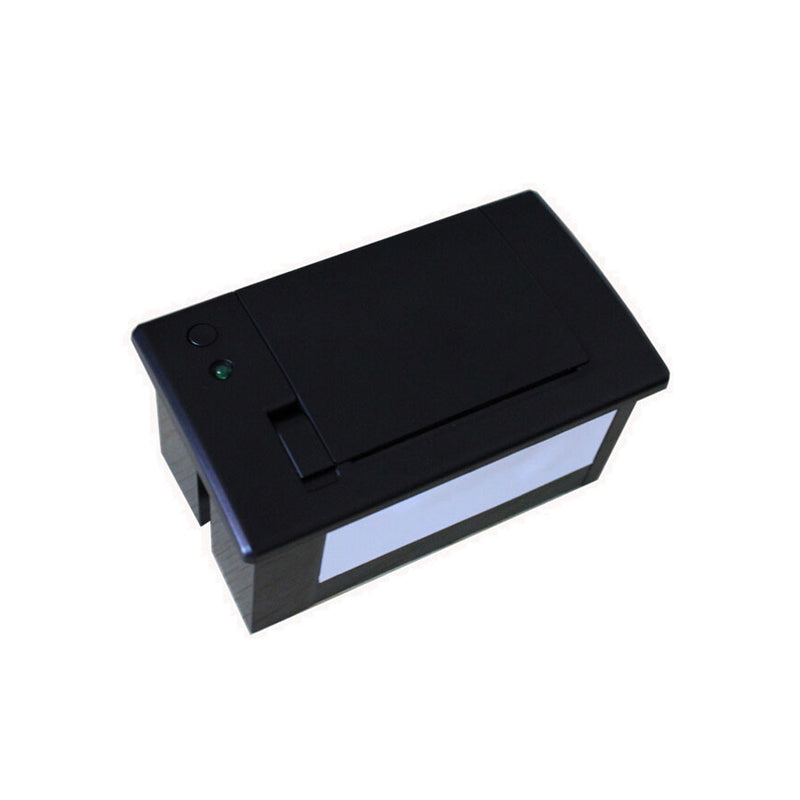
When setting up a thermal printer, one of the most critical (and often overlooked) details is matching the right power voltage. Using the wrong voltage can damage the printer, cause unstable performance, or even pose safety risks. For our QR71 thermal printer, a question we hear almost daily from global clients is: “What is its power voltage?” As a 10+ year foreign trade factory specializing in thermal printers, we’re here to give a clear, actionable answer: The QR71 thermal printer supports two power voltage options: 1.5-9V and 12V.


This dual-voltage design isn’t an afterthought—it’s tailored to fit the diverse scenarios where the QR71 is used, from mobile on-site printing to fixed desktop setups. Let’s break down what these voltages mean for you, how to choose the right one, and why this flexibility makes the QR71 a reliable choice for businesses worldwide.

1. Clear Answer: The QR71’s Two Power Voltage Options

First, let’s confirm the specs to avoid confusion:


  • Option 1: 1.5V to 9V DC (Direct Current): This low-voltage range is designed for portable power sources, making the QR71 ideal for on-the-go use.
  • Option 2: 12V DC: This standard voltage is for fixed setups, where the printer is connected to a stable power supply (like a wall adapter or industrial power unit).


Both voltages are DC (not AC), which is standard for small to medium thermal printers—critical to note, as AC power will damage the QR71’s internal components. Our factory tests every QR71 to ensure it works seamlessly with both voltage ranges, so you don’t have to worry about compatibility when switching between power sources.

2. What Do the Two Voltages Mean for Your Use Case?

The QR71’s dual voltages aren’t just a “feature”—they solve real-world problems for different business scenarios:

For Mobile/On-the-Go Printing: Choose 1.5-9V

If you use the QR71 in mobile settings (e.g., delivery drivers printing shipping labels, field technicians creating equipment tags, or market vendors issuing receipts), the 1.5-9V range is perfect. It works with common portable power sources:


  • Rechargeable lithium-ion batteries: 3.7V or 7.4V batteries (common in portable electronics) power the QR71 for 4-6 hours of continuous printing.
  • Power banks: A standard 5V/2A power bank (the same one you use for your phone) can keep the QR71 running during outdoor events or long delivery routes.
  • Low-voltage industrial batteries: For warehouse staff using the QR71 on forklifts or mobile carts, 9V industrial batteries provide stable power without bulky wiring.


This flexibility means you never have to pause work to find a wall outlet—critical for businesses that operate outside fixed offices.

For Fixed/Desktop Printing: Choose 12V

If the QR71 is mounted on a countertop, in a retail checkout area, or as part of a fixed industrial system (e.g., factory inventory stations), the 12V option is the most reliable. It pairs with:


  • Factory-supplied 12V AC/DC adapters: Every QR71 ships with a 12V adapter (compatible with global voltage standards: 100-240V AC), so you can plug it into any wall outlet worldwide.
  • Industrial power units: For integration into larger systems (e.g., retail POS setups or factory control panels), 12V DC from the system’s central power unit ensures consistent performance.


12V provides a steady current that prevents the printer from shutting down mid-print—ideal for high-volume tasks like retail checkout lines or continuous inventory labeling.

3. Key Tips to Avoid Voltage Mistakes

To keep your QR71 running smoothly, follow these simple rules:


  • Check the power source first: Always confirm your power supply (battery, adapter, or power bank) matches either 1.5-9V DC or 12V DC. Never use AC power or voltages outside this range.
  • Use the factory-supplied adapter: Our 12V adapter is tested to work with the QR71’s internal components—third-party adapters may have unstable voltage and damage the printer.
  • Ask for help if unsure: If you’re integrating the QR71 into a custom system (e.g., a mobile cart or industrial setup), our technical team can recommend the right power solution for your voltage needs.

4. Why This Matters: Our 10-Year Factory Commitment to Reliability

At our factory, we’ve spent a decade refining thermal printers like the QR71 to fit global business needs. The dual-voltage design comes from listening to clients: A delivery company in Europe needed portable power for vans, while a retail chain in the US required 12V for fixed POS stations. By supporting both voltages, we eliminate the need for you to buy separate printers for different setups.


We also back the QR71 with global certifications (CE, FCC, RoHS) to ensure it meets safety standards in every market, and our 24/7 multilingual support team is ready to help if you have questions about power setup.


In short: The QR71 thermal printer supports two power voltages—1.5-9V for mobile use and 12V for fixed setups. This flexibility makes it a versatile tool for businesses worldwide, and our 10 years of expertise ensure it’s reliable, safe, and easy to use.


If you have more questions about the QR71’s power setup, or need help choosing the right power supply for your scenario, contact our team today. We’re here to make your printing setup seamless.

Related Posts

The Ultimate Guide to Android-Compatible Barcode Printers in Australia & Canada: Reliable Hardware for Shopify & DoorDash

The Ultimate Guide to Android-Compatible Barcode Printers in Australia & Canada: Reliable Hardware for Shopify & DoorDashIn the rapidly evolving e-commerce landscapes of Australia...
Post by TechPOS B2B Team
Jul 22 2026

Multi-Platform Integration: Connecting Your 14-inch POS to Shopify, Square, and UberEats

Multi-Platform Integration: Connecting Your 14-inch POS to Shopify, Square, and UberEats In the competitive landscape of the 2026 restaurant and retail industry, a single...
Post by TechPOS System Architect
Jul 20 2026

The Future of AI Weighing: How Smart Scales are Transforming Grocery Checkout in 2026

The Future of AI Weighing: How Smart Scales are Transforming Grocery Checkout in 2026 In the high-speed world of modern grocery retail, efficiency is...
Post by TechPOS AI Lead
Jul 20 2026

The 2026 Master Guide to Setting Up Multiple Delivery Tablets with the HS-M80 (TP-M30)

Introduction: Mastering the 'Big Three'If you are a restaurant owner in Canada or Australia, you know that managing the 'Big Three'—UberEats, DoorDash, and SkipTheDishes—is...
Post by TechPOS Systems Engineer
Jul 10 2026

Ending the 'Ghost Order' Nightmare: Why Your Kitchen Needs Industrial Concurrency

Introduction: The Pulse of Modern Food DeliveryIf you run a food delivery business in Toronto or Sydney, you know the sound of a 'ghost...
Post by TechPOS Reliability Engineer
Jul 10 2026

The Multi-Tablet Revolution: How to Connect 7 Food Delivery Devices to One Bluetooth Printer

The Multi-Tablet Revolution: How to Connect 7 Food Delivery Devices to One Bluetooth Printer In the competitive landscape of the 2026 restaurant industry, your...
Post by TechPOS Kitchen Automation Lead
Jul 08 2026

The Heavy-Duty Advantage: Why Manual Push-Open Cash Drawers are the Unsung Heroes of Retail Stability

The Heavy-Duty Advantage: Why Manual Push-Open Cash Drawers are the Unsung Heroes of Retail Stability In the high-stakes world of retail and hospitality—whether you...
Post by TechPOS Retail Architect
Jul 05 2026

The Invisible Hand of Food Delivery: Mastering High-Concurrency Order Printing with the TechPOS TP-M30

**Introduction: The High-Traffic Chaos** In the modern restaurant industry, the kitchen is no longer just serving the tables in front of them; they are...
Post by TechPOS Systems Engineer
Jul 01 2026