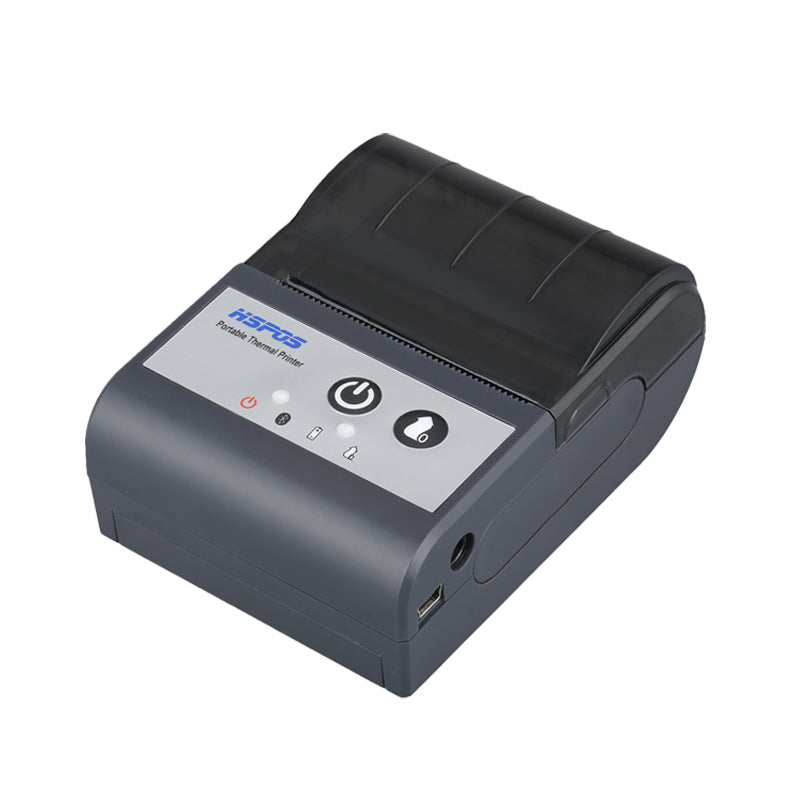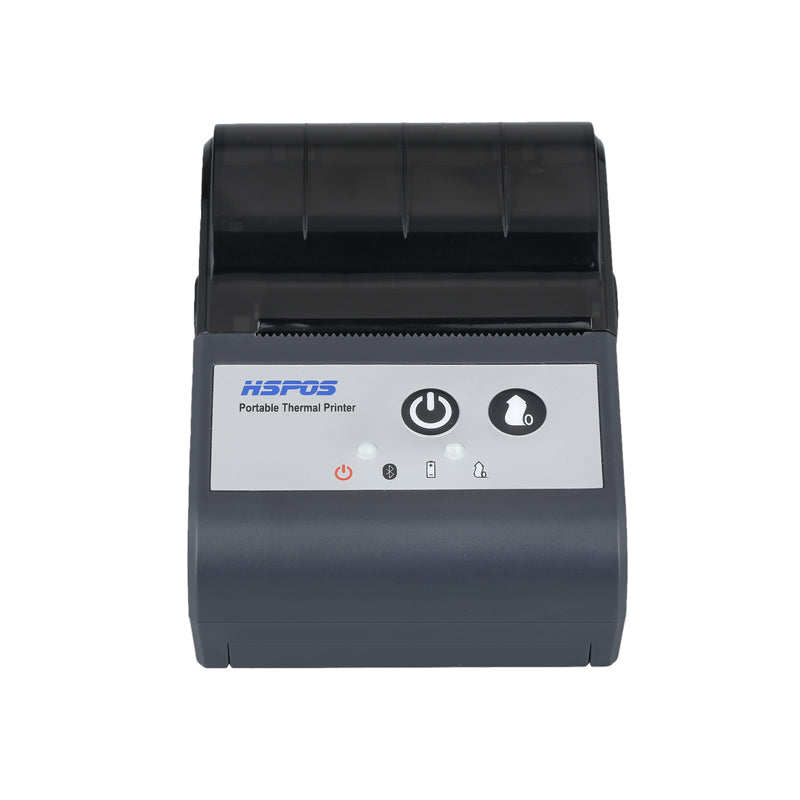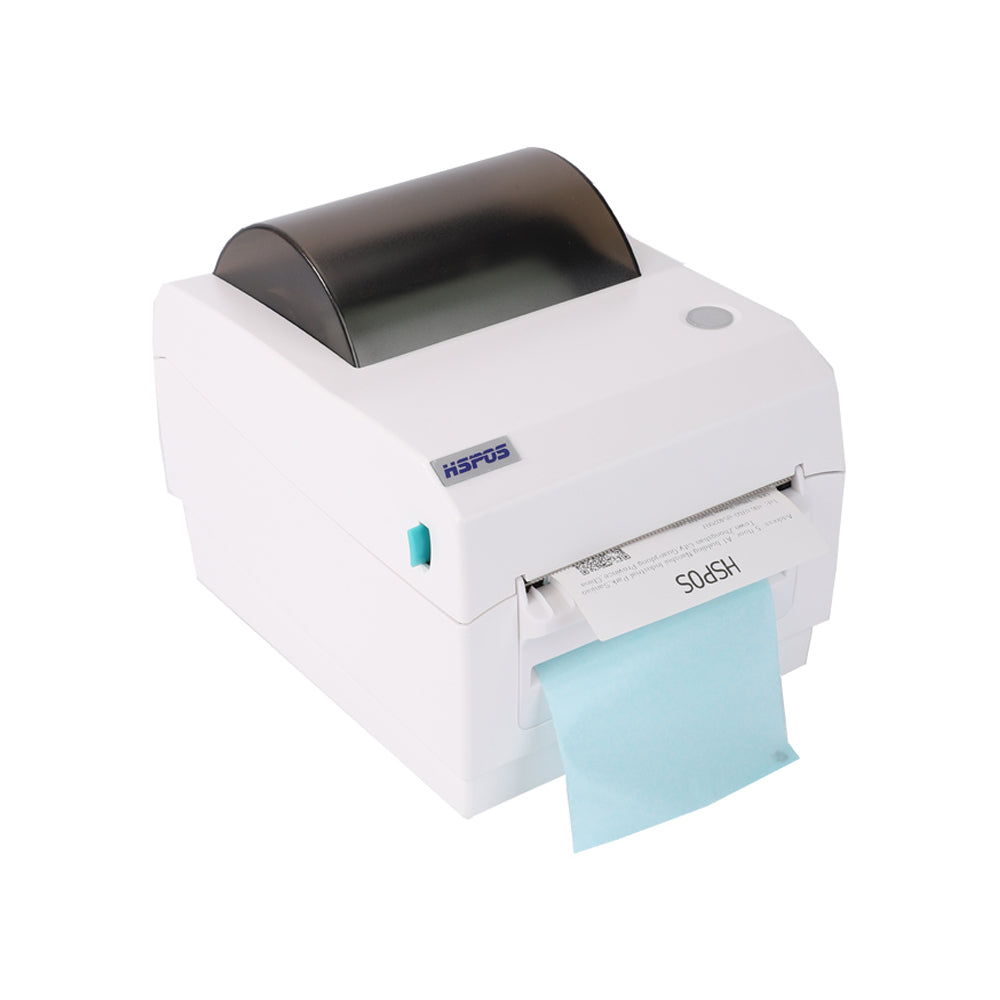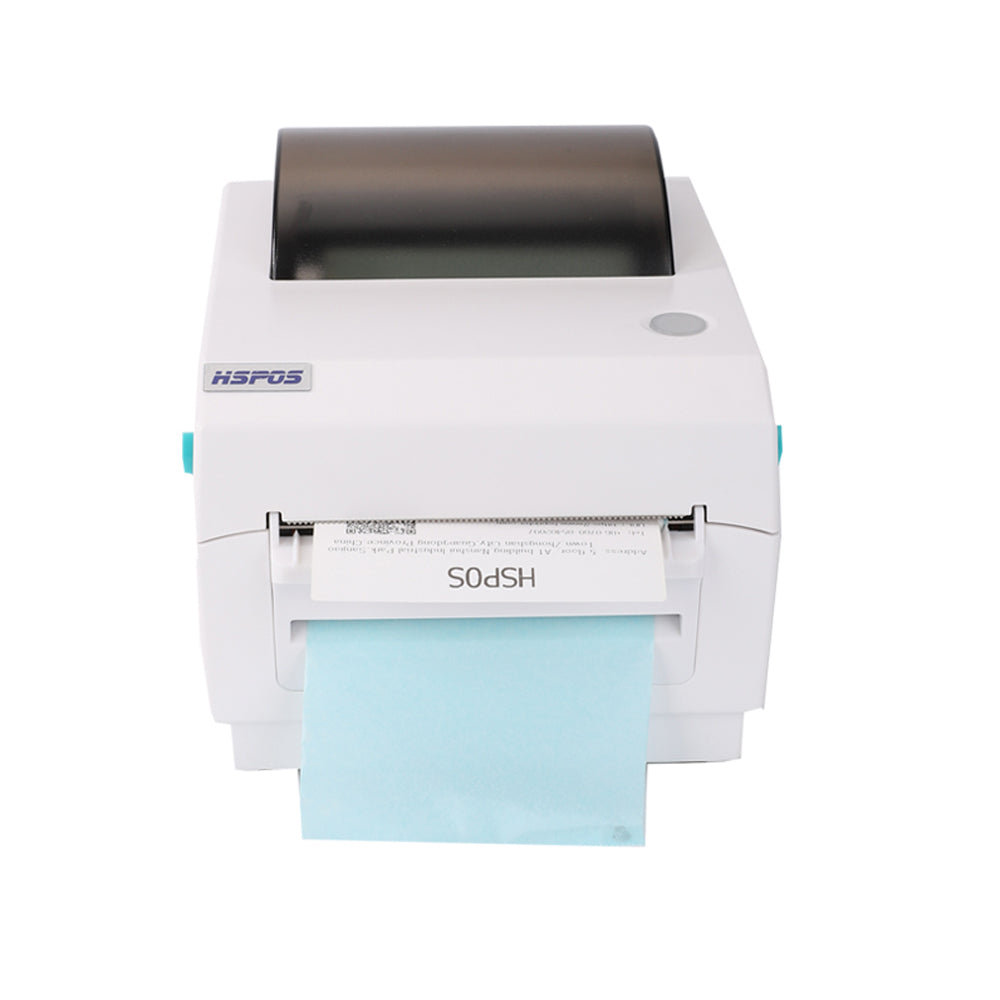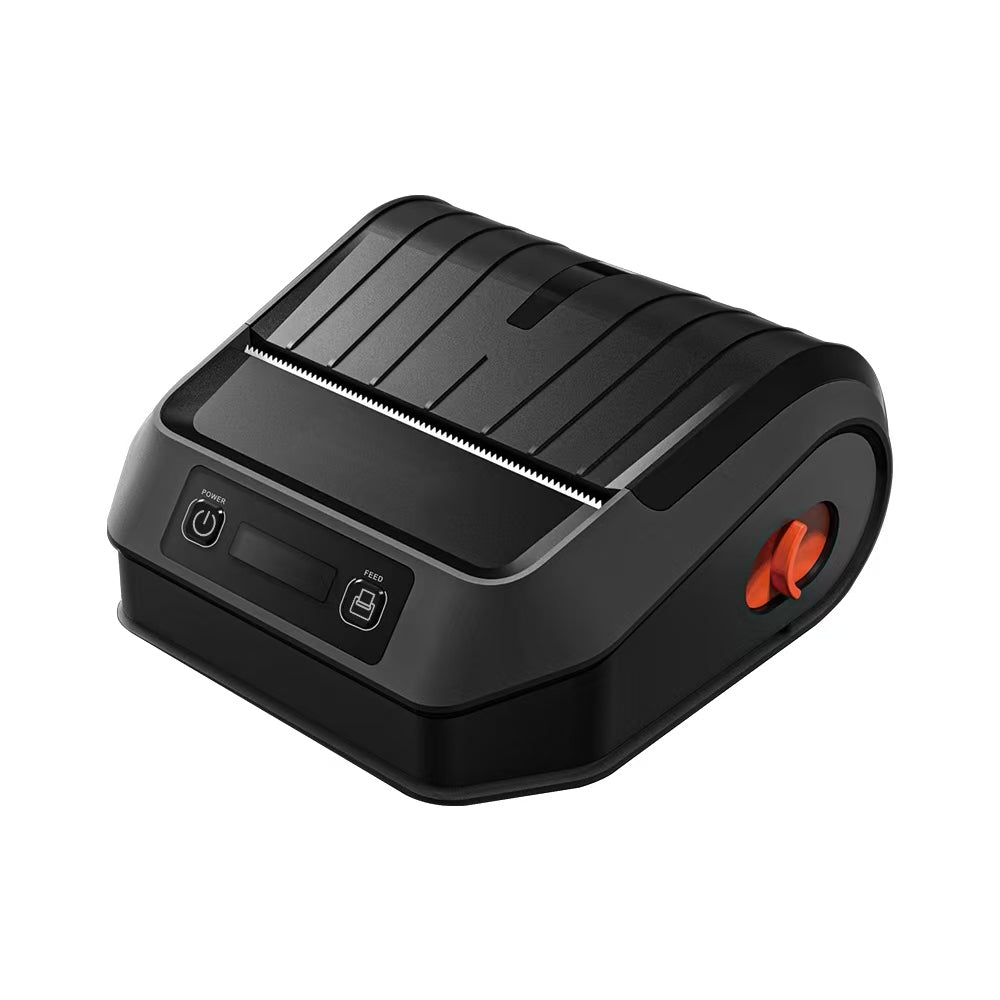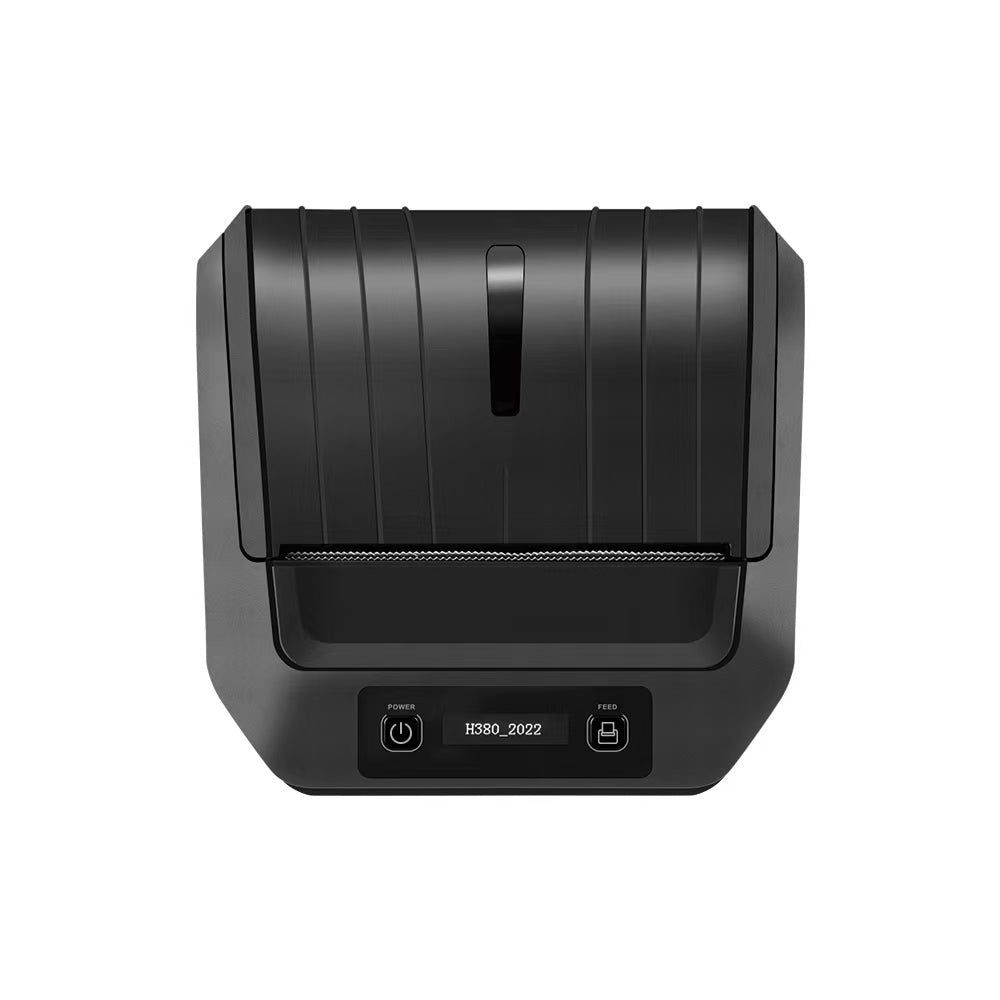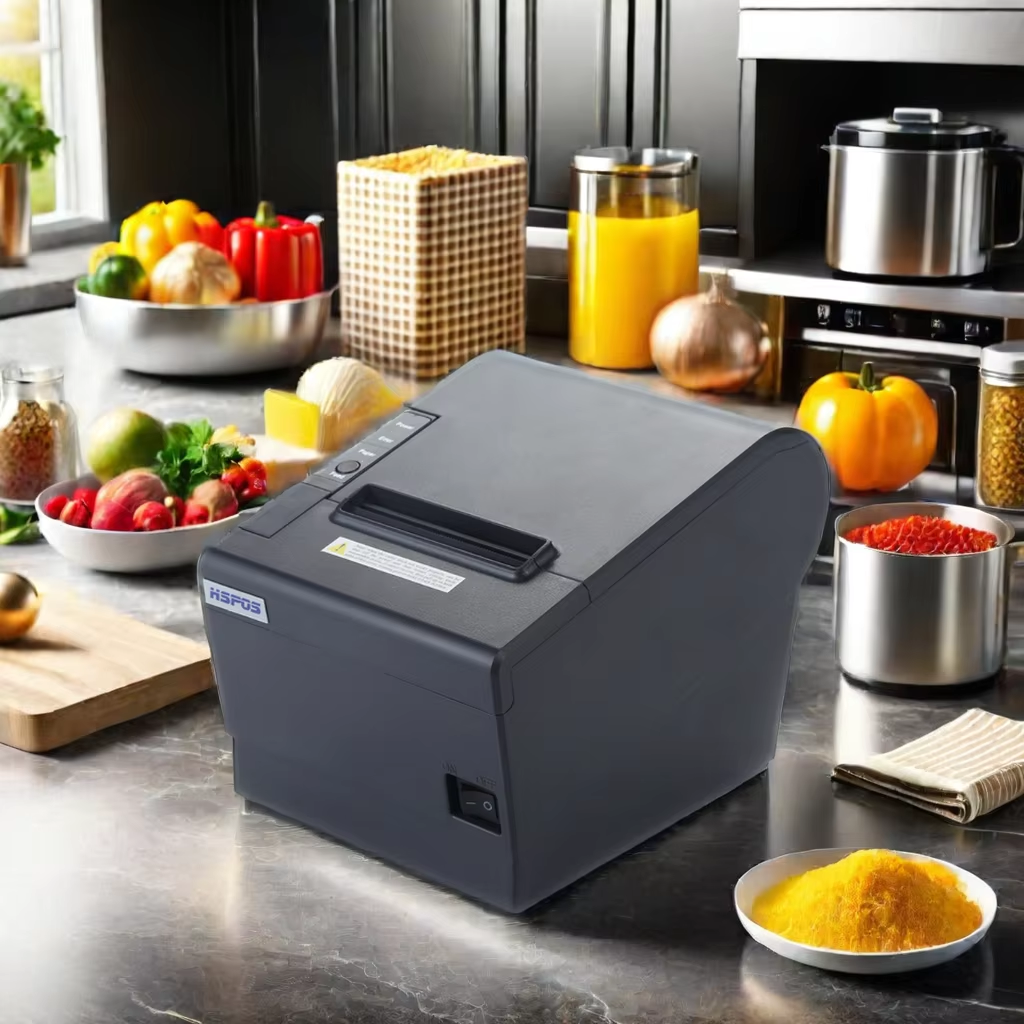
The 802 thermal printer supports Arabic but with partial language coverage; however, its graphic printing function works seamlessly worldwide.

The 802 thermal printer supports Arabic but with partial language coverage; however, its graphic printing function works seamlessly worldwide.

For our global clients—especially those operating in the Middle East, North Africa, or other Arabic-speaking regions—a common question about the 802 thermal printer is: “Does it support Arabic?” As a 10+ year foreign trade factory specializing in thermal printers, we understand how critical language compatibility is for serving local customers. Today, we’re here to give a clear, actionable answer: Yes, the 802 thermal printer supports Arabic—but with partial language coverage. However, its graphic printing function (e.g., logos, barcodes, QR codes) works seamlessly worldwide, with no regional restrictions.


This balance of partial Arabic text support and full graphic compatibility is tailored to meet the needs of businesses in Arabic-speaking markets. Let’s break down what “partial Arabic support” means, why graphic printing is universally reliable, and how to make the most of the 802 for your local workflow.

1. Arabic Language Support: What’s Covered (and What’s Not)

First, let’s clarify “partial Arabic support” to avoid confusion—it means the 802 works for most everyday Arabic text needs, but not all complex use cases:

What’s Supported: Basic Arabic Text for Daily Use

The 802’s default firmware includes a standard Arabic font pack that covers common Arabic characters used in receipts, labels, and simple documents. This is perfect for:


  • Retail receipts: Printing product names, prices, and basic customer info in Arabic (e.g., “مبلغ الدفع” for “payment amount,” “المنتج” for “product”).
  • Logistics labels: Adding Arabic addresses or delivery notes (e.g., “العنوان” for “address,” “ملاحظات التسليم” for “delivery notes”).
  • Simple business text: Including your company name, contact info, or a short thank-you message in Arabic (e.g., “شكرًا لدعمكم” for “thank you for your support”).


The text prints clearly at standard font sizes (10pt–14pt), which is easy to read on 58mm or 80mm thermal paper—no blurriness or character distortion.

What’s Not Supported: Complex Arabic Fonts or Special Characters

The 802 does not support custom, decorative, or highly stylized Arabic fonts (e.g., calligraphic fonts used for branding) or extremely rare Arabic characters (e.g., archaic terms or regional dialect-specific symbols). This is because:


  • Thermal printer firmware has limited storage space—we prioritize common fonts to keep the printer fast and reliable (no lag from oversized font packs).
  • Most businesses only need basic Arabic text for functional documents (receipts, labels), not complex typography.


If you require custom Arabic fonts for branding (e.g., your company logo’s Arabic name in a specific style), our team can provide firmware customization (a free service for bulk orders) to add your desired font. Just share the font file with us, and we’ll pre-install it on your 802 printers.

2. Graphic Printing: 100% Global Support (No Exceptions)

While Arabic text support is partial, the 802’s graphic printing function works perfectly in every region—this is where it truly shines for global businesses:

What Counts as “Graphics”?

The 802 handles all non-text elements with zero regional restrictions, including:


  • Logos: Your company’s Arabic or bilingual logo (e.g., a restaurant logo with both English and Arabic names).
  • Barcodes & QR codes: UPC, Code 128, or QR codes that link to Arabic websites, product info, or loyalty programs.
  • Icons & symbols: Payment method icons (e.g., “مدى” for Mastercard in Arabic), warning symbols, or delivery status icons.

Why Graphics Work Globally

Graphics are printed as image files (PNG, JPG) rather than text, so they’re not limited by language packs. The 802’s 203dpi resolution ensures graphics stay sharp—even small logos or detailed QR codes scan easily, whether you’re in Saudi Arabia, Egypt, or the UAE.


For example: A café in Dubai using the 802 can print receipts with their Arabic logo (graphic), basic Arabic text for the order (supported), and a QR code linking to their Arabic menu (graphic)—all in one seamless print.

3. Practical Tips for Using the 802 in Arabic-Speaking Markets

To get the most out of the 802’s Arabic and graphic support, follow these simple tips:

Test Basic Arabic Text First

Before deploying the 802, run a test print with your most common Arabic phrases (e.g., receipt headers, product categories). This lets you confirm that all necessary characters are supported—if any are missing, contact our team to add them via firmware customization.

Use Graphics for Branding

If your company uses a custom Arabic font for its name or slogan, turn that text into a graphic (e.g., a PNG file). The 802 will print it exactly as designed, with no font restrictions—this is a simple workaround for complex typography.

Pair with Arabic-Compatible Software

The 802 works with most Arabic-language POS or label software (e.g., ZebraDesigner, NiceLabel, or local Middle Eastern POS tools). Just ensure your software is set to “Arabic” as the default language— the 802 will receive and print the text correctly.

4. Why Trust the 802 From Our 10-Year Foreign Trade Factory?

We’ve optimized the 802 for global markets—including Arabic-speaking regions—with:


  • Regional Compatibility: The 802 supports 100-240V global voltage (perfect for Middle Eastern 220V grids) and is CE/FCC/RoHS certified.
  • Bilingual Support: Our 24/7 technical team includes members who speak Arabic and English—we can help troubleshoot Arabic text issues or customize firmware in your time zone.
  • Proven Track Record: We’ve supplied 802 printers to retailers, logistics firms, and cafes in Saudi Arabia, the UAE, Egypt, and Morocco—with positive feedback on Arabic text and graphic performance.


In short: The 802 thermal printer supports basic Arabic text for everyday use and full graphic printing worldwide. For most businesses in Arabic-speaking markets, this is more than enough to serve local customers. And if you need custom Arabic fonts or extra support, our team is here to help.


Ready to test the 802’s Arabic support for your business? Contact us to request a sample print (we’ll include your Arabic text and logo) or get a tailored quote. We’re committed to helping you serve your local market effectively.

Related Posts

The Ultimate Guide to Android-Compatible Barcode Printers in Australia & Canada: Reliable Hardware for Shopify & DoorDash

The Ultimate Guide to Android-Compatible Barcode Printers in Australia & Canada: Reliable Hardware for Shopify & DoorDashIn the rapidly evolving e-commerce landscapes of Australia...
Post by TechPOS B2B Team
Jul 22 2026

Multi-Platform Integration: Connecting Your 14-inch POS to Shopify, Square, and UberEats

Multi-Platform Integration: Connecting Your 14-inch POS to Shopify, Square, and UberEats In the competitive landscape of the 2026 restaurant and retail industry, a single...
Post by TechPOS System Architect
Jul 20 2026

The Future of AI Weighing: How Smart Scales are Transforming Grocery Checkout in 2026

The Future of AI Weighing: How Smart Scales are Transforming Grocery Checkout in 2026 In the high-speed world of modern grocery retail, efficiency is...
Post by TechPOS AI Lead
Jul 20 2026

The 2026 Master Guide to Setting Up Multiple Delivery Tablets with the HS-M80 (TP-M30)

Introduction: Mastering the 'Big Three'If you are a restaurant owner in Canada or Australia, you know that managing the 'Big Three'—UberEats, DoorDash, and SkipTheDishes—is...
Post by TechPOS Systems Engineer
Jul 10 2026

Ending the 'Ghost Order' Nightmare: Why Your Kitchen Needs Industrial Concurrency

Introduction: The Pulse of Modern Food DeliveryIf you run a food delivery business in Toronto or Sydney, you know the sound of a 'ghost...
Post by TechPOS Reliability Engineer
Jul 10 2026

The Multi-Tablet Revolution: How to Connect 7 Food Delivery Devices to One Bluetooth Printer

The Multi-Tablet Revolution: How to Connect 7 Food Delivery Devices to One Bluetooth Printer In the competitive landscape of the 2026 restaurant industry, your...
Post by TechPOS Kitchen Automation Lead
Jul 08 2026

The Heavy-Duty Advantage: Why Manual Push-Open Cash Drawers are the Unsung Heroes of Retail Stability

The Heavy-Duty Advantage: Why Manual Push-Open Cash Drawers are the Unsung Heroes of Retail Stability In the high-stakes world of retail and hospitality—whether you...
Post by TechPOS Retail Architect
Jul 05 2026

The Invisible Hand of Food Delivery: Mastering High-Concurrency Order Printing with the TechPOS TP-M30

**Introduction: The High-Traffic Chaos** In the modern restaurant industry, the kitchen is no longer just serving the tables in front of them; they are...
Post by TechPOS Systems Engineer
Jul 01 2026