The Ultimate POS Hardware Checklist: Scaling from Pop-up to Enterprise (2026 Edition)
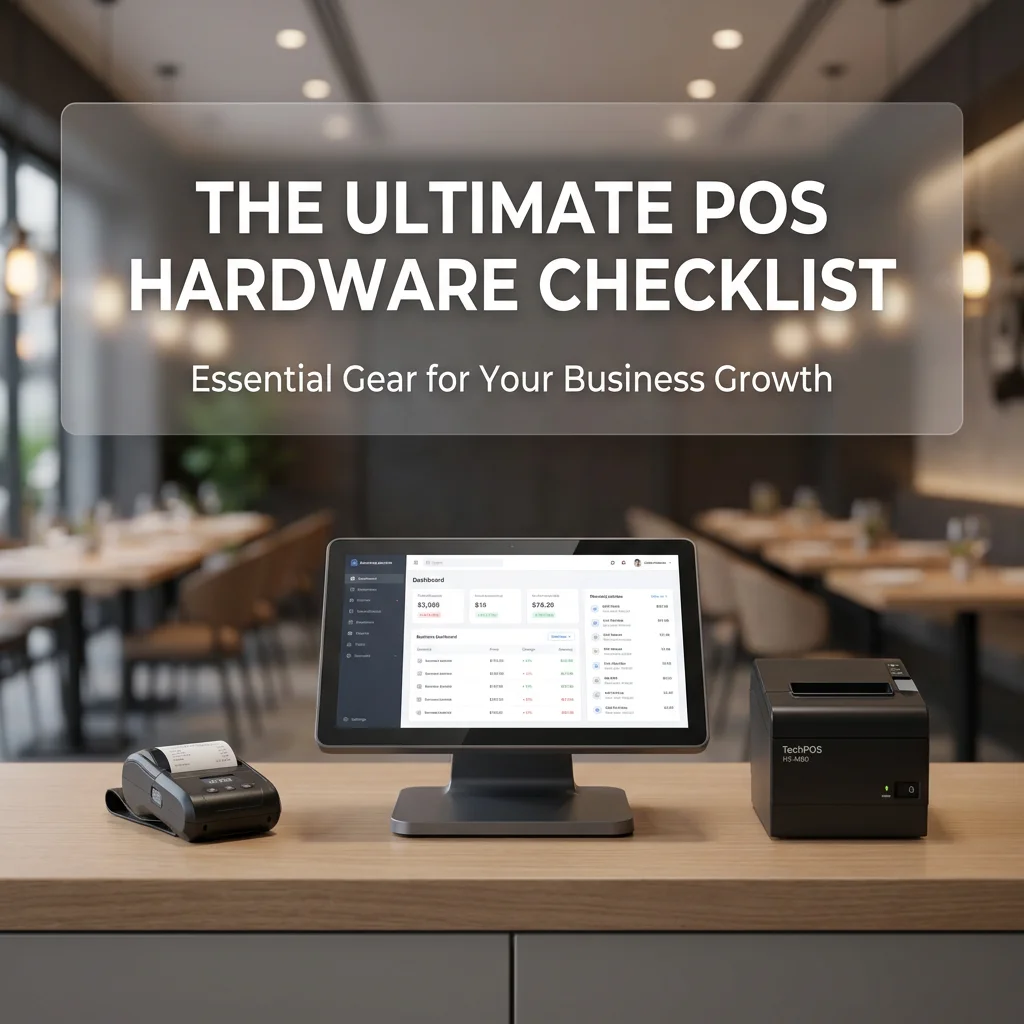
The Ultimate POS Hardware Checklist: Scaling from Pop-up to Enterprise (2026 Edition)
In the hyper-competitive landscape of 2026, your Point of Sale (POS) system is no longer just a digital cash register; it is the central nervous system of your business. As labor shortages continue to challenge the global hospitality and retail sectors, and as multi-platform delivery (UberEats, DoorDash, Skip) becomes a non-negotiable revenue stream, your choice of hardware defines your operational ceiling.
At TechPOS, we don’t just sell peripherals; we engineer workflows. Whether you are launching a weekend pop-up in a local market or managing a multi-location enterprise across Canada or Australia, this checklist ensures your hardware keeps pace with your ambition.
Stage 1: The Pop-Up & Mobile Vendor (The Agility Phase)
Focus: Portability, Wireless Stability, and Minimal Footprint.
For micro-businesses, the primary goal is "Zero Friction." You need hardware that survives the trunk of a car, sets up in 60 seconds, and functions flawlessly over a 5G hotspot or Bluetooth connection.
The Checklist:
- Mobile Tablet/iPad: The interface that handles your cloud-based POS software.
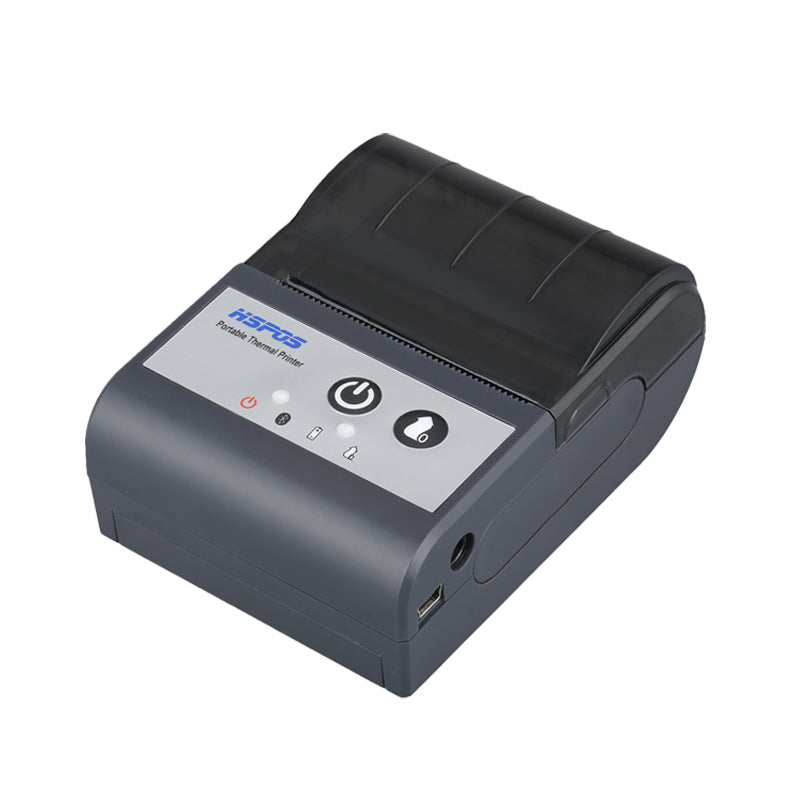
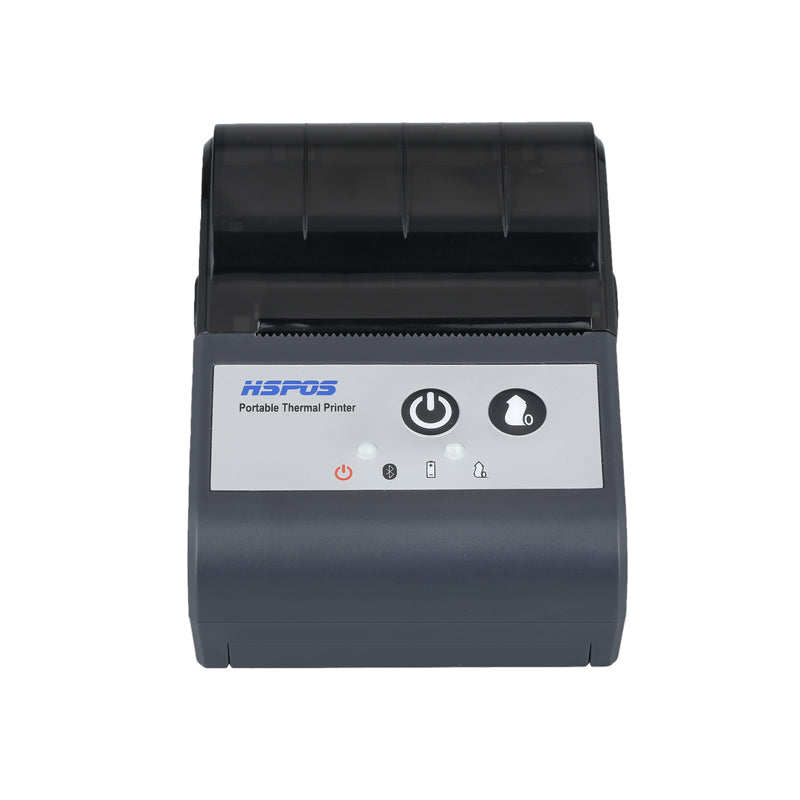
- Compact Receipt Printer: A battery-powered or small-footprint thermal printer that doesn’t dominate your counter space.
- Mobile Payment Terminal: An integrated NFC reader for contactless payments.
TechPOS Recommendation:
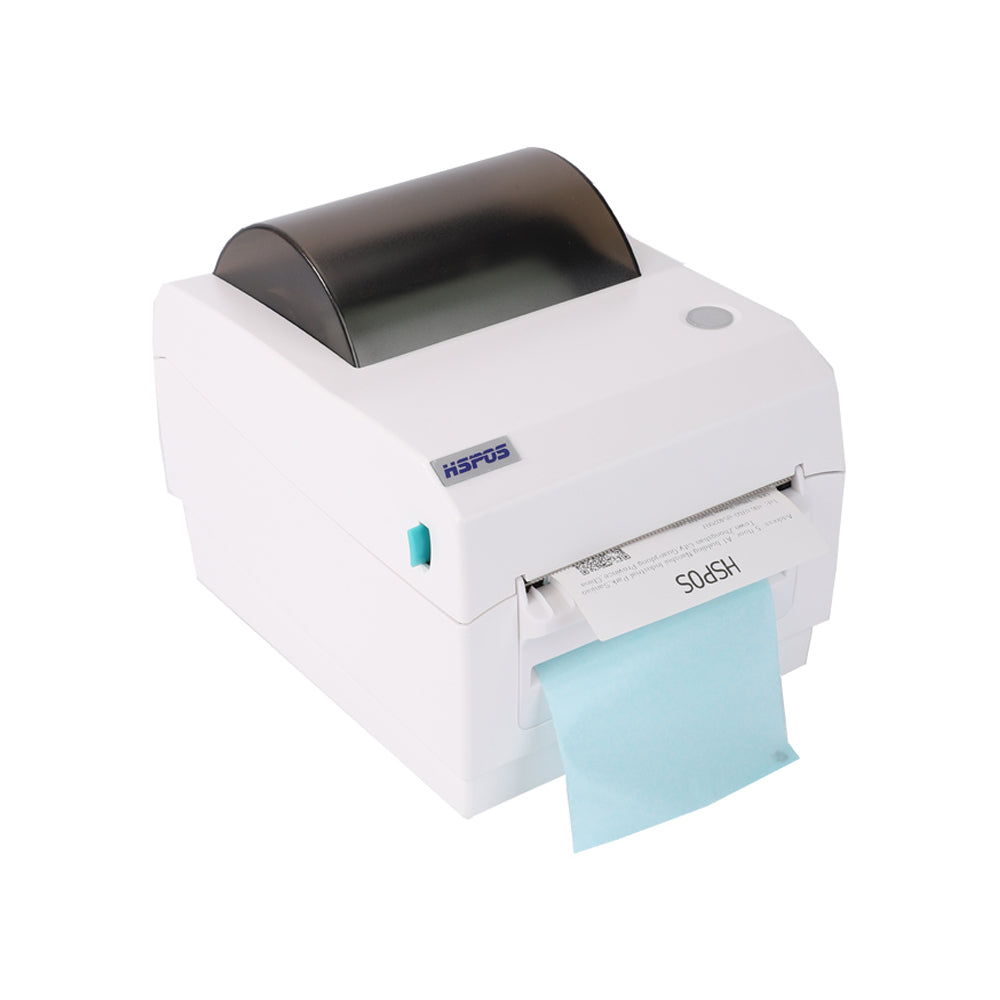
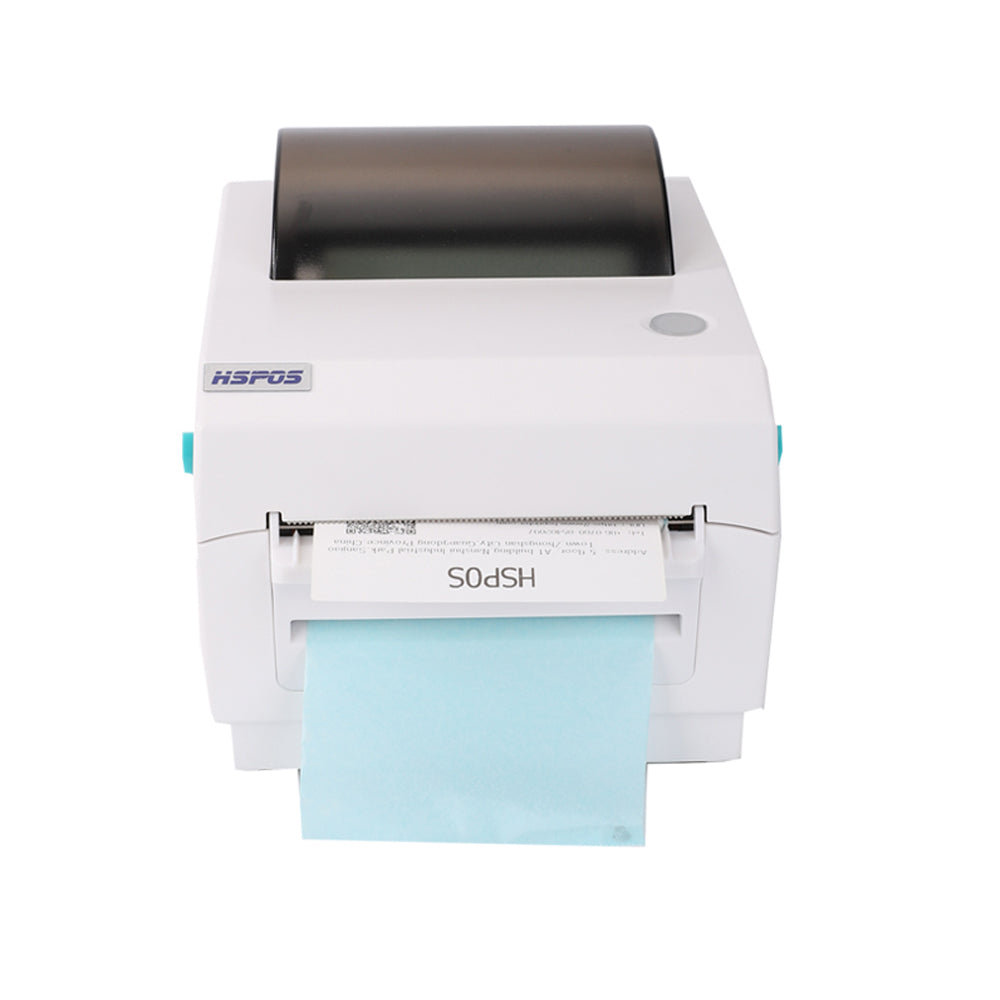
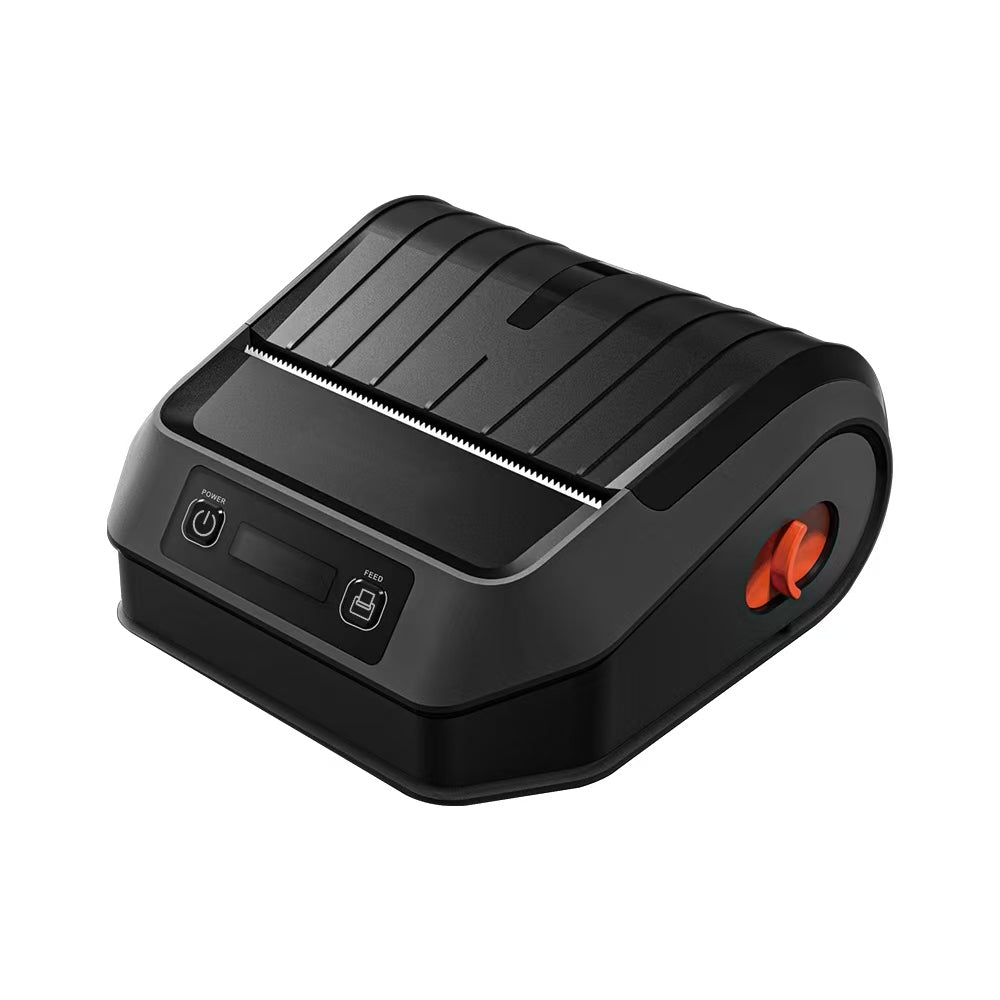
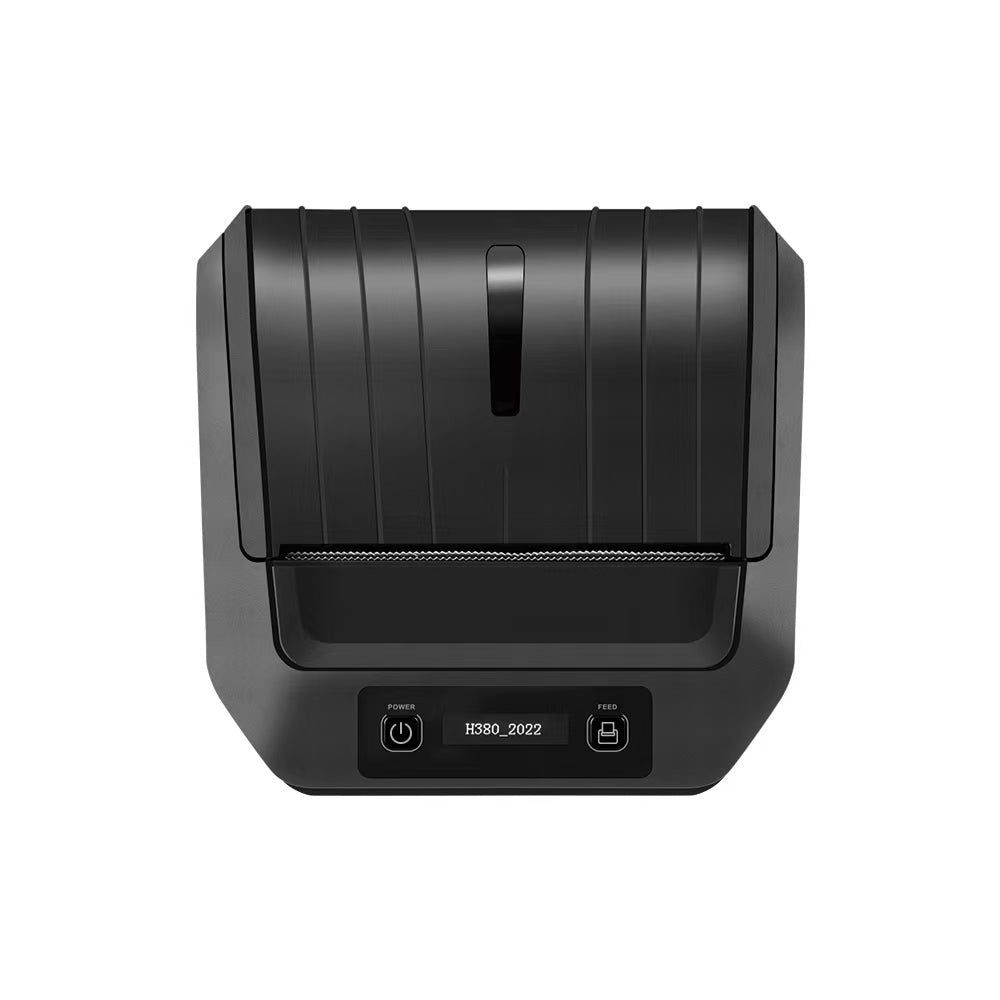
For mobile vendors, the HS-K38 4-inch Thermal Printer is a versatile powerhouse. While its primary strength is high-volume logistics labeling, its dual Bluetooth/USB interface and industrial-grade reliability make it a favorite for mobile retailers who need to switch between printing customer receipts and shipping labels for online orders on the fly.
Stage 2: The Small-to-Medium Business (The Efficiency Phase)
Focus: Concurrency, Delivery Integration, and Cable Management.
As your business matures into a permanent location, "one tablet, one printer" is no longer sustainable. You are likely juggling walk-in traffic while managing a constant stream of orders from multiple delivery apps. This is the stage where most businesses fail due to "Hardware Clutter"—a mess of wires and tablets that slows down service.
The Checklist:
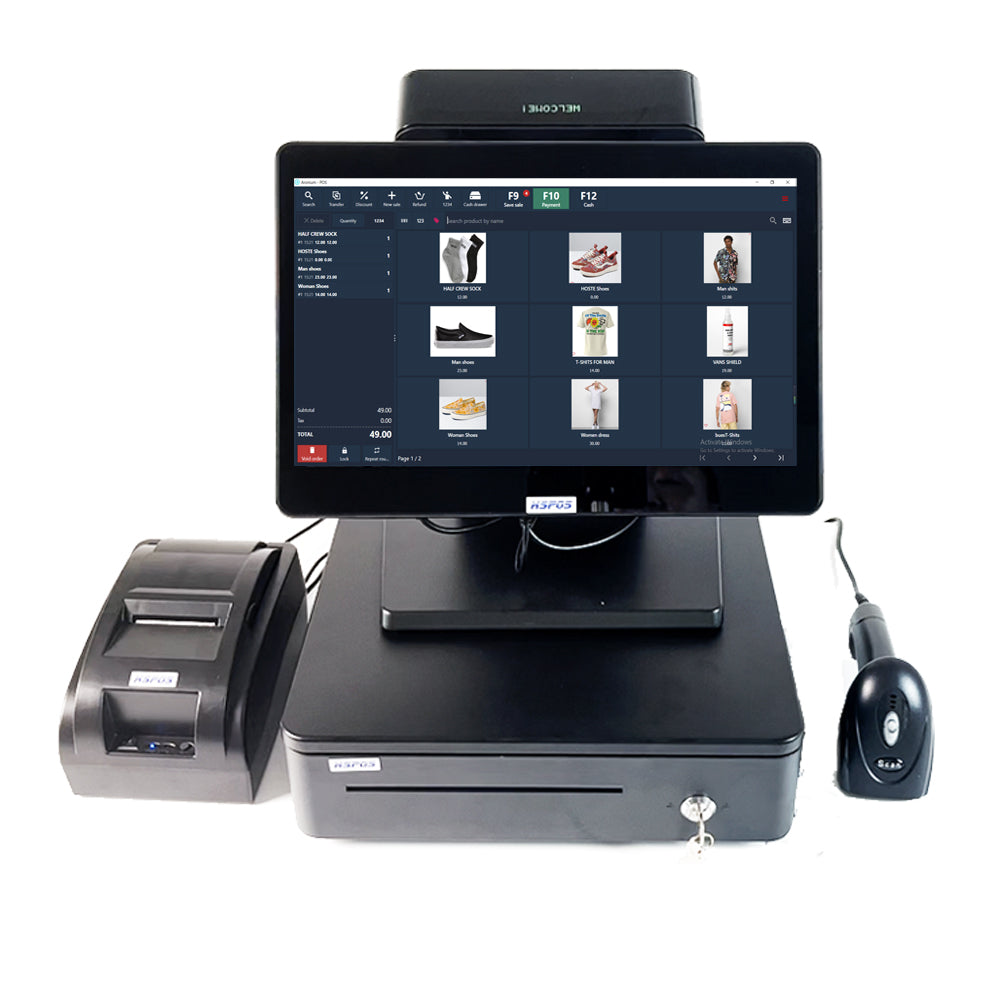
- Fixed POS Terminal: A dedicated 10-inch or 14-inch desktop unit with an industrial processor.
- The "Delivery Hub" Printer: A central printer capable of aggregating orders from multiple sources.
- Heavy-Duty Cash Drawer: Integrated with the printer for automatic kick-out functionality.
TechPOS Engineering Insight: The Concurrency King
The biggest pain point for 2026 restaurants is the "Tablet Graveyard"—three different printers for three different apps. Our flagship HS-M80 3-inch Receipt Printer was specifically engineered to solve this. Supporting 1-to-7 device connectivity, this single unit allows your staff to print orders from UberEats, DoorDash, and SkipTheDishes simultaneously, all while serving walk-in customers.
Stage 3: The Enterprise & High-Volume Merchant (The Scalability Phase)
Focus: Labor Automation, Kiosk Mode, and Industrial Durability.
At the enterprise level, the conversation shifts from "processing orders" to "optimizing labor." With the 2026 labor crisis affecting staffing levels, high-volume merchants are turning to self-service models to maintain throughput.
The Checklist:
- 14-inch Flagship POS Terminals: High-processing units designed for 24/7 "Kiosk Mode" deployment.
- Kitchen Display Systems (KDS): To replace paper tickets in high-volume kitchens.
- High-Resolution Labeling: For apparel manufacturers or retailers requiring precision branding.
TechPOS Recommendation: The Self-Service Revolution
High-volume environments require the TechPOS 14-inch Desktop POS Terminal. When configured for self-service, it allows customers to control their own ordering experience, reducing front-of-house labor costs by up to 30%.
For the apparel sector, precision is non-negotiable. Our HS-3064TA (300 DPI) Professional Wash Care Printer ensures that even the smallest regulatory font and complex care symbols remain crisp and scannable on satin and nylon materials.
Why the "Source" Matters: The TechPOS Advantage
1. Ontario & Melbourne Local Stock
We understand that every hour your POS is down, you are losing revenue. That’s why TechPOS maintains fully stocked warehouses in Ontario, Canada and Melbourne, Australia. We offer 3-7 day local fulfillment, eliminating the 4-week wait times and customs headaches of international shipping.
2. Engineering-Led Technical Support
We don't just ship boxes. Our team provides deep-dive support for ESC/POS protocols and firmware adjustments. Whether you are running Windows, Android, or iOS, our engineering team ensures your hardware is optimized for your specific software stack.
3. Built for Concurrency
While "consumer-grade" printers fail under the stress of 2026's multi-app delivery environment, TechPOS hardware is tested for high-concurrency. Our printers are designed to hold a static IP and maintain a "heartbeat" with your network.
Conclusion: Future-Proof Your Business Today
Choosing POS hardware is an investment in your business’s infrastructure. Don't let your growth be bottlenecked by inferior hardware that can't handle the demands of a modern, multi-platform marketplace.
Ready to audit your hardware setup?
Explore the Full TechPOS Catalog Here or contact our technical team in Ontario or Melbourne for a custom volume quote.
The 2026 Retail Survival Guide: How High-Concurrency Hardware Solves Labor Shortages & Delivery Chaos
Logistics Accuracy: How the HS-K38 Reduces Delivery Errors to Boost Your Yelp Ratings
Related Posts

The Ultimate Fulfillment Tool for E-commerce Sellers: TechPOS TP-K38 High-Speed Thermal Label Printer Review

The Ultimate Guide to Android-Compatible Barcode Printers in Australia & Canada: Reliable Hardware for Shopify & DoorDash

Multi-Platform Integration: Connecting Your 14-inch POS to Shopify, Square, and UberEats

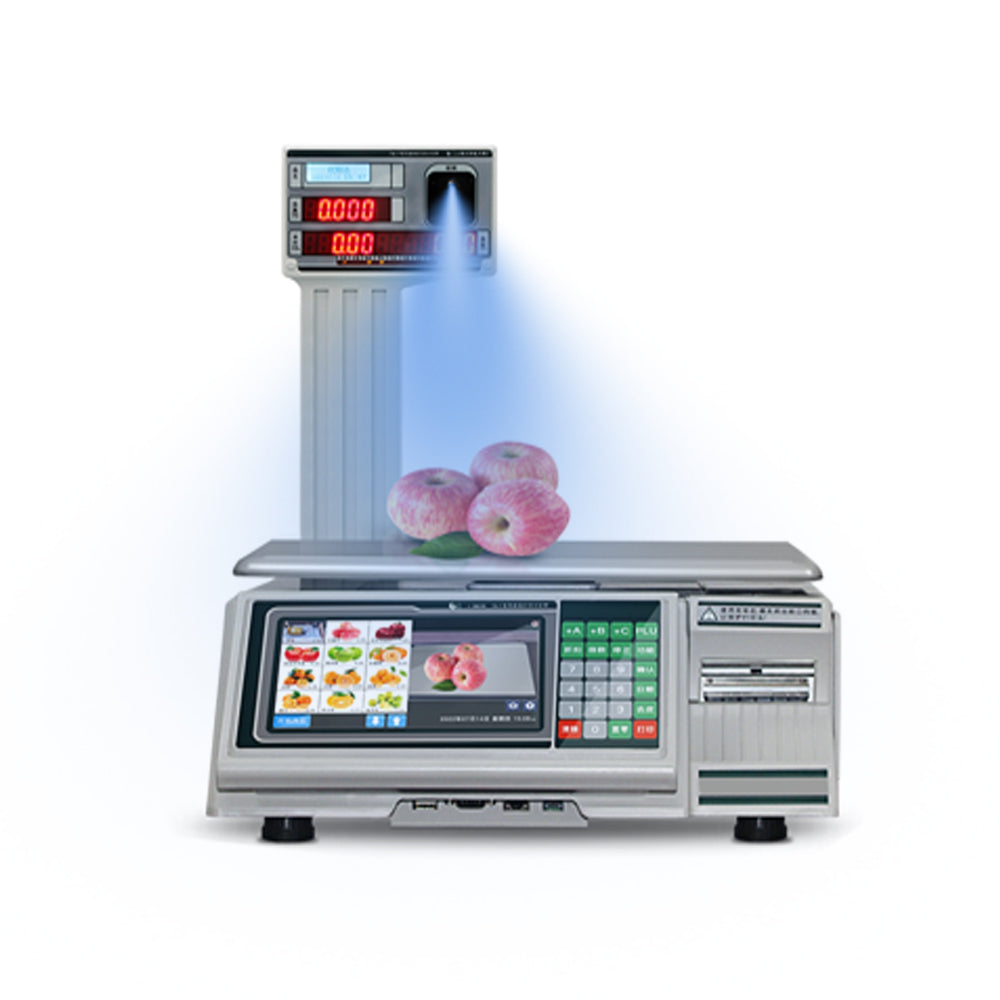
The Future of AI Weighing: How Smart Scales are Transforming Grocery Checkout in 2026

The 2026 Master Guide to Setting Up Multiple Delivery Tablets with the HS-M80 (TP-M30)

Ending the 'Ghost Order' Nightmare: Why Your Kitchen Needs Industrial Concurrency

The Multi-Tablet Revolution: How to Connect 7 Food Delivery Devices to One Bluetooth Printer