203 DPI vs. 300 DPI: The Engineering Choice for Professional Wash Care Labeling
203 DPI vs. 300 DPI: The Engineering Choice for Professional Wash Care Labeling
In the apparel and textile industry, a label is more than just a piece of fabric—it is a legal requirement, a brand statement, and a guide for consumer care. When it comes to wash care labels, the margin for error is non-existent. Tiny washing symbols, intricate fiber content details, and multi-language care instructions must remain legible after dozens of wash cycles.
For B2B procurement managers and factory owners, the technical decision often boils down to one specification: DPI (Dots Per Inch). Specifically, should you invest in the industry-standard 203 DPI or upgrade to the high-precision 300 DPI?
At TechPOS, we provide the hardware that powers global supply chains. In this guide, we break down the engineering reality of DPI to help you make the right choice for your production line.
1. Defining the Standard: What is DPI in Thermal Printing?
DPI stands for Dots Per Inch. In thermal printing, it refers to the density of the heating elements on the print head.
- 203 DPI: Features 8 dots per millimeter.
- 300 DPI: Features 12 dots per millimeter.
While a difference of 4 dots per millimeter might seem negligible, in the context of a 1-inch wash care label, it represents a 50% increase in pixel density. For high-volume manufacturing, this density is the difference between a barcode that scans instantly and a batch of rejected inventory.
2. The 203 DPI Case: The Workhorse of General Logistics
203 DPI is the global "gold standard" for general shipping and warehouse labeling. It is optimized for large text and standard barcodes.
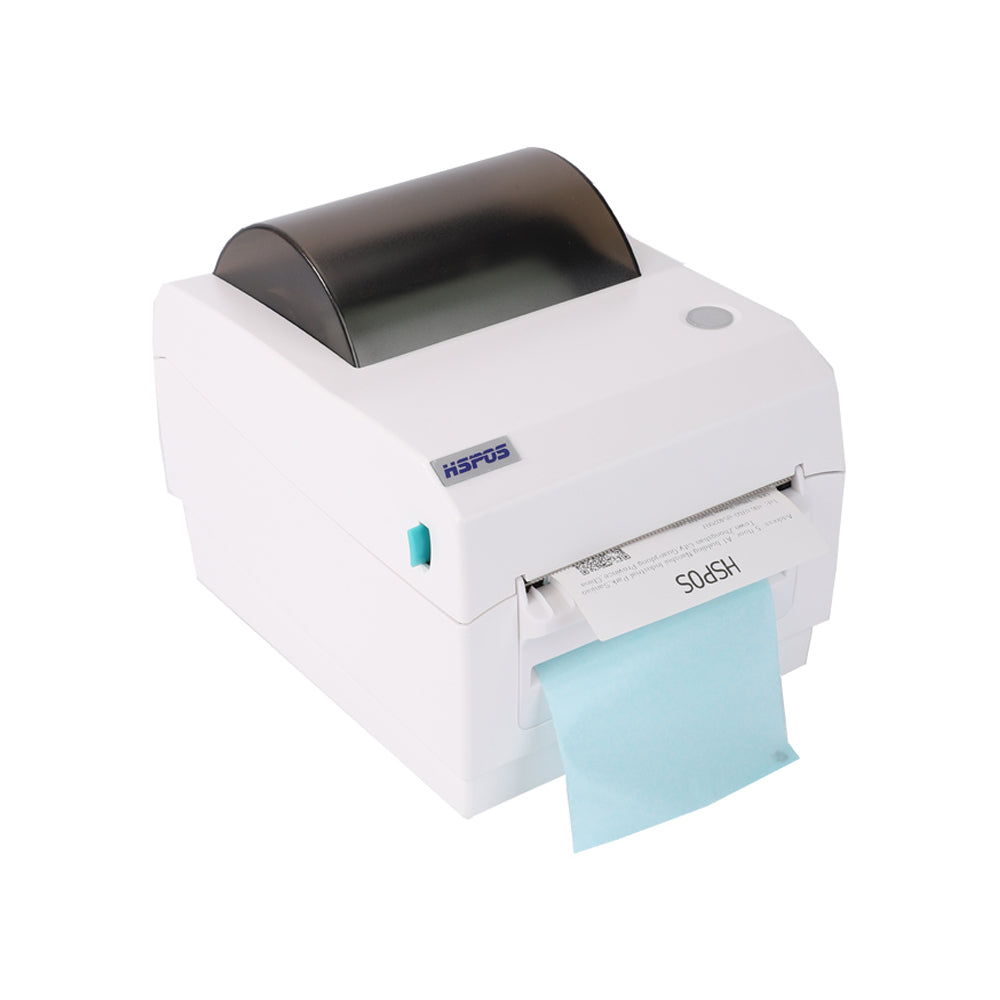
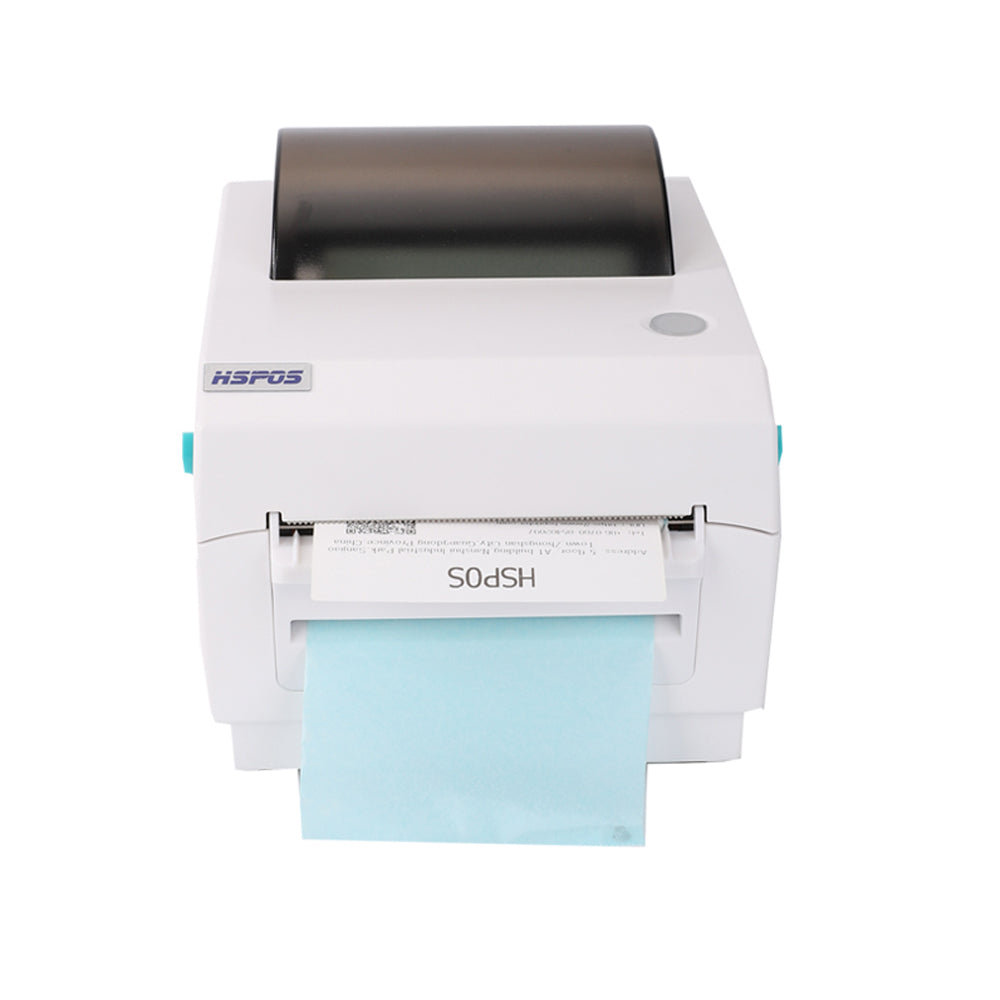
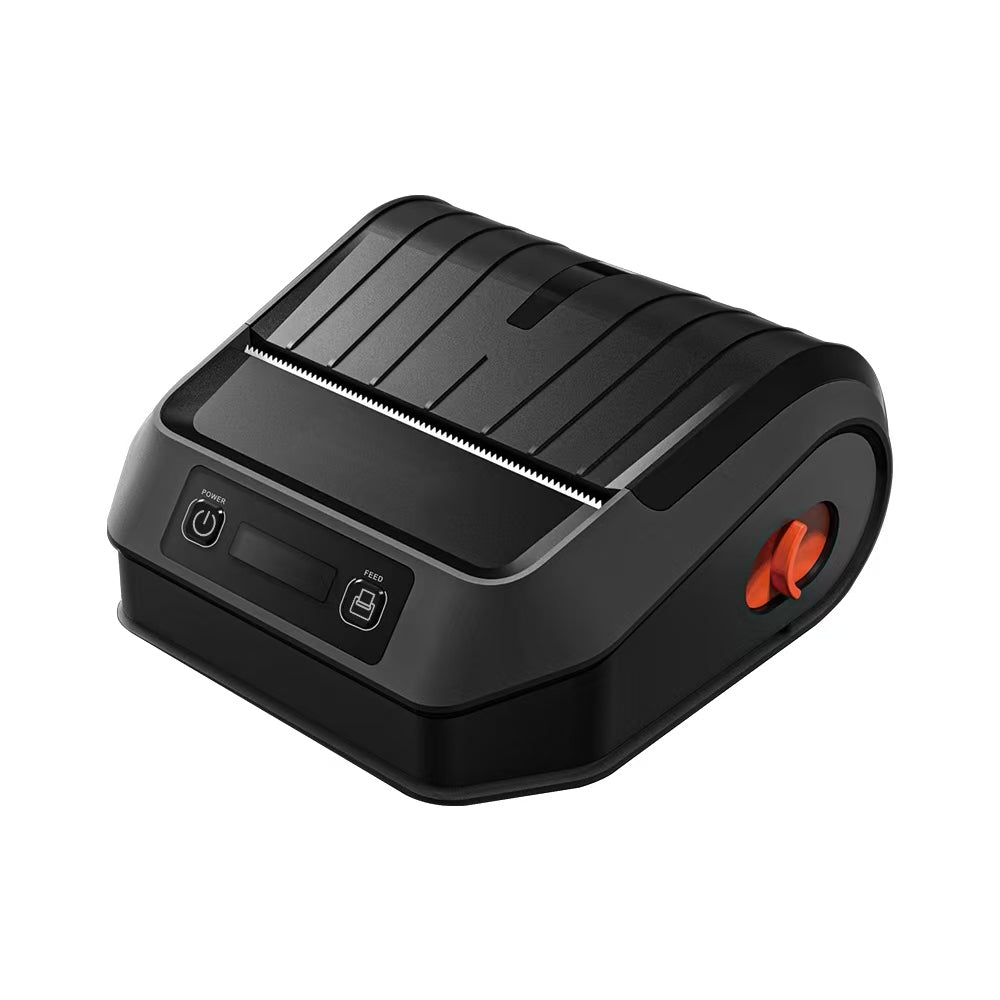
If your primary operation involves 4x6 shipping labels or large product identifiers, hardware like the TechPOS HS-K38 110mm Thermal Label Printer in its 203 DPI configuration is unbeatable. It offers:
- Faster Print Speeds: Lower density requires less data processing per inch.
- Lower Initial Cost: 203 DPI print heads are more affordable and easier to maintain.
- Sufficient Clarity: For standard text (8pt font and above), 203 DPI is perfectly crisp.
However, wash care labels rarely use 8pt fonts. They often shrink text down to 4pt or 5pt to fit complex instructions into a narrow strip of nylon or satin. This is where 203 DPI hits its engineering limit.
3. The 300 DPI Requirement: Precision for Small-Scale Complexity
Wash care labels are unique because they rely heavily on pictograms (washing symbols) and high-density text. When you shrink a "Do Not Bleach" icon down to 3mm, a 203 DPI printer will often produce a "fuzzy" or "stair-stepped" edge.
300 DPI is the mandatory choice for:
- Wash Care Symbols: Ensuring the delicate lines of international care symbols are legally compliant and readable.
- Small Fonts: Legible 4pt and 5pt text for multi-language instructions.
- Branded Logos: Maintaining the integrity of your brand’s aesthetic on small-format labels.
- High-Density Barcodes: QR codes or small 2D DataMatrix codes used in apparel tracking.
For businesses that require this level of precision alongside cloud connectivity, the HS-E81 Cloud Series Thermal Printer provides the multi-interface flexibility needed to integrate with modern ERP and POS systems.
4. Technical Trade-offs: Speed vs. Resolution
In an industrial setting, throughput is king. It is a common misconception that higher DPI always equals "better." As an engineer, you must consider the Speed-Resolution Balance.
- 203 DPI Performance: Typically allows for speeds up to 200mm/s. Ideal for high-speed shipping lines where volume is the priority.
- 300 DPI Performance: Usually caps at 150mm/s. The increased data processing required for 300 DPI means a slight reduction in speed, but a massive increase in "First-Time Scan Rates."
At TechPOS, we balance these needs by offering the HS-K38 110mm Label Printer, which maintains a high speed of 180mm/s, making it one of the most efficient choices for businesses that need to bridge the gap between resolution and volume.
5. Material Matters: Thermal Transfer vs. Direct Thermal
For wash care labels, the printing method is as important as the DPI. Wash care labels are typically printed on Nylon or Satin ribbons using Thermal Transfer (Ribbon) technology.
Why? Because wash care labels must survive heat, chemicals, and mechanical friction. 300 DPI ensures that the wax/resin ribbon is melted onto the fabric with surgical precision, creating a bond that won't fade after the first wash. If you pair a 203 DPI head with a high-resin ribbon, the lack of resolution can lead to "ink bleed," where the text becomes unreadable.
6. Integration with the Retail Ecosystem
Your labeling strategy doesn't exist in a vacuum. It must feed into your overall retail management. Whether you are a boutique or a manufacturer, your labeling data should sync with your core terminal.
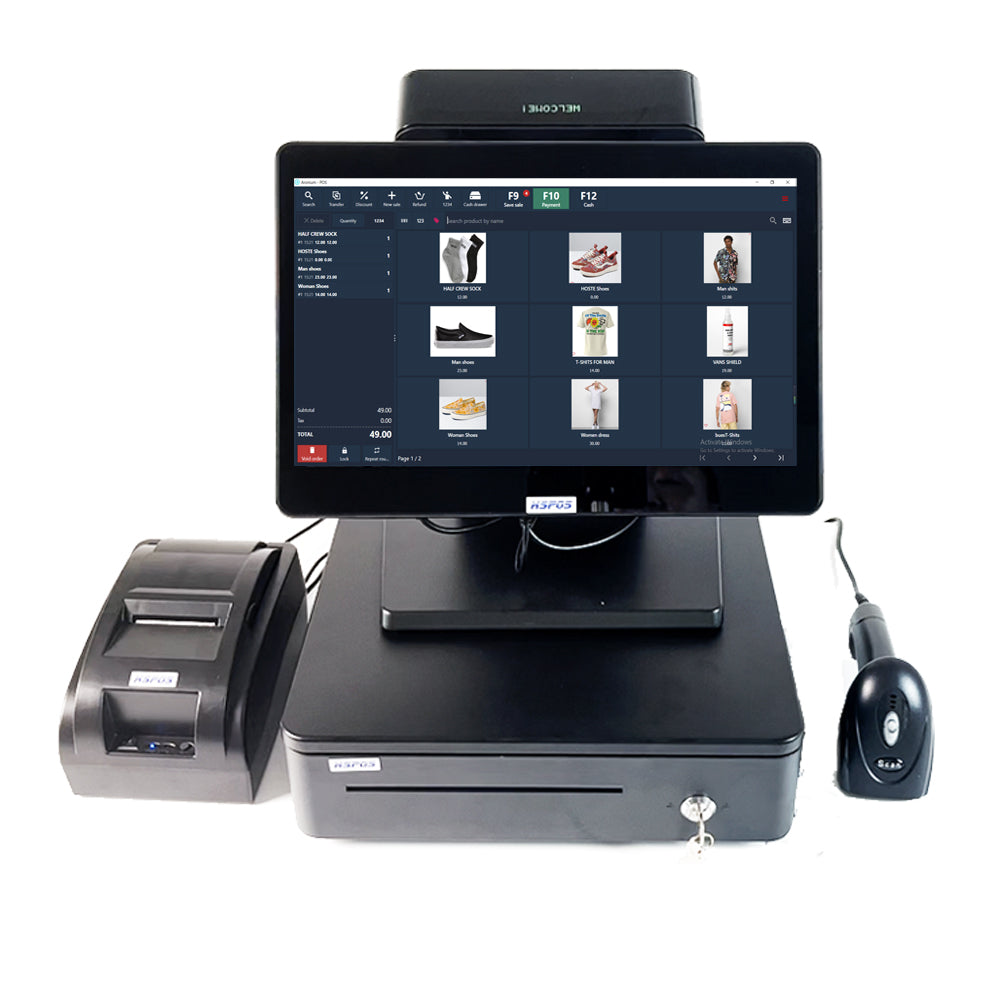
The TechPOS 14-inch POS System acts as the central hub for these operations, allowing you to manage inventory, print care labels, and process sales from a single, unified interface.
Conclusion: Making the Decision
Choosing between 203 DPI and 300 DPI depends on your minimum font size and compliance requirements.
- Choose 203 DPI if: You primarily print shipping labels, warehouse inventory tags, and standard price stickers where speed and cost-efficiency are your primary KPIs.
- Choose 300 DPI if: You are a garment manufacturer, jewelry retailer, or pharmaceutical supplier where small-format legibility and legal compliance are non-negotiable.
TechPOS is committed to providing the engineering excellence required for both paths. Explore our full collection of label printers today to find the precision your business deserves.
The Invisible Hand of Food Delivery: Mastering ESC/POS Protocol Compatibility
The Ultimate POS Hardware Checklist: Scaling Your Infrastructure from Boutique to Global Enterprise
Related Posts

The Ultimate Fulfillment Tool for E-commerce Sellers: TechPOS TP-K38 High-Speed Thermal Label Printer Review

The Ultimate Guide to Android-Compatible Barcode Printers in Australia & Canada: Reliable Hardware for Shopify & DoorDash

Multi-Platform Integration: Connecting Your 14-inch POS to Shopify, Square, and UberEats

The Future of AI Weighing: How Smart Scales are Transforming Grocery Checkout in 2026

The 2026 Master Guide to Setting Up Multiple Delivery Tablets with the HS-M80 (TP-M30)

Ending the 'Ghost Order' Nightmare: Why Your Kitchen Needs Industrial Concurrency

The Multi-Tablet Revolution: How to Connect 7 Food Delivery Devices to One Bluetooth Printer