300 DPI vs. 203 DPI: The Professional Guide to Wash Care Label Printing (2026 Edition)
300 DPI vs. 203 DPI: The Professional Guide to Wash Care Label Printing (2026 Edition)
In the competitive world of apparel manufacturing and high-end fashion, a wash care label is more than just a regulatory requirement. It is a silent ambassador for your brand’s quality. However, many manufacturers face a recurring technical frustration: Why do my care labels look blurry, and why are the symbols unreadable after a few washes?
The answer almost always traces back to a single technical specification: DPI (Dots Per Inch). For the modern apparel business, choosing between 203 DPI and 300 DPI is one of the most critical hardware investments you will make. At TechPOS, we specialize in engineering-led solutions. In this guide, we break down the physics of printing on textiles and why resolution defines your production success.
1. What is DPI? The Physics of the Printhead
DPI measures the density of the heating elements on a thermal printhead.
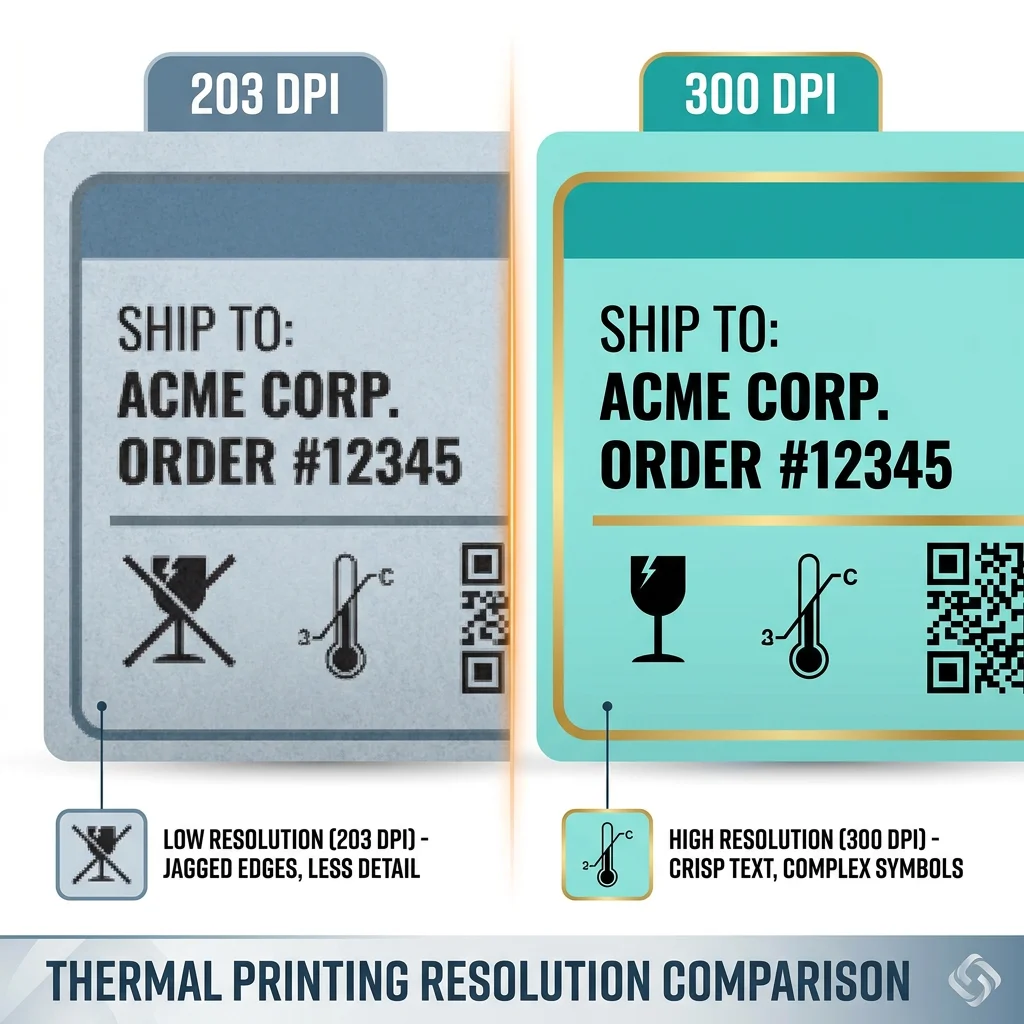
- 203 DPI (8 dots/mm): This is the industry standard for shipping labels and retail barcodes. It is fast, efficient, and cost-effective.
- 300 DPI (12 dots/mm): This high-resolution standard packs 50% more dots into every square inch.
While 203 DPI is perfect for a 4x6 shipping label where fonts are large, it often reaches its physical limit when dealing with the tiny 5pt fonts and intricate care symbols required on a narrow satin ribbon.
2. The Textile Challenge: Why Fabric is Not Paper
Printing on fabric (Satin, Nylon Taffeta, or Polyester) is fundamentally different from printing on paper. Textile fibers have a texture that causes a phenomenon known as "Ink Bleed."
The "Bleeding" Problem
When the thermal transfer ribbon melts ink onto a fabric label, the ink naturally tends to spread slightly into the fibers before it sets.
- On a 203 DPI printer, the larger dots and wider gaps between them mean that when ink spreads, it can easily bridge the gap between characters. This turns an "E" into a solid block or makes a "Dry Clean" symbol look like a smudge.
- On a 300 DPI printer, the tighter dot spacing compensates for this material absorption. The result is sharp, crisp edges that remain legible even after the ink has settled into the textile grain.
3. Compliance and the "Symbol Test"
Apparel labels are legally required to contain specific care symbols—the wash bucket, the iron, the bleach triangle, and the dry-cleaning circle. These symbols are highly detailed.
- The 203 DPI Failure: At 203 DPI, the "X" inside a bleach triangle or the dots inside a dryer symbol often lose their definition. If a consumer cannot clearly see that a garment should not be bleached, your brand faces potential liability and returns.
- The 300 DPI Advantage: 300 DPI ensures that even the smallest regulatory icons remain compliant and scannable. This precision is why luxury brands and boutique manufacturers in Toronto and Melbourne exclusively use 300 DPI hardware.
4. Product Spotlight: The TechPOS Wash Care Series
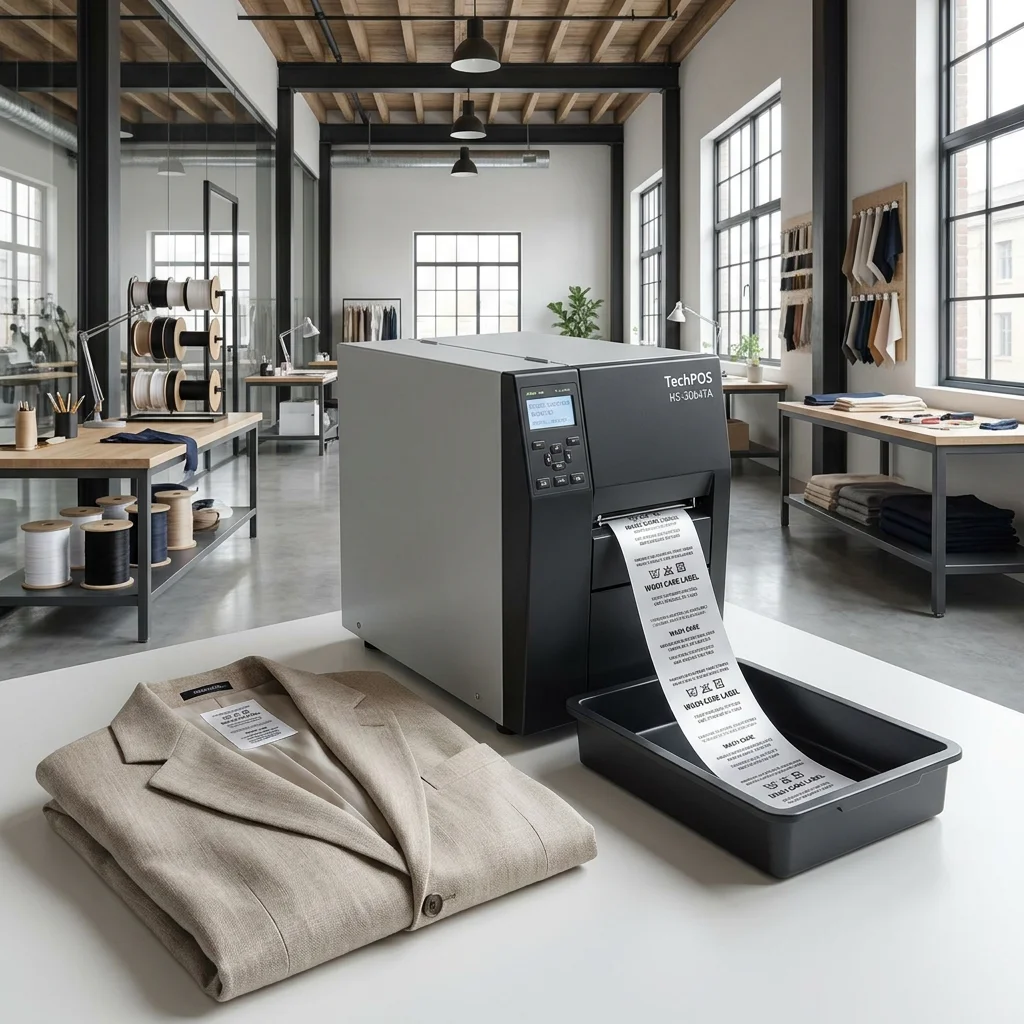
At TechPOS, we provide industrial-grade hardware designed to withstand the rigors of the modern apparel factory. Our flagship series offers two paths based on your specific production needs:
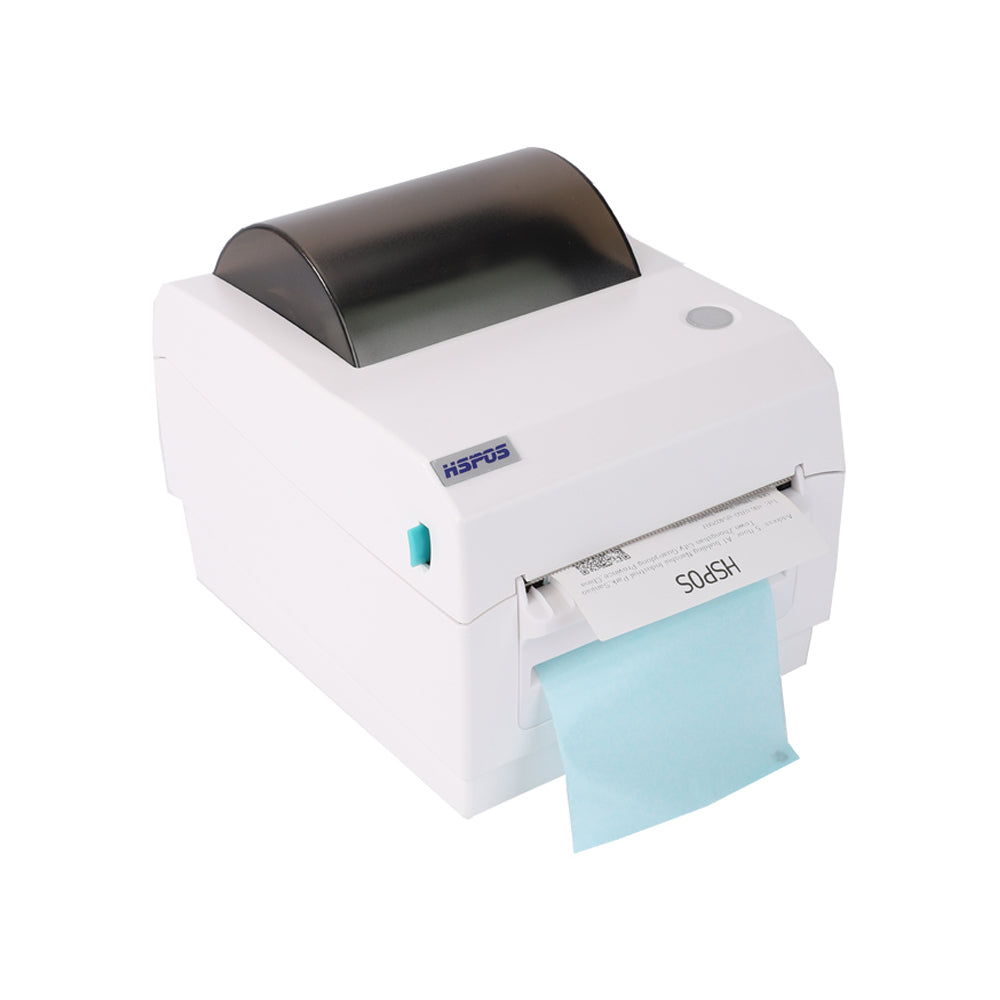
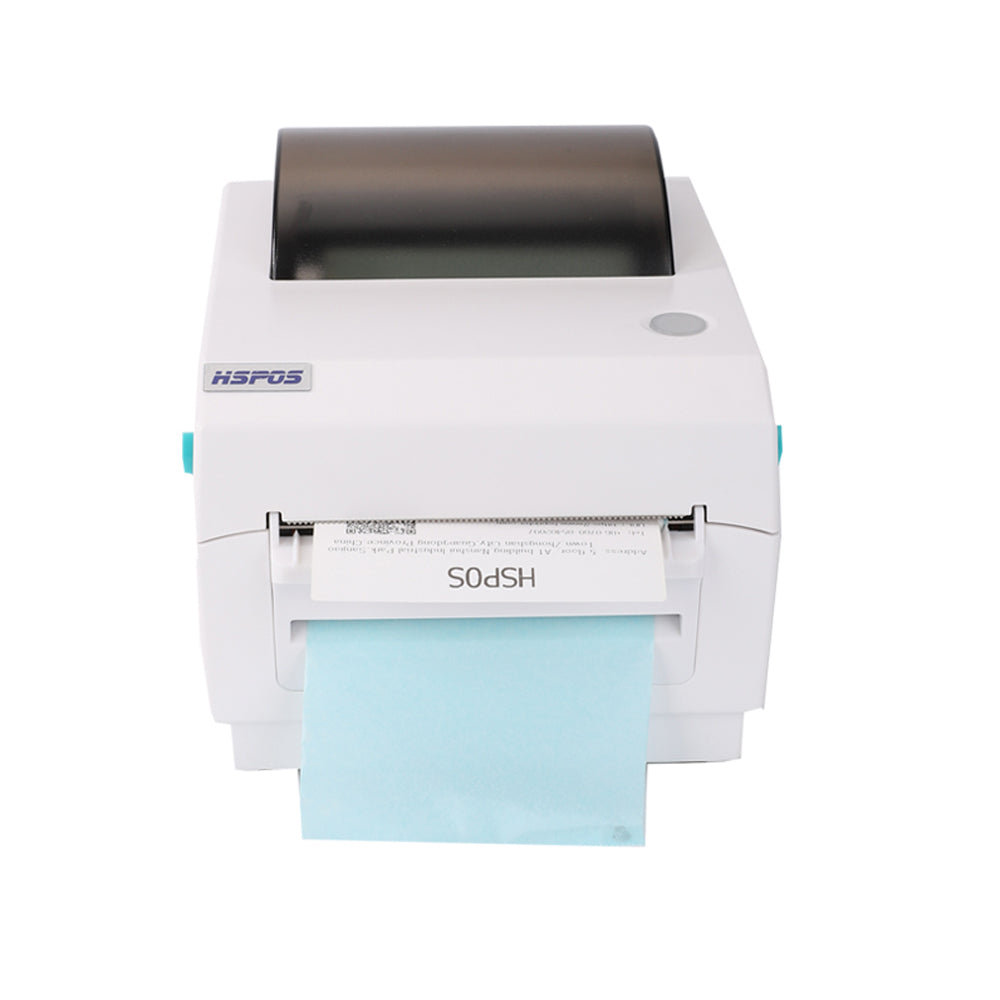
The High-Volume Workhorse: HSPOS HS-2054TA (203 DPI)
The HSPOS HS-2054TA is built for manufacturers of workwear, linens, and industrial uniforms where labels are larger and font clarity is secondary to speed.
- Best for: Bulk labeling, simple barcodes, and larger textiles.
- Value: Exceptional ROI for high-speed fulfillment.
The Precision Master: HSPOS HS-3064TA (300 DPI)
The HSPOS HS-3064TA is the premier solution for boutique fashion, high-end sportswear, and multi-language labels.
- Best for: Satin ribbons, tiny fonts (under 6pt), and complex care icons.
- Value: Professional-grade clarity that enhances the "unboxing" and brand experience.
5. ROI Analysis: Is 300 DPI Worth the Extra Cost?
For many B2B buyers, the slightly higher price point of a 300 DPI printer is a point of hesitation. However, when you look at the Total Cost of Ownership (TCO), the 300 DPI model often saves money:
- Reduced Scrappage: Fewer blurred labels mean less wasted satin ribbon and specialized wash-care resin ribbon.
- Global Compliance: Meet the labeling standards of the EU, USA, and AU without the risk of batch rejections.
- Durability: High-resolution printing often requires less heat from the printhead to achieve clarity, which can actually extend the lifespan of the printhead compared to pushing a 203 DPI head to its limits.
6. The Logistics Advantage: Ontario & Melbourne Stock
In the 2026 supply chain landscape, waiting weeks for a replacement printer or spare part is a death sentence for production schedules. TechPOS maintains deep inventory in our Ontario, Canada and Melbourne, Australia warehouses.
When you order a Wash Care Label Printer from us, you get:
- 3-7 Day Local Fulfillment: No international customs delays.
- Engineering Support: Direct access to technicians who understand ESC/POS protocols and firmware adjustments.
- Spare Parts Availability: We stock replacement printheads for both 203 and 300 DPI models to keep your line moving.
Conclusion: Engineering Your Success
Choosing the right resolution is an investment in your business’s infrastructure.
- If your priority is volume and cost-efficiency on standard retail tags, the 203 DPI HS-2054TA is your best bet.
- If your priority is precision, branding, and legal compliance on satin and nylon materials, the 300 DPI HS-3064TA is the only professional choice.
Ready to upgrade your production quality?
Explore the Full TechPOS Wash Care Catalog or contact our Ontario engineering team today for a volume quote.
This guide was authored by the TechPOS Engineering Team. We build the hardware that builds your business.
The Silent Profit Killer: How High-Speed Labeling Reduces Delivery Errors and Boosts Your 2026 Yelp Ratings
The Ultimate POS Hardware Checklist: Scaling from Pop-up to Enterprise (2026 Edition)
Related Posts

The Ultimate Fulfillment Tool for E-commerce Sellers: TechPOS TP-K38 High-Speed Thermal Label Printer Review

The Ultimate Guide to Android-Compatible Barcode Printers in Australia & Canada: Reliable Hardware for Shopify & DoorDash

Multi-Platform Integration: Connecting Your 14-inch POS to Shopify, Square, and UberEats

The Future of AI Weighing: How Smart Scales are Transforming Grocery Checkout in 2026

The 2026 Master Guide to Setting Up Multiple Delivery Tablets with the HS-M80 (TP-M30)

Ending the 'Ghost Order' Nightmare: Why Your Kitchen Needs Industrial Concurrency

The Multi-Tablet Revolution: How to Connect 7 Food Delivery Devices to One Bluetooth Printer