The Ultimate POS Hardware Checklist: Scaling from Pop-up to Enterprise (2026 Edition)
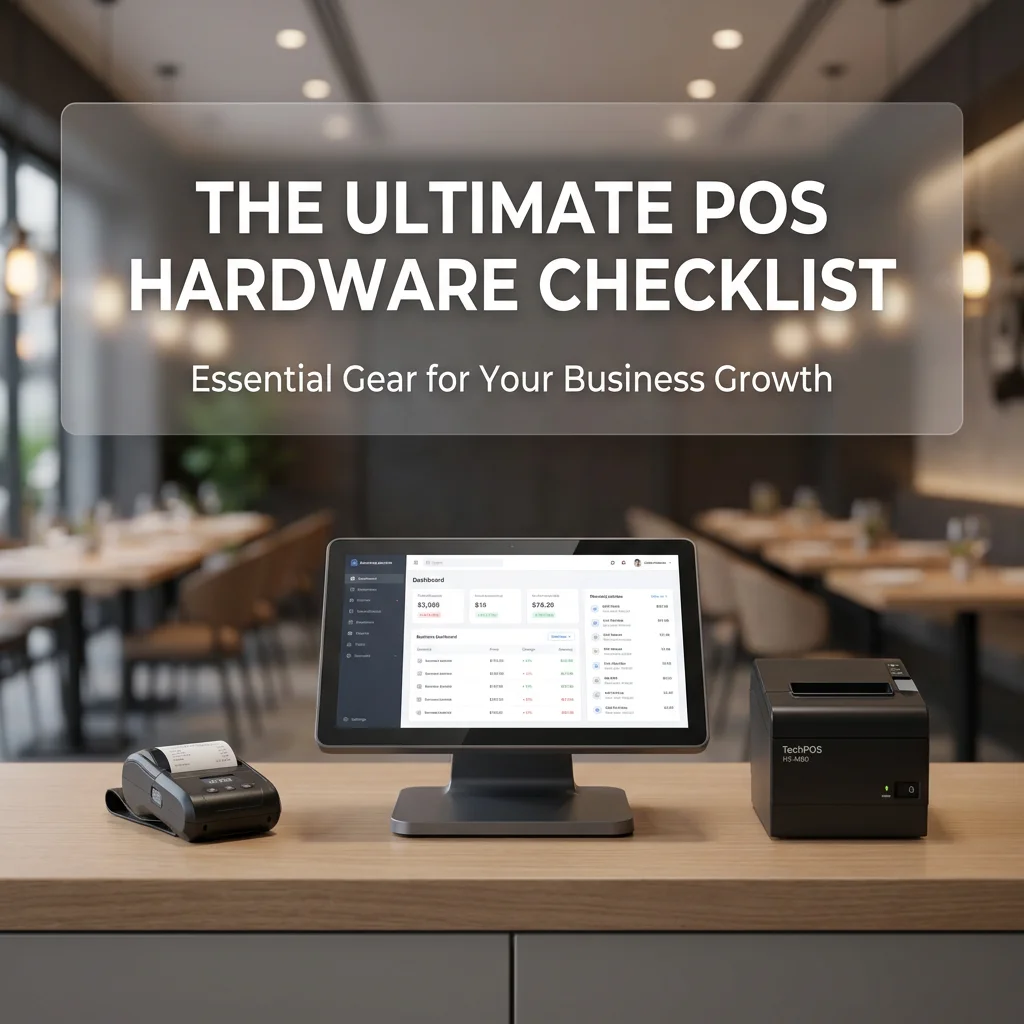
The Ultimate POS Hardware Checklist: Scaling from Pop-up to Enterprise (2026 Edition)
In the rapidly evolving landscape of 2026, a Point of Sale (POS) system is no longer just a digital cash register; it is the nervous system of a business. As labor shortages continue to challenge the hospitality and retail sectors, and as multi-platform delivery (UberEats, DoorDash, Skip) becomes the primary revenue driver, your hardware choice defines your operational ceiling.
At TechPOS, we don’t just sell printers and terminals; we engineer workflows. Whether you are launching a weekend pop-up in Toronto or managing a multi-location enterprise across Australia, this checklist ensures your hardware keeps pace with your ambition.
Stage 1: The Pop-Up & Mobile Vendor (The Agility Phase)
Focus: Portability, Wireless Stability, and Minimal Footprint.
For micro-businesses, the goal is "Plug-and-Play." You need hardware that survives the trunk of a car and functions flawlessly over a 5G hotspot.
The Checklist:
- Mobile Tablet/iPad: The primary interface.
- Compact Receipt Printer: You need a high-speed, reliable thermal printer that doesn’t take up valuable counter space.
- Integrated Card Reader: Must support contactless and NFC payments.
TechPOS Recommendation:
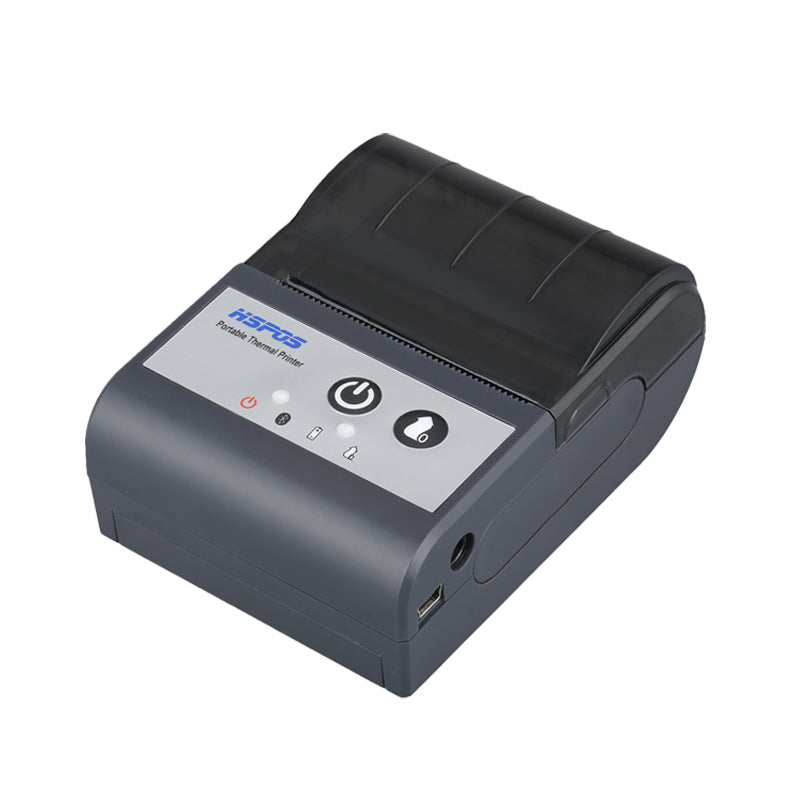
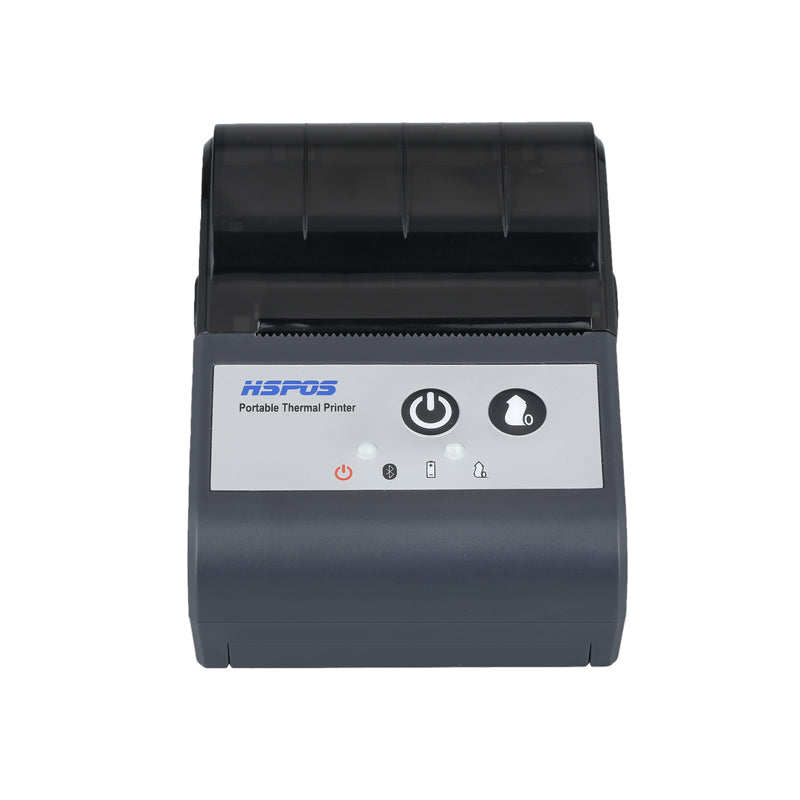
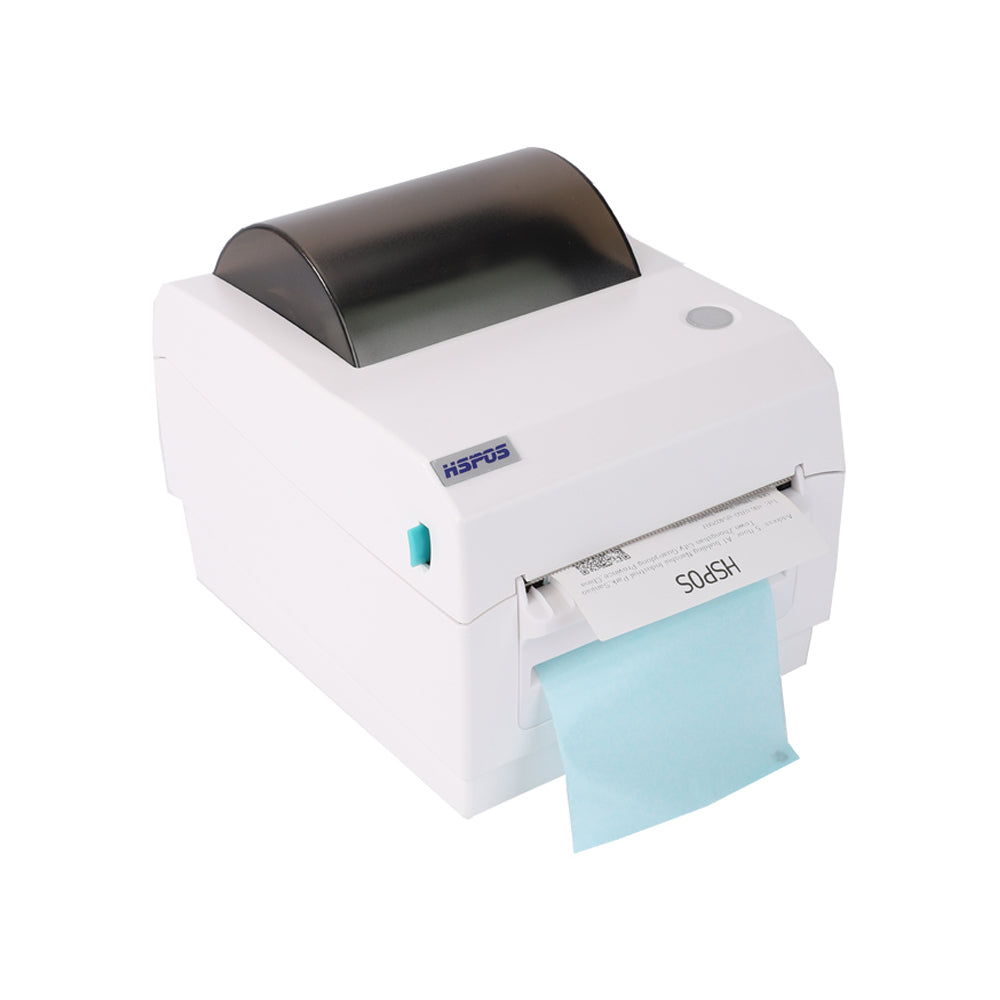
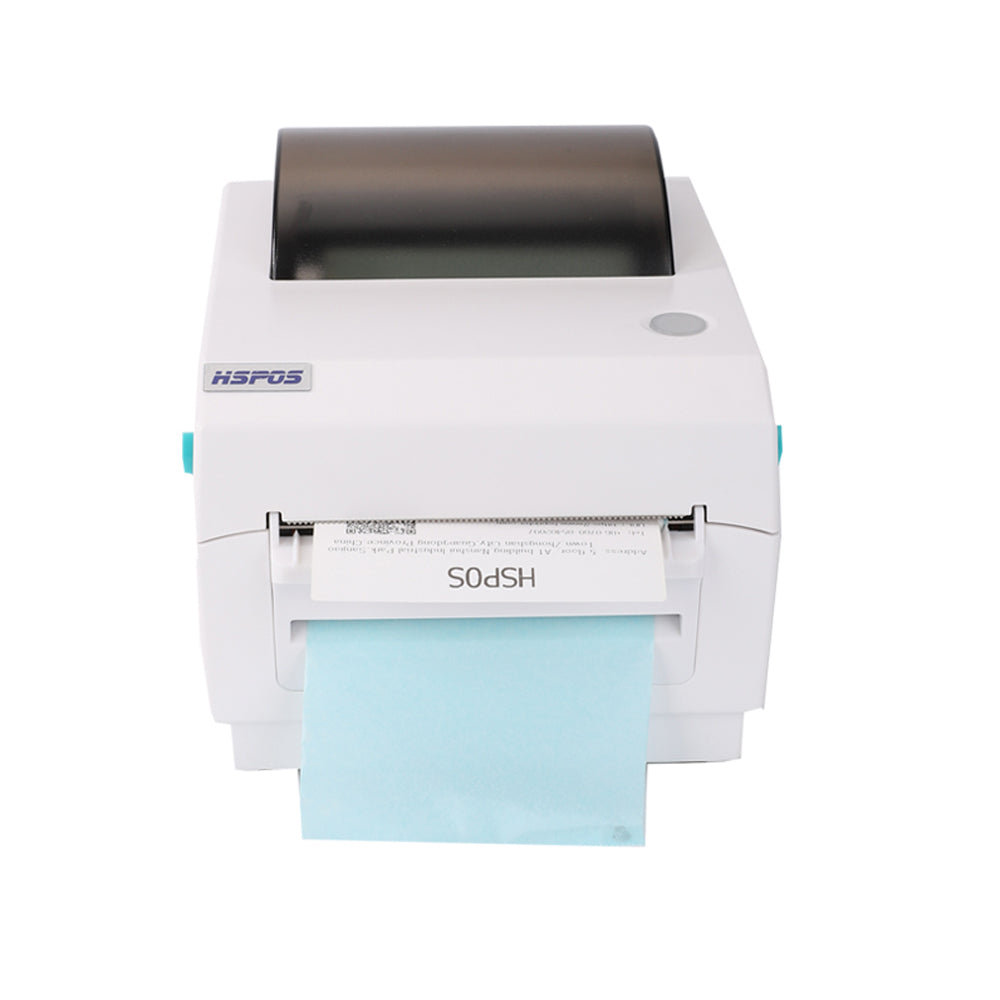
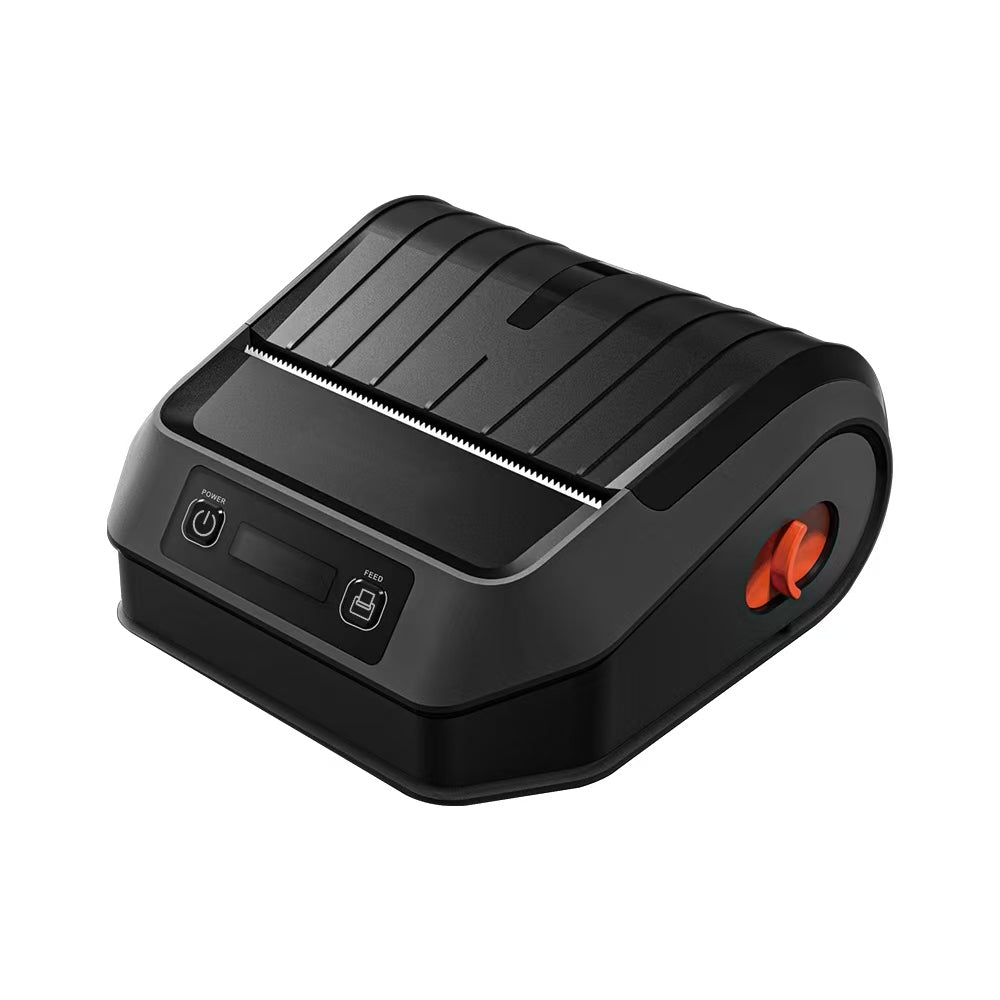
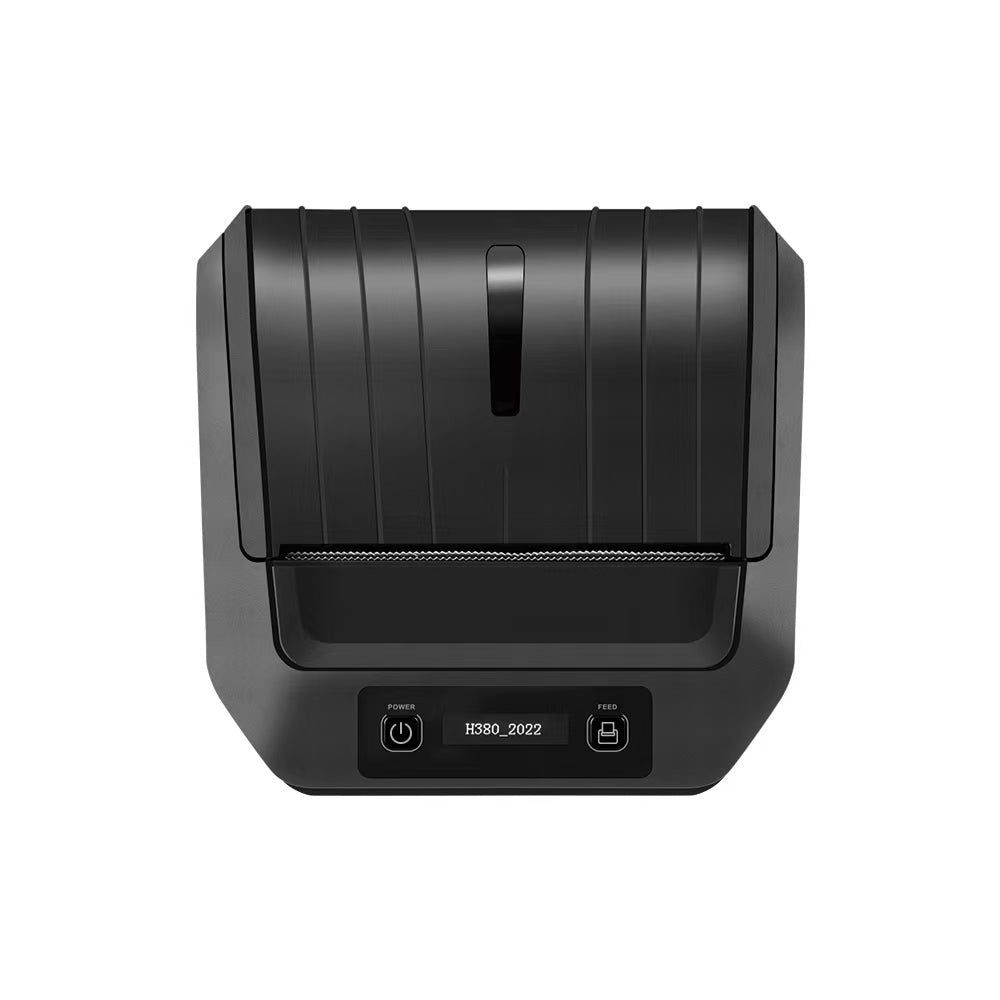
For mobile vendors, the HS-K38 Logistics & Receipt Printer is a versatile powerhouse. While designed for high-volume logistics, its stability in Bluetooth environments makes it a favorite for vendors who need to switch between shipping labels and customer receipts on the fly.
Stage 2: The Small-to-Medium Business (The Efficiency Phase)
Focus: Concurrency, Delivery Integration, and Cable Management.
As your business grows, "one tablet, one printer" is no longer enough. You are juggling multiple delivery apps while managing walk-in customers. This is where most businesses fail due to "hardware clutter."
The Checklist:
- Fixed POS Terminal: A dedicated 10-inch or 14-inch screen.
- The "Delivery Hub" Printer: A single printer that can handle orders from every tablet in the kitchen.
- Cash Drawer: Heavy-duty, integrated with the printer.
TechPOS Engineering Insight: The Concurrency King
The biggest pain point for 2026 restaurants is the "Tablet Graveyard." Our HS-M80 3-inch Receipt Printer was specifically engineered to solve this. It supports 1-to-7 tablet connectivity, allowing one sleek unit to aggregate orders from UberEats, DoorDash, and SkipTheDishes simultaneously.
Stage 3: The Enterprise & High-Volume Merchant (The Scalability Phase)
Focus: Labor Automation, Kiosk Mode, and Industrial Durability.
Enterprise-level businesses are currently facing the 2026 labor crisis. The solution is moving from staff-facing terminals to Customer-Facing Kiosks.
The Checklist:
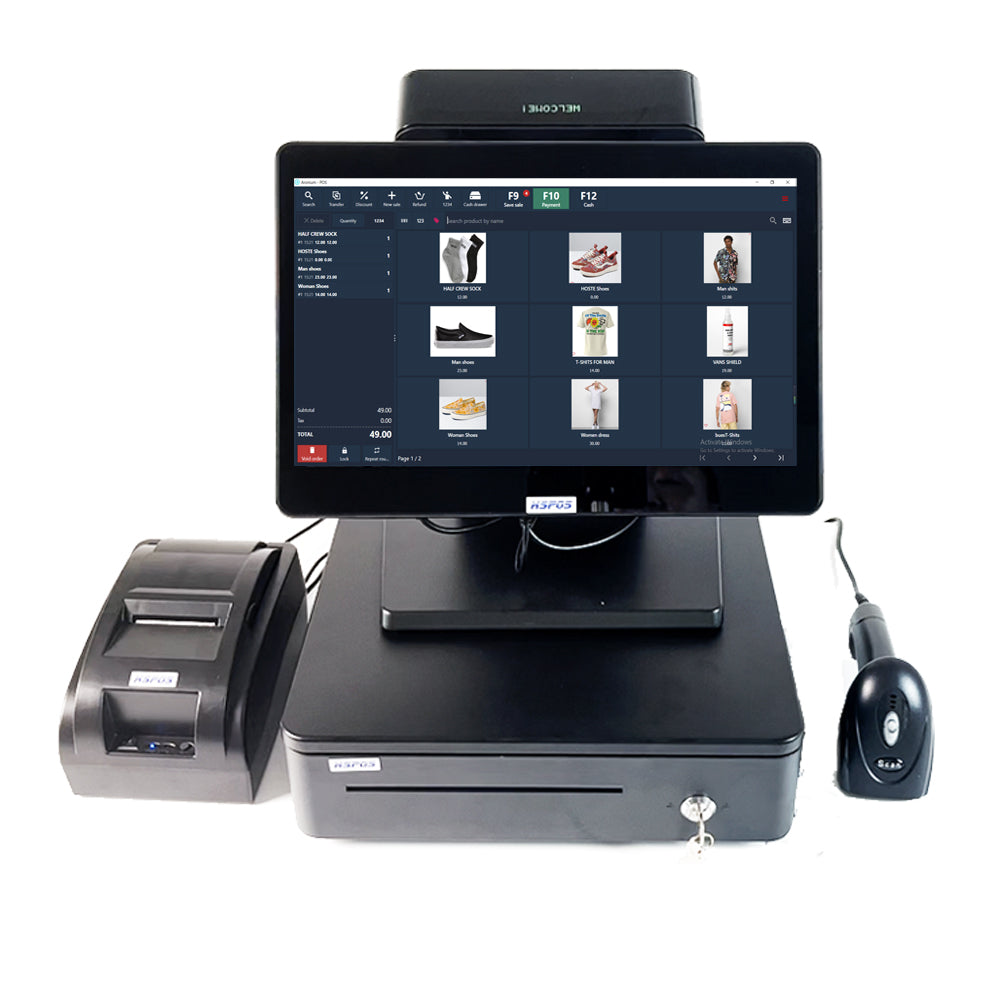
- 14-inch Flagship POS Terminals: High-processing power for complex inventory.
- Self-Service Kiosks: To reduce front-of-house labor costs.
- High-Resolution Label Printers: For wash care (apparel) or complex industrial barcodes.
TechPOS Recommendation: The 14-inch Powerhouse
High-volume environments require the TechPOS 14-inch Desktop POS Terminal. When deployed in "Kiosk Mode," it allows customers to self-order, directly addressing labor shortages while increasing average order value (AOV).
For the apparel sector, precision is non-negotiable. Our HS-3064TA (300 DPI) Wash Care Printer ensures even the smallest regulatory font remains crisp.
Why the "Source" Matters: The TechPOS Advantage
1. Ontario & Melbourne Local Stock
We maintain fully stocked warehouses in Ontario, Canada and Melbourne, Australia. We offer 3-7 day local fulfillment, eliminating the 4-week wait times of international shipping.
2. Engineering-Led Support
We provide deep-dive ESC/POS protocol support and firmware adjustment tips to ensure your hardware integrates perfectly with your software stack.
3. Built for Concurrency
TechPOS hardware is tested for high-concurrency environments. Our printers are designed to hold a static IP and maintain a "heartbeat" with your network.
Conclusion: Engineering Your Success
Choosing POS hardware is an investment in your business’s infrastructure. Don't let your growth be bottlenecked by inferior hardware.
Ready to optimize your checkout?
Explore the Full TechPOS Catalog or contact our Ontario engineering team for a custom hardware audit.
300 DPI vs. 203 DPI: The Professional Guide to Wash Care Label Printing (2026 Edition)
The 2026 Retail Survival Guide: How High-Concurrency Hardware Solves Labor Shortages & Delivery Chaos
Related Posts

The Ultimate Fulfillment Tool for E-commerce Sellers: TechPOS TP-K38 High-Speed Thermal Label Printer Review

The Ultimate Guide to Android-Compatible Barcode Printers in Australia & Canada: Reliable Hardware for Shopify & DoorDash

Multi-Platform Integration: Connecting Your 14-inch POS to Shopify, Square, and UberEats

The Future of AI Weighing: How Smart Scales are Transforming Grocery Checkout in 2026

The 2026 Master Guide to Setting Up Multiple Delivery Tablets with the HS-M80 (TP-M30)

Ending the 'Ghost Order' Nightmare: Why Your Kitchen Needs Industrial Concurrency

The Multi-Tablet Revolution: How to Connect 7 Food Delivery Devices to One Bluetooth Printer