The Engineering Choice: 203 DPI vs. 300 DPI — Which Resolution Does Your Business Actually Need?
The Engineering Choice: 203 DPI vs. 300 DPI — Which Resolution Does Your Business Actually Need?
In the world of B2B operations—whether you are managing a high-volume apparel manufacturing plant in Ontario or a bustling grocery hub in Melbourne—the clarity of a barcode is not a matter of aesthetics; it is a matter of operational integrity.
A single "fuzzy" label on a wash care tag or a pixelated QR code on a shipping manifest can cause a cascade of failures: inventory sync errors, courier rejections, and customer dissatisfaction. The root of these failures often lies in a misunderstood technical specification: DPI (Dots Per Inch).
In this deep-dive, we break down the engineering differences between 203 DPI and 300 DPI, help you calculate the ROI of high-resolution printing, and guide you through the calibration of diverse media like nylon taffeta, satin ribbons, and thermal adhesive.
1. What is DPI? The Science of Thermal Precision
DPI, or Dots Per Inch, represents the number of individual heat-generating elements on a thermal printhead.
- 203 DPI: Features 8 dots per millimeter. This is the global standard for logistics and standard retail.
- 300 DPI: Features 12 dots per millimeter. This represents a 50% increase in dot density, allowing for significantly sharper curves and smaller legible fonts.
Why does this density matter? Thermal printing is a binary process—the dot is either on (black) or off (white). At higher densities, the "stair-stepping" effect on diagonal lines and small text is reduced, which is critical for the scannability of high-density 2D barcodes like DataMatrix or PDF417.
2. The 203 DPI Standard: Built for Speed and Logistics
For the majority of logistics and warehouse applications, 203 DPI is not just sufficient—it is optimal. Standard 4x6 shipping labels use large 1D barcodes and text that are easily readable by standard scanners even at lower resolutions.
The primary advantage of 203 DPI is speed. Because the printer has fewer dots to energize per line, it can achieve higher linear speeds without taxing the power supply or printhead.
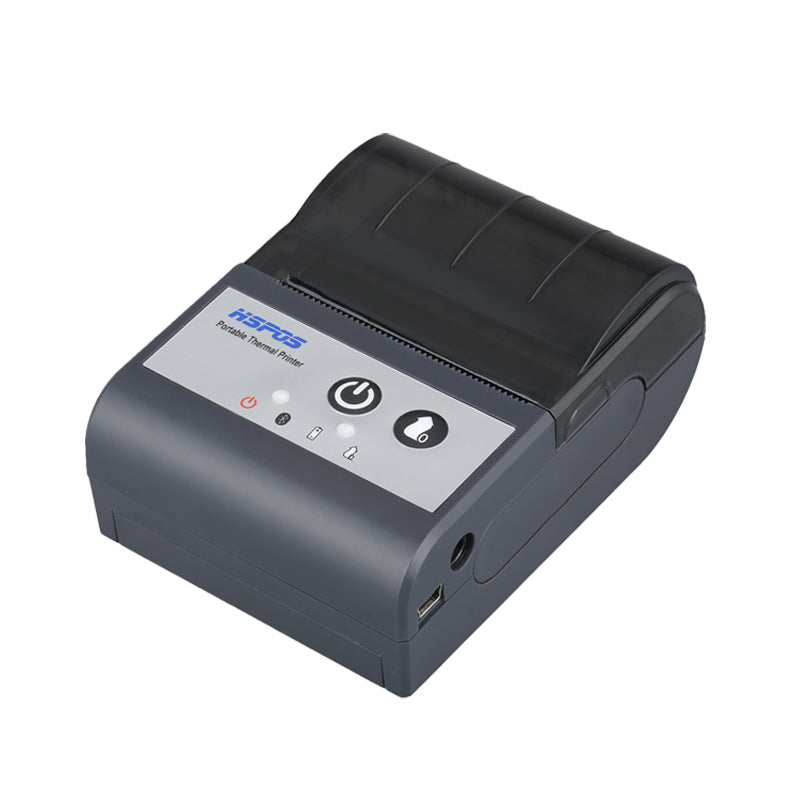
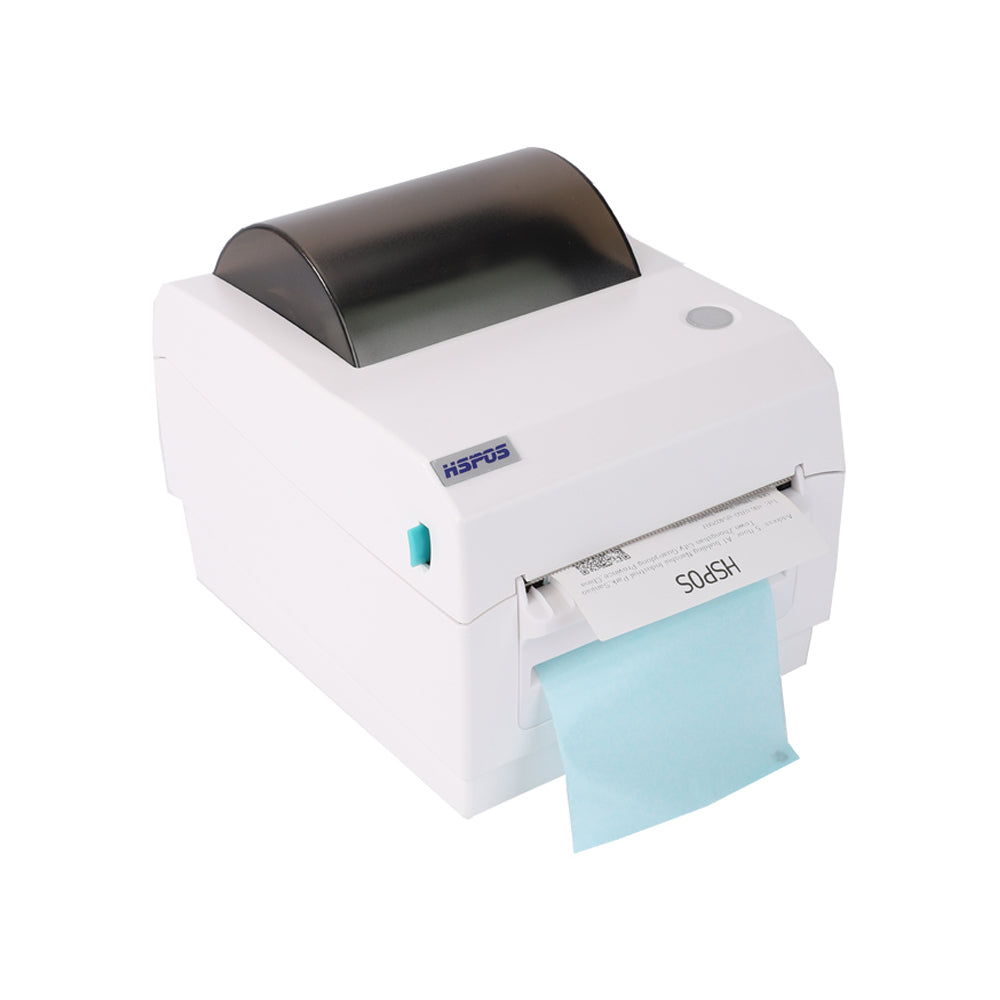
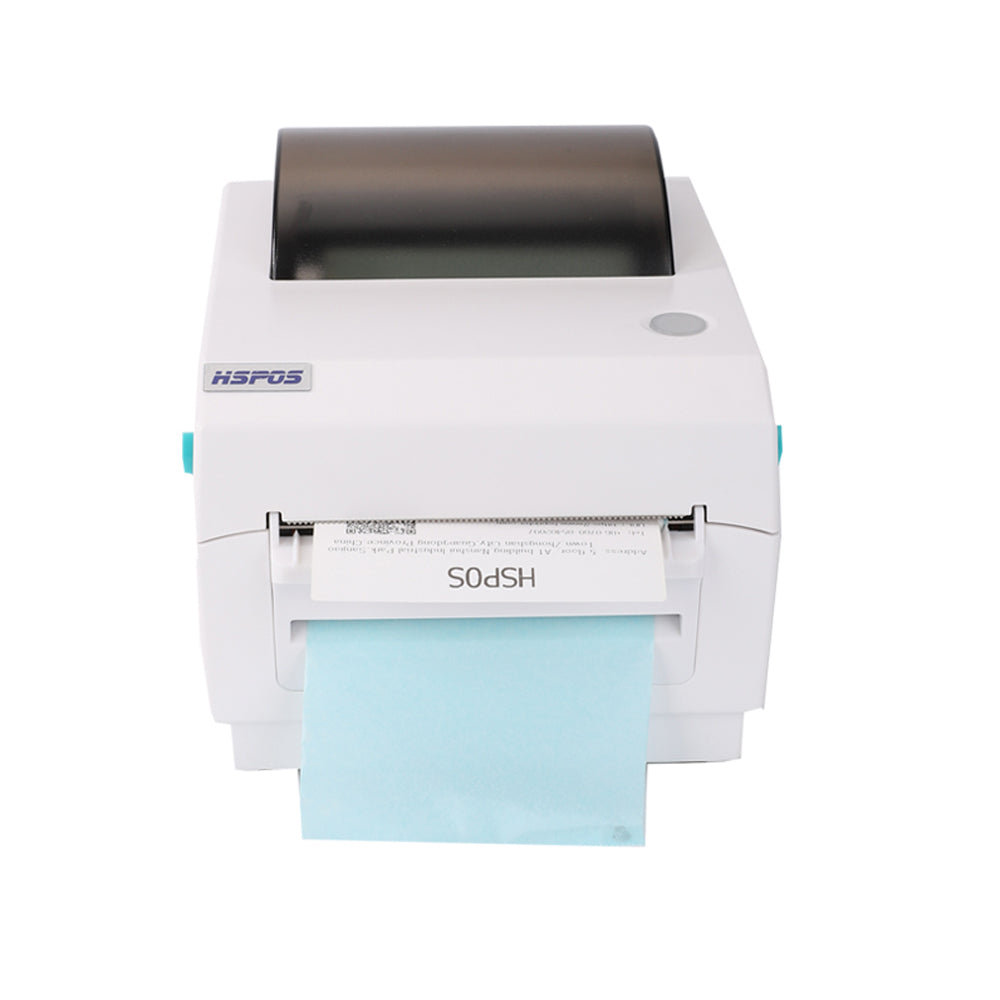
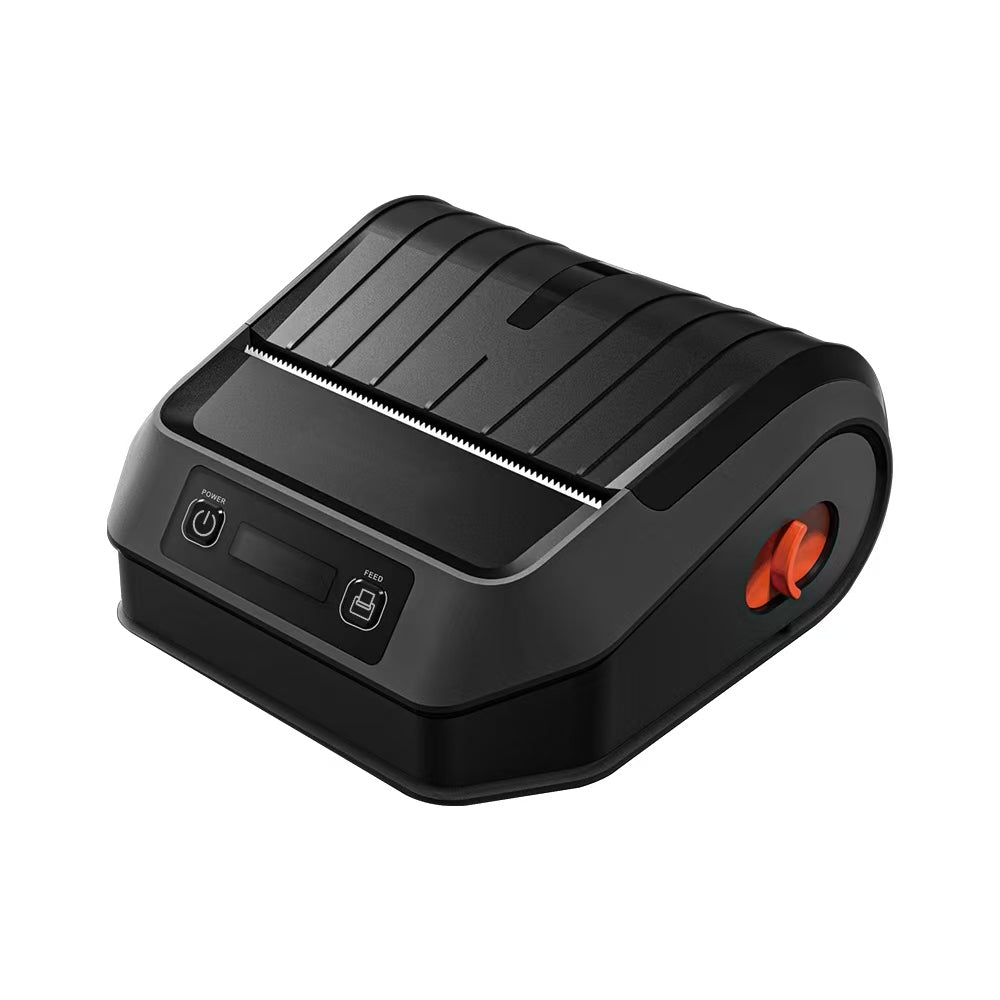
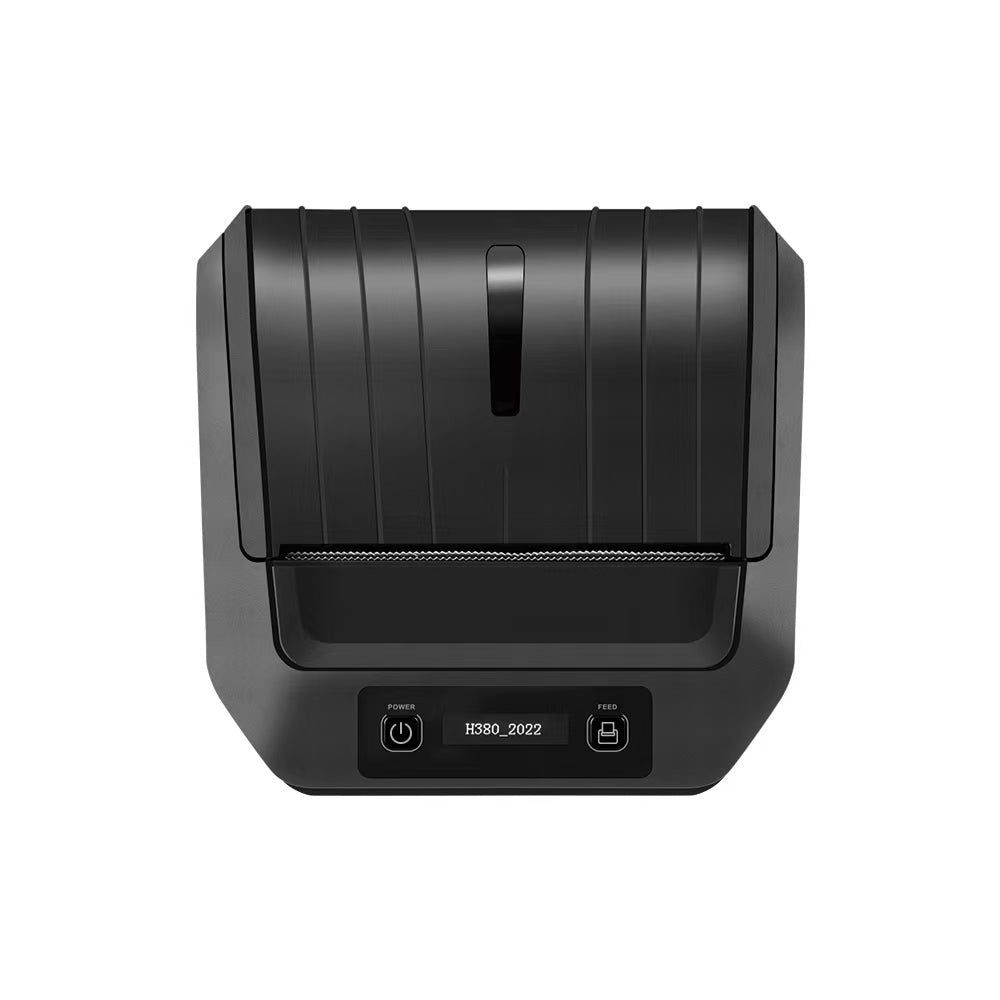
For high-speed shipping and inventory management, the TechPOS HS-K38 4-inch Label Printer is the industry benchmark. Operating at a blistering 180mm/s, it delivers 203 DPI clarity that is perfect for courier labels (UPS, FedEx, Canada Post) and shelf-edge tags.
3. The 300 DPI Necessity: Apparel and Fine Detail
When does 203 DPI fail? The breaking point usually occurs in apparel manufacturing and jewelry retail.
Wash care labels for the clothing industry often require printing incredibly small text (size 4 or 5 fonts) and intricate laundry symbols (wash, dry, iron) onto non-absorbent materials like Nylon Taffeta or Satin Ribbon. On these materials, 203 DPI often results in "bleeding" or unreadable symbols, which can lead to regulatory non-compliance.
If your operation involves fabric labels, the TechPOS HS-3064TA Industrial Textile Printer is essential. With its 300 DPI high-resolution printhead and thermal transfer technology (using 300M wash-resistant ribbons), it ensures that care instructions remain legible through dozens of industrial wash cycles.
4. DPI in Fresh Produce: AI Recognition Meets High-Speed Labeling
A new frontier where resolution and speed intersect is in Smart Supermarkets. Here, the label must not only contain the price but also weight data and AI-verified product metadata.
In this scenario, the printer is integrated directly into the weighing mechanism. The resolution must be crisp enough to be scanned by high-speed checkout cameras while the scale maintains its legal-for-trade accuracy.
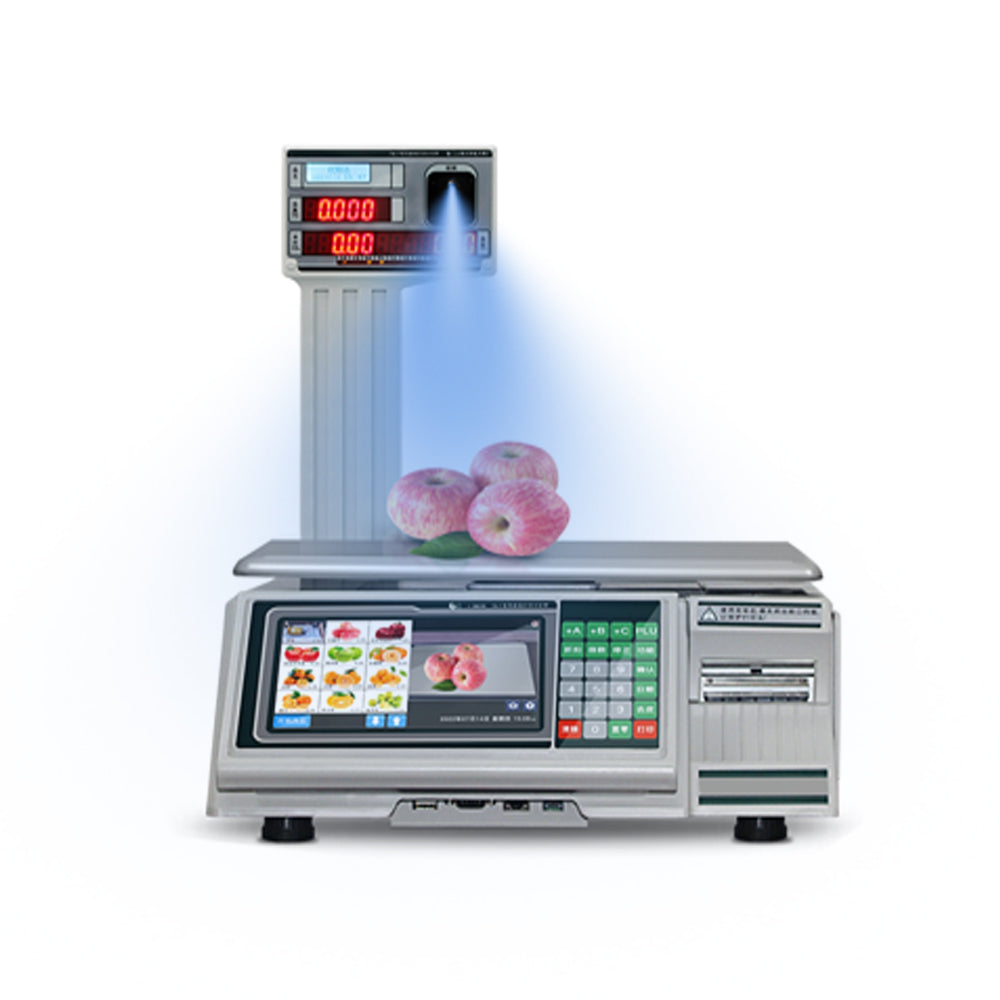
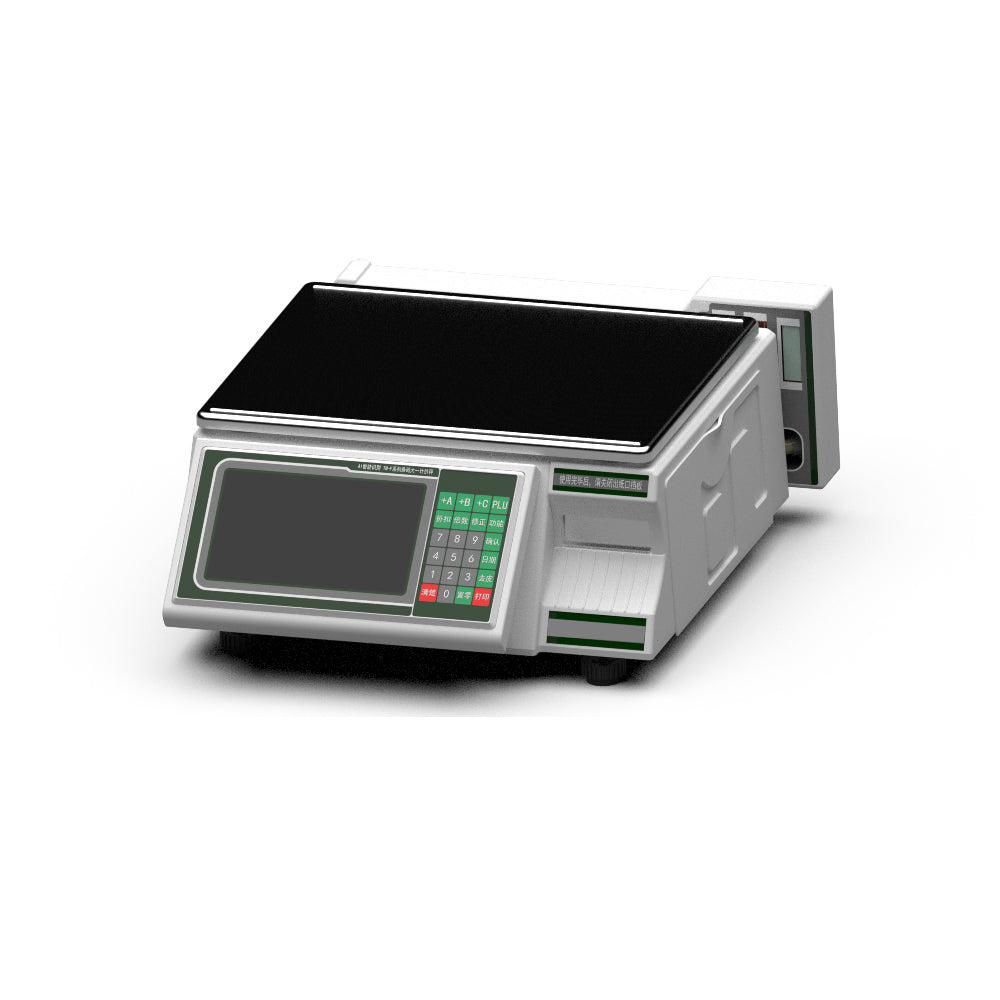
Our 30kg AI-Powered Smart Scale integrates a high-performance thermal label printer that balances speed and clarity. By utilizing AI vision to identify produce in 0.3s and instantly printing a legible barcode, it eliminates the "PLU bottleneck" that plagues traditional grocery stores.
5. The Brain of the Operation: Managing High-Concurrency Hardware
Choosing the right printer is only half the battle; the other half is ensuring your POS software can handle the specific driver requirements of different resolutions.
High-resolution 300 DPI images require more data transfer over the network. If you are running a high-traffic environment with multiple tablets sending print jobs simultaneously, you need a terminal with serious processing power and a reliable multi-device printer.
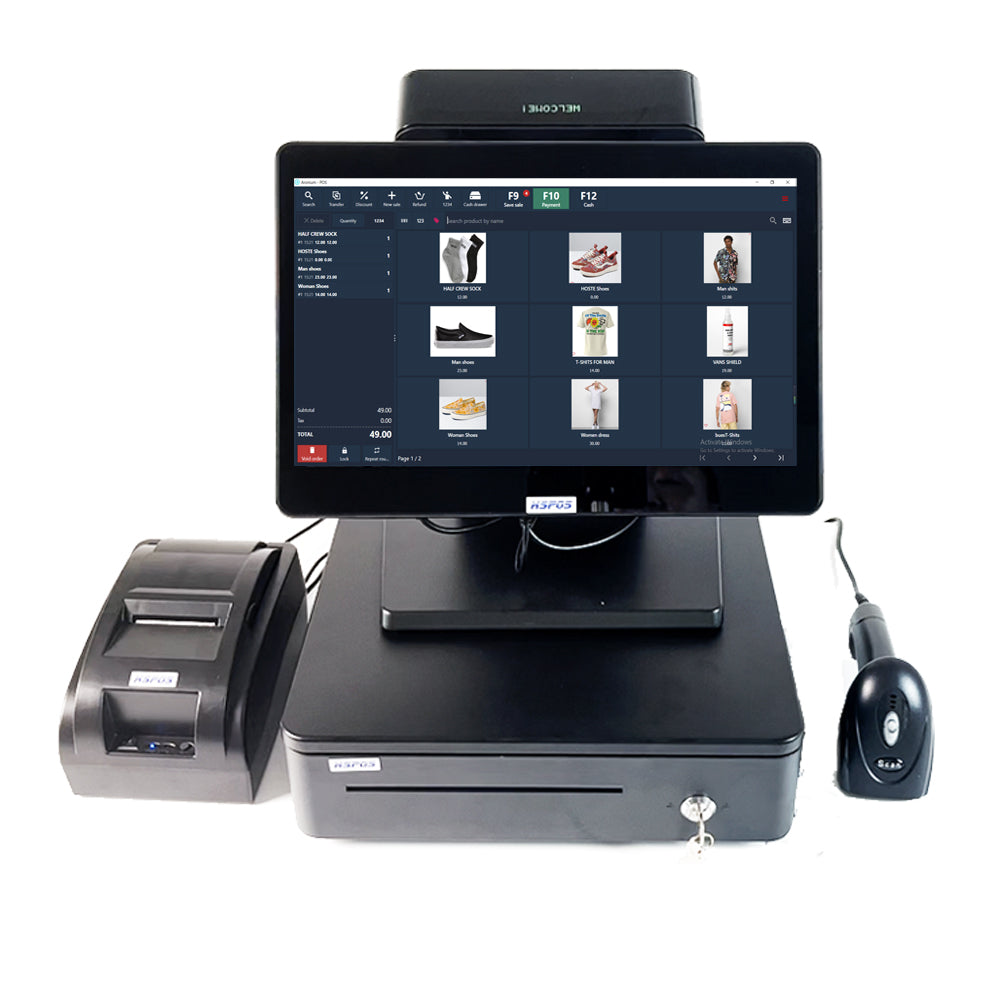
Pairing the 14-inch Windows/Android POS Touch Terminal with the HS-M80 Multi-Device Order Printer allows you to manage everything from 300 DPI wash care labels in the back-office to high-speed 203 DPI kitchen chits—all from a single, centralized hub.
6. Technical Guide: How to Calibrate for Different Materials
Whether you are using 203 or 300 DPI, calibration is the key to longevity. Here is the engineering checklist for different media types:
- Nylon Taffeta & Satin (Wash Care Labels):
- DPI: 300 DPI Mandatory.
- Calibration: Set the "Darkness" setting in the driver to high (12-15) and reduce print speed. Use a Resin Ribbon for maximum wash resistance.
- Thermal Adhesive (Shipping Labels):
- DPI: 203 DPI Sufficient.
- Calibration: Use the "Auto-Gap" detection on the HS-K38 to ensure the sensor correctly identifies the start of each label to prevent skipping.
- AI Scale Labels:
- Calibration: Ensure the load cell is leveled before running the printer calibration to prevent vibration-induced "ghosting" on the print.
- Reduced Returns: No more courier rejections due to unreadable labels.
- Compliance: Meeting international apparel labeling standards for wash care instructions.
- Brand Authority: Professional, crisp labeling reflects the quality of your product.
Conclusion: The ROI of Resolution
While 300 DPI printers carry a slightly higher upfront cost, the Return on Investment (ROI) is realized through:
At TechPOS, we specialize in bridging the gap between raw hardware and operational efficiency. Whether you need the speed of the HS-K38 or the precision of the HS-3064TA, our team is here to ensure your business never misses a pixel.
The AI Revolution in Fresh Produce Retail: How Smart Product Identification Scales Are Slashing Supermarket Checkout Times
The Future of B2B Retail and Manufacturing: A Masterclass in High-Precision POS Hardware
Related Posts

The Ultimate Fulfillment Tool for E-commerce Sellers: TechPOS TP-K38 High-Speed Thermal Label Printer Review

The Ultimate Guide to Android-Compatible Barcode Printers in Australia & Canada: Reliable Hardware for Shopify & DoorDash

Multi-Platform Integration: Connecting Your 14-inch POS to Shopify, Square, and UberEats

The Future of AI Weighing: How Smart Scales are Transforming Grocery Checkout in 2026

The 2026 Master Guide to Setting Up Multiple Delivery Tablets with the HS-M80 (TP-M30)

Ending the 'Ghost Order' Nightmare: Why Your Kitchen Needs Industrial Concurrency

The Multi-Tablet Revolution: How to Connect 7 Food Delivery Devices to One Bluetooth Printer