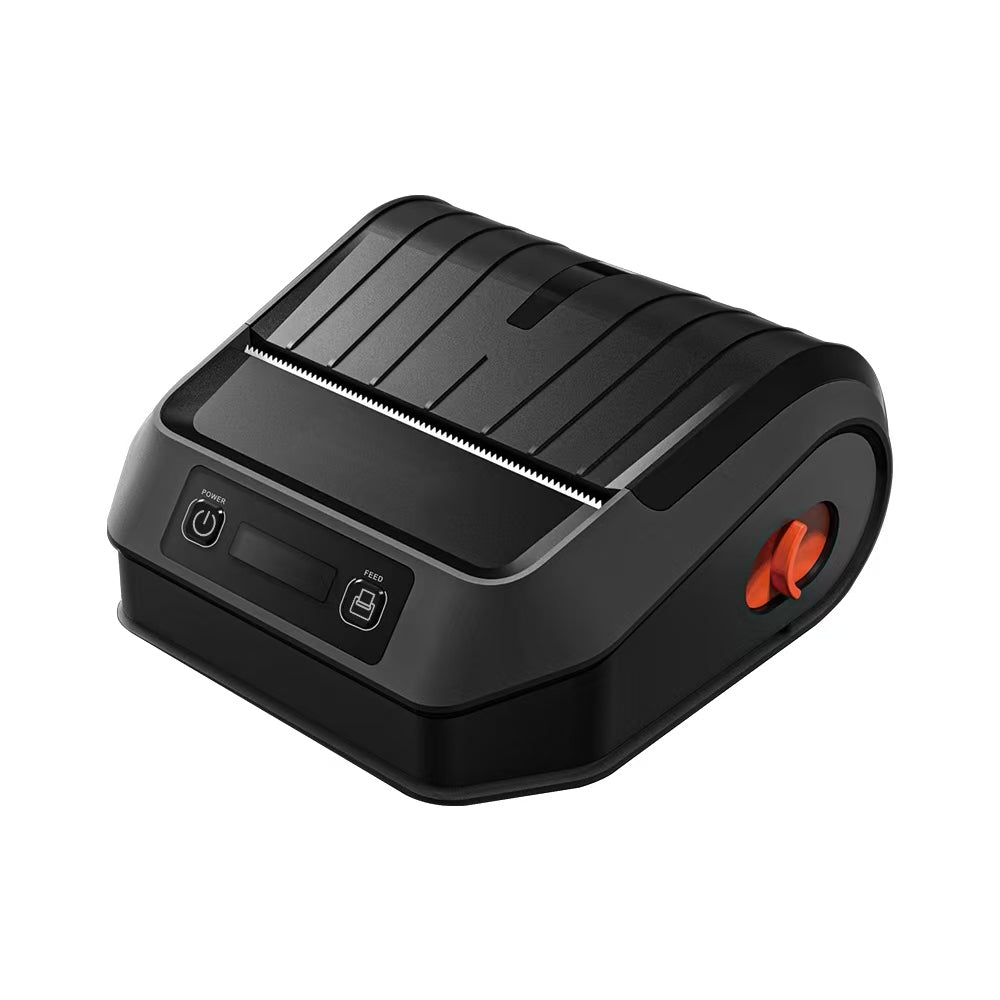
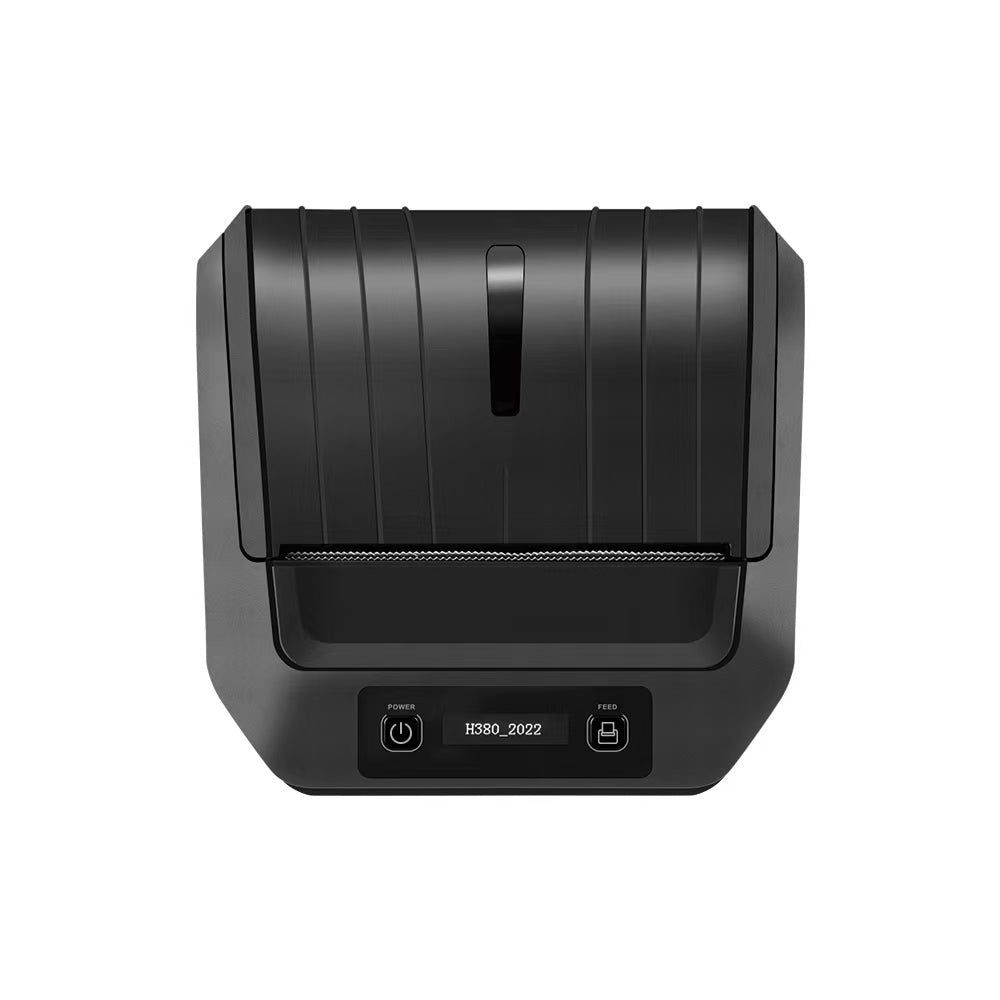
Why Is My Thermal Label Printer Skipping Labels or Printing Blank? Calibration & Troubleshooting Guide
Blog Draft 1: Why Is My Thermal Label Printer Skipping Labels or Printing Blank? The Ultimate Troubleshooting and Calibration Guide
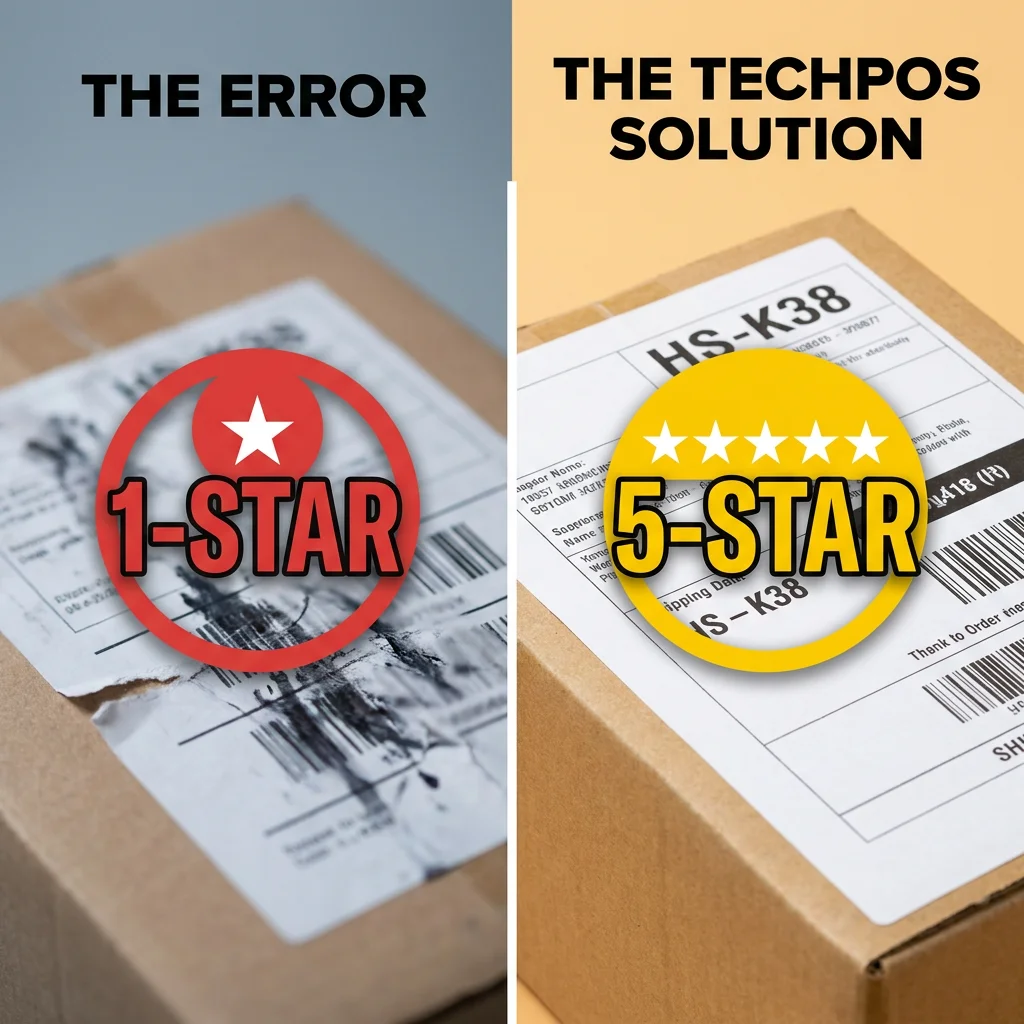
In the high-stakes world of B2B logistics, warehousing, and e-commerce fulfillment, there is nothing quite as disruptive as a shipping label printer that has decided to lose its calibration. One minute, you are smoothly labeling packages for shipping across Ontario or Victoria; the next, the printer is spewing out three blank labels between every print, or printing text so high up on the page that the tracking barcode is sliced in half.
For warehouse managers and Shopify store owners, a malfunctioning thermal label printer translates directly into delayed shipments, increased packing labor costs, and a bottleneck at your logistics dispatch hub. If you are experiencing blank prints or skipped labels, you are not alone. These are the single most common support queries for industrial thermal printers.
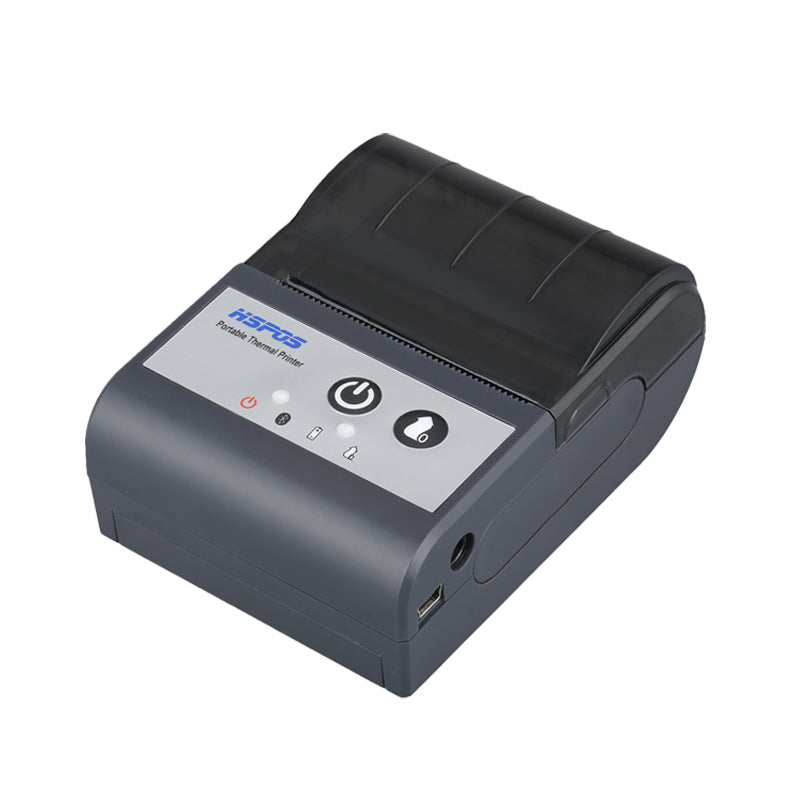
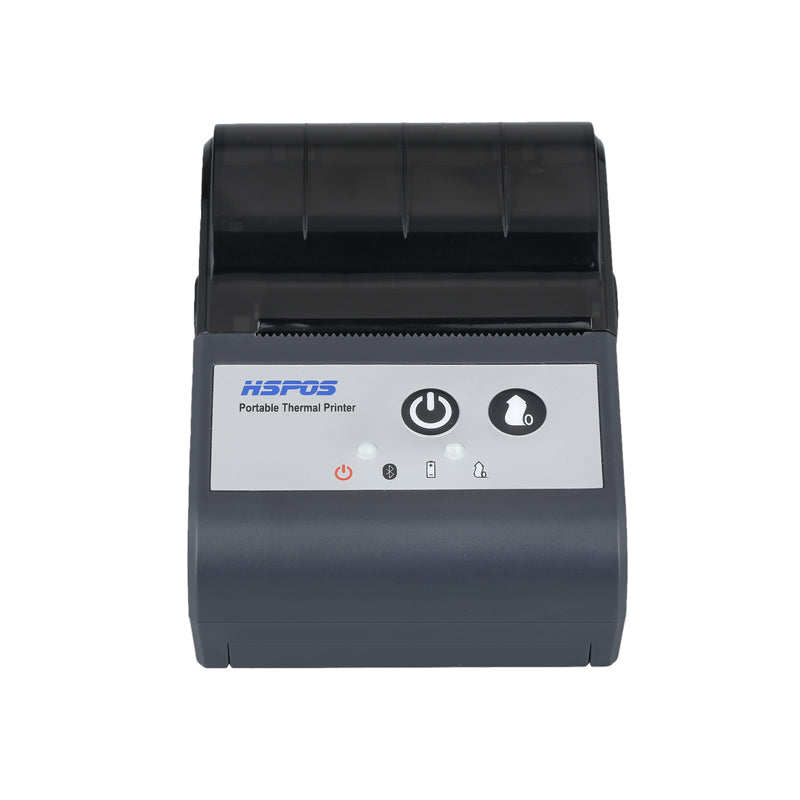
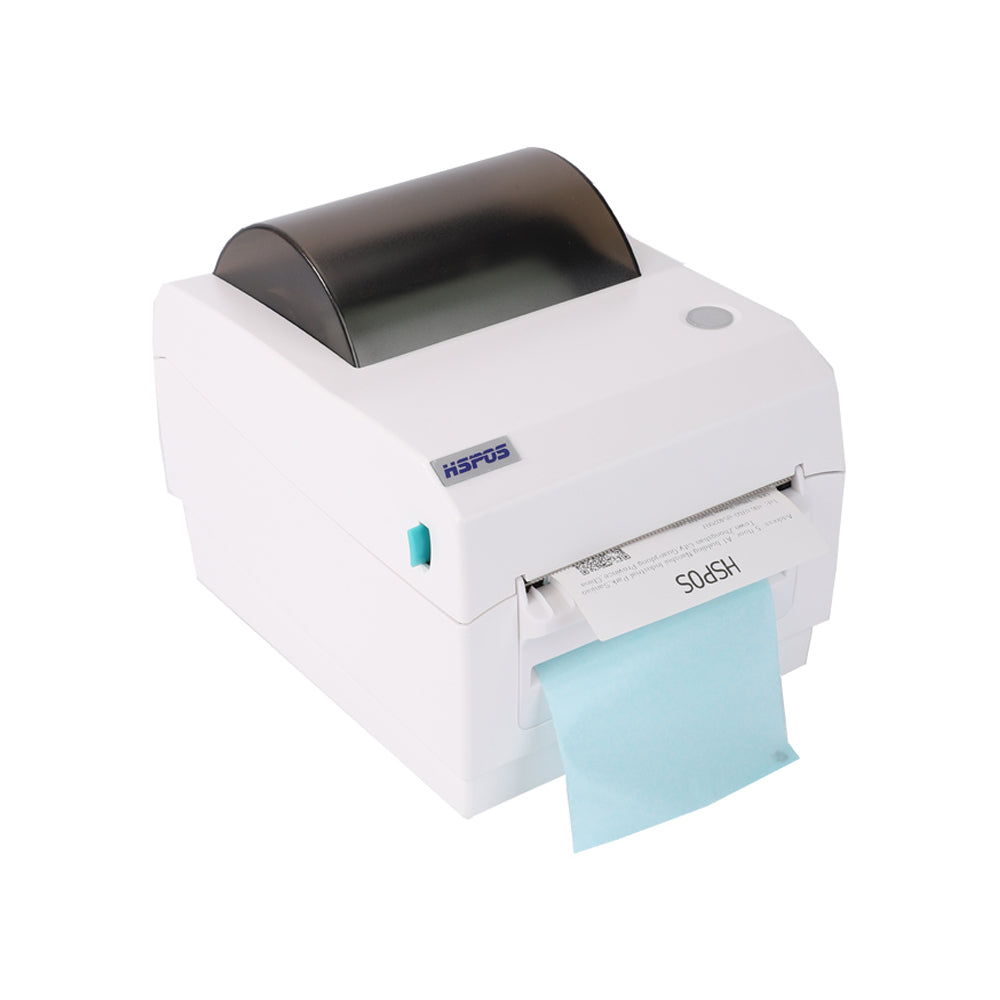
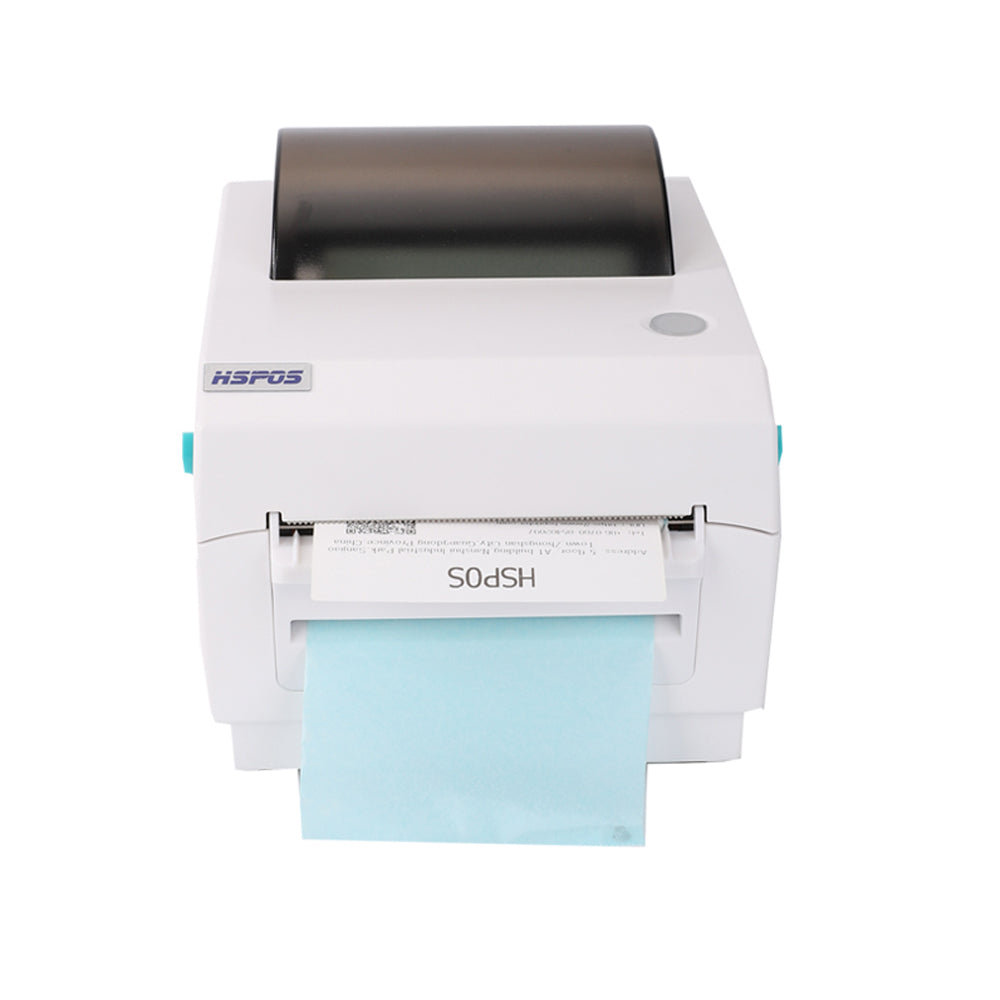
At TechPOS, we design our hardware to industrial-grade standards, but correct calibration remains a critical factor in performance. In this comprehensive guide, we will break down the underlying mechanics of thermal printer sensors, diagnose why your printer is skipping or printing blank, and provide a step-by-step resolution path for our best-selling TechPOS HS-K38 4-inch Thermal Label Printer.
1. Understanding the Core Mechanism: How Sensor Calibration Works
To troubleshoot a thermal label printer, you must first understand how it knows where one label ends and the next begins. Unlike receipt printers, which use continuous rolls of paper, shipping label printers print on die-cut adhesive rolls or fan-fold stacks of specific sizes (most commonly 4x6 inches or 100x150 mm).
To navigate this media, printers utilize optical sensors:
- Transmissive Sensors (Gap Sensors): These emit a beam of light from the bottom of the printer through the backing paper (the liner). When the light hits the "gap" (where there is no label, only the thin backing paper), the sensor detects a sudden spike in light transmission and signals to the processor that the boundary of the label has been reached.
- Reflective Sensors (Black Mark Sensors): These project light onto the back of the label roll to detect pre-printed black horizontal bars. When the black mark absorbs the light rather than reflecting it, the printer recognizes it as the cut-line.
If your printer’s sensor is miscalibrated, dirty, or configured for the wrong media type, it will fail to detect these boundaries. It will simply keep spinning the feed roller, resulting in skipped pages, off-center text, or blank sheets.
2. Step-by-Step Diagnostic: Why Is It Printing Blank or Skipping?
Before we run calibration protocols, let's run a rapid physical and digital diagnostic of the 5 most common causes:
Cause 1: The Media is Loaded Backward
Thermal paper is only coated with the heat-sensitive chemical layer on one side. If you load a roll of shipping labels inside out, or feed fan-fold labels upside down, the thermal printhead will apply heat to the non-coated backing sheet. The result? Completely blank white labels sliding out of the dispenser.
- *Solution*: Scratch the surface of the label with your fingernail. If a dark streak appears, that is the thermal side and must face up toward the printhead.
Cause 2: Dust or Adhesive Buildup on the Optical Sensor
In a dusty warehouse environment, micro-particles of paper dust, shipping debris, or adhesive residue from sticky labels can settle over the optical transmitter or receiver lenses. This blocks the light beam, causing the printer to believe it is reading a continuous solid sheet with no gaps.
- *Solution*: Open the printer cover, locate the small plastic sensor windows (usually located along the paper feed path), and clean them gently with an isopropyl alcohol swab or a micro-fiber cloth.
Cause 3: Driver Paper Size Mismatch
Your printer may be physically perfect, but if your computer’s operating system (Windows or macOS) sends a print job configured for an A4 sheet into a 4x6 inch label queue, the printer will become confused. It will print the top-left section of the page, and then feed several blank sheets as it attempts to accommodate the "ghost" dimensions of the larger digital document.
- *Solution*: Open your system printing preferences, select the TechPOS HS-K38 print queue, and ensure the default media size is explicitly set to 100mm x 150mm or 4.00" x 6.00".
Cause 4: Wrong Sensor Mode (Gap vs. Continuous)
Inside the printer driver utility or the TSPL/ZPL command parameters, there is a setting to select "Media Type." If your software is set to "Continuous" but you have loaded "Die-Cut Gap Labels," the printer will ignore the physical gaps entirely, leading to print drift.
- *Solution*: Set the media type in the printer driver settings to "Labels with Gaps" or "Web".
3. How to Calibrate Your TechPOS HS-K38 for Flawless Printing
If you have cleaned your sensors and verified your driver settings but are still experiencing skipped sheets, your printer's firmware needs to "re-learn" the opacity of your specific label backing.
Follow this manual hardware calibration sequence for the TechPOS HS-K38:
[Power OFF] ──> [Press & Hold FEED Button] ──> [Power ON] ──> [Wait for Red LED Flash] ──> [Release FEED]
 │
 Printer Feeds 2-3 Labels to
 Auto-Detect Gaps and Save Opacity
- Power Down: Turn off the power switch at the back of the HS-K38.
- Load Labels: Ensure your 4x6 labels are fed flat through the rear feed slots, and adjusted snugly using the green media guides.
- Hold and Power On: Press and hold the green FEED button on top of the printer. While continuing to hold it down, flip the power switch to the ON position.
- Observe the LED: Keep holding the FEED button. The indicator light will flash blue, then violet. Once it flashes Red, release your finger immediately.
- Let It Calibrate: The printer will automatically feed 2 to 3 labels back and forth. During this motion, it is reading the light transmission values between the label body and the gap liner. Once it stops feeding, the green LED will solid-light up, confirming successful sensor calibration.
Press the FEED button once to test: a single label should feed out and tear off perfectly at the serrated edge.
4. Advanced Technical Insights: Driver & Protocol Optimization
For corporate IT administrators and logistics developers, calibration issues can sometimes stem from deep-level command conflicts. The TechPOS HS-K38 operates on TSPL (Thermal Printer Programming Language), which is highly compatible with universal label formats.
When writing raw print scripts via Windows API or Linux spoolers, ensure your initiation string includes the correct height and gap commands:
| Command | Action | Recommended Value for 4x6 Labels |
|---|---|---|
| SIZE | Defines the physical dimensions of the label canvas |
SIZE 4, 6 or SIZE 101.6 mm, 152.4 mm
|
| GAP | Instructs the sensor on the gap distance between labels |
GAP 0.12, 0 or GAP 3 mm, 0
|
| DIRECTION | Controls the printhead output orientation |
DIRECTION 1 (Standard) or DIRECTION 0 (Reversed) |
If these parameters are missing from your integration code, the printer may revert to internal defaults, over-riding your driver settings and causing physical skipped sheets.
5. The TechPOS Advantage: Sourcing High-Quality Logistics Hardware
When managing a high-volume fulfillment center in Ontario (Canada) or Melbourne (Australia), you cannot afford down-time caused by finicky, unbranded hardware.
The TechPOS HS-K38 is engineered with:
- Dual Bluetooth & USB Interfaces: Connect your Android tablets, iPads, or desktop PCs concurrently.
- Industrial Heated Printhead: Rated for 50km of continuous label printing, ensuring crisp, scannable tracking barcodes.
- Local Warehousing Support: Shipped directly from our local stock in Canada and Australia for 3-7 day rapid delivery.
Conclusion: Get Your Packing Line Running at 100% Efficiency
Skipping labels is an easily resolvable symptom of optical misalignment. By keeping your sensors clean, verifying your driver sizes, and performing a quick hardware calibration, you can eliminate waste, reduce dispatch errors, and save hundreds of dollars in lost paper rolls.
If you are looking to upgrade your warehouse logistics or need replacement hardware shipped locally with fast courier turnaround, explore our catalog today.
👉 Secure Your Shipping Operations: Get the TechPOS HS-K38 4-inch Thermal Label Printer Now and experience commercial-grade reliability.
The Definitive Guide to ESC/POS Protocol Compatibility for Food Delivery Networks
How to Connect Multiple Delivery Tablets (DoorDash, UberEats, Skip) to a Single Bluetooth Receipt Printer
Related Posts

The Ultimate Fulfillment Tool for E-commerce Sellers: TechPOS TP-K38 High-Speed Thermal Label Printer Review

The Ultimate Guide to Android-Compatible Barcode Printers in Australia & Canada: Reliable Hardware for Shopify & DoorDash

Multi-Platform Integration: Connecting Your 14-inch POS to Shopify, Square, and UberEats

The Future of AI Weighing: How Smart Scales are Transforming Grocery Checkout in 2026

The 2026 Master Guide to Setting Up Multiple Delivery Tablets with the HS-M80 (TP-M30)

Ending the 'Ghost Order' Nightmare: Why Your Kitchen Needs Industrial Concurrency

The Multi-Tablet Revolution: How to Connect 7 Food Delivery Devices to One Bluetooth Printer