The Ultimate POS Hardware Checklist: Scaling Your Business from Pop-up Shops to Enterprise Fulfillment
The Ultimate POS Hardware Checklist: Scaling Your Business from Pop-up Shops to Enterprise Fulfillment
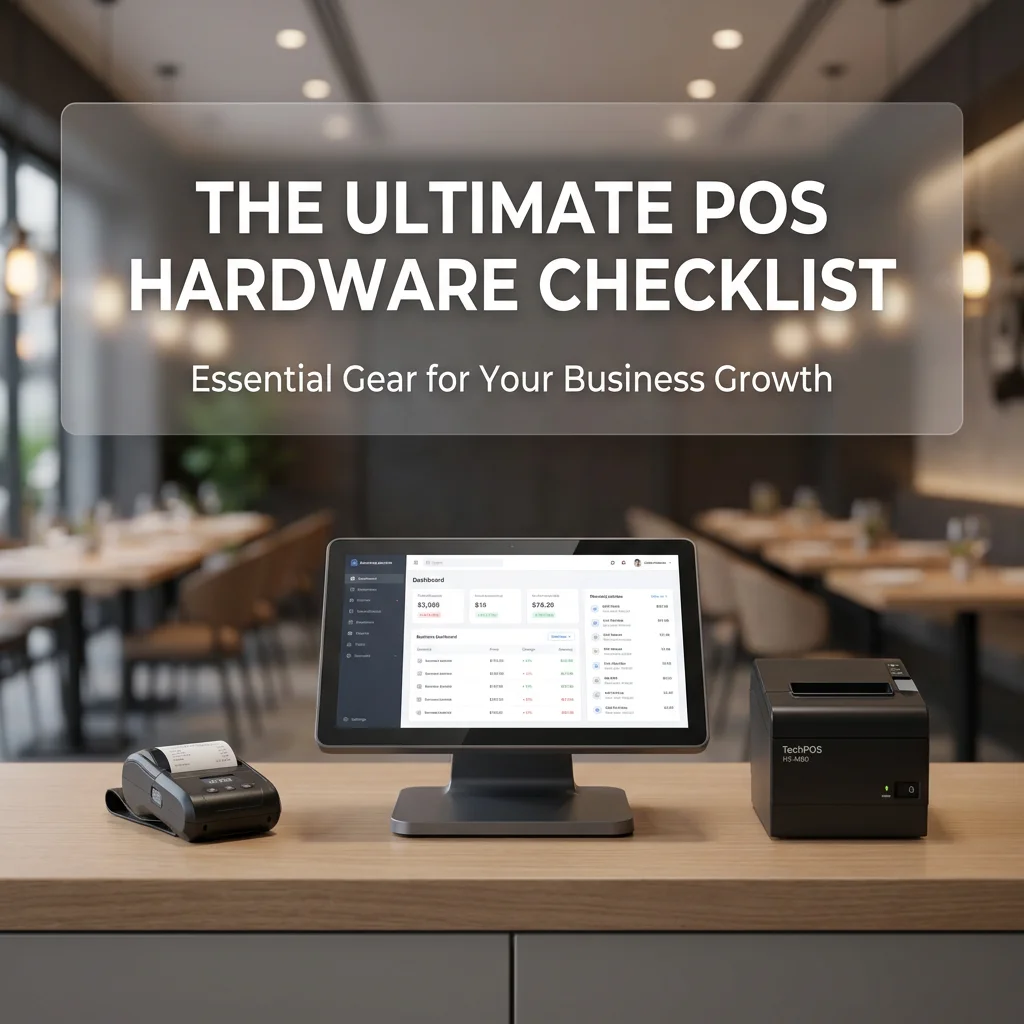
In the competitive landscape of 2026, the difference between a seamless customer experience and operational chaos often comes down to one thing: your Point of Sale (POS) hardware stack. Whether you are launching a boutique coffee cart in Melbourne or managing a multi-lane supermarket in Ontario, the hardware you choose dictates your transaction speed, your inventory accuracy, and ultimately, your bottom line.
However, a "one-size-fits-all" approach to POS hardware is a recipe for wasted capital. A small pop-up doesn't need an industrial-grade AI scale, just as a high-volume warehouse cannot survive on a consumer-grade tablet mount.
At TechPOS, we specialize in engineering hardware that scales with you. In this guide, we provide a comprehensive POS hardware checklist tailored to three distinct business scales to help you invest wisely.
Tier 1: The Small Business & Pop-up Shop (Mobility & Agility)
For micro-retailers, seasonal pop-ups, and food trucks, the priority is mobility, space efficiency, and low barrier to entry. You need a system that can be unboxed and operational in under 10 minutes, often running off mobile data or public Wi-Fi.
The Essential Checklist:
- Mobile Tablet (iPad or Android): The "brain" of your operation. Modern cloud-based POS apps like Square, Shopify, or Vend allow you to manage sales from a standard tablet.
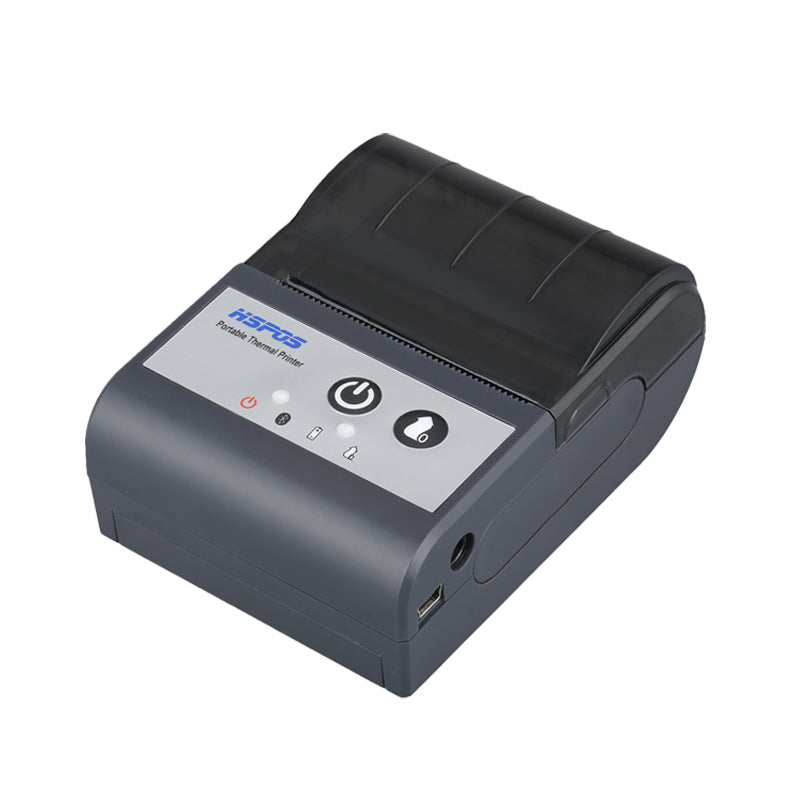
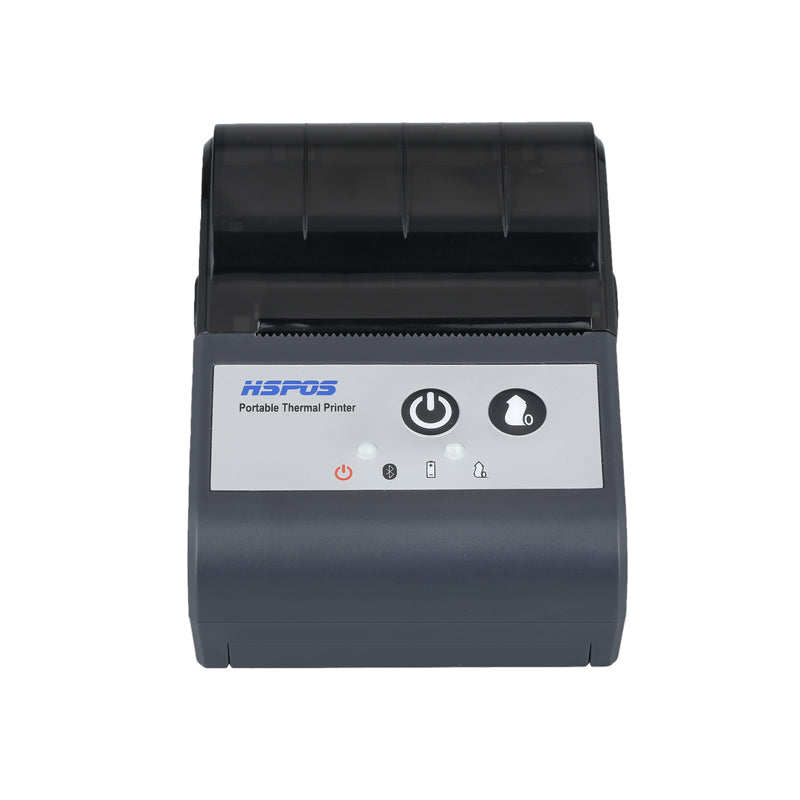
- Portable Bluetooth Receipt Printer: You don’t want to be tethered to a wall outlet.
- *Recommendation*: The TechPOS HS-M80 Bluetooth Receipt Printer. Its compact footprint and 7-device concurrency make it the perfect companion for mobile setups.
- Compact Cash Drawer: Even in a "cashless" world, having a secure, 12V/24V triggered drawer for petty cash or occasional cash sales is a security must.
- Integrated Mobile Card Reader: Ensure your hardware is compatible with your payment processor (Stripe, Moneris, or Westpac).
Pro Tip: For pop-ups, prioritize Bluetooth 5.0 connectivity. Older Bluetooth versions often drop connections in high-density areas (like trade shows) where hundreds of devices are competing for signal.
Tier 2: The Growing Restaurant & Boutique (Reliability & Volume)
Once you move into a fixed brick-and-mortar location with consistent daily foot traffic, "consumer-grade" hardware begins to fail. You need industrial reliability—hardware designed to stay "always on" for 14 hours a day, 365 days a year.
The Essential Checklist:
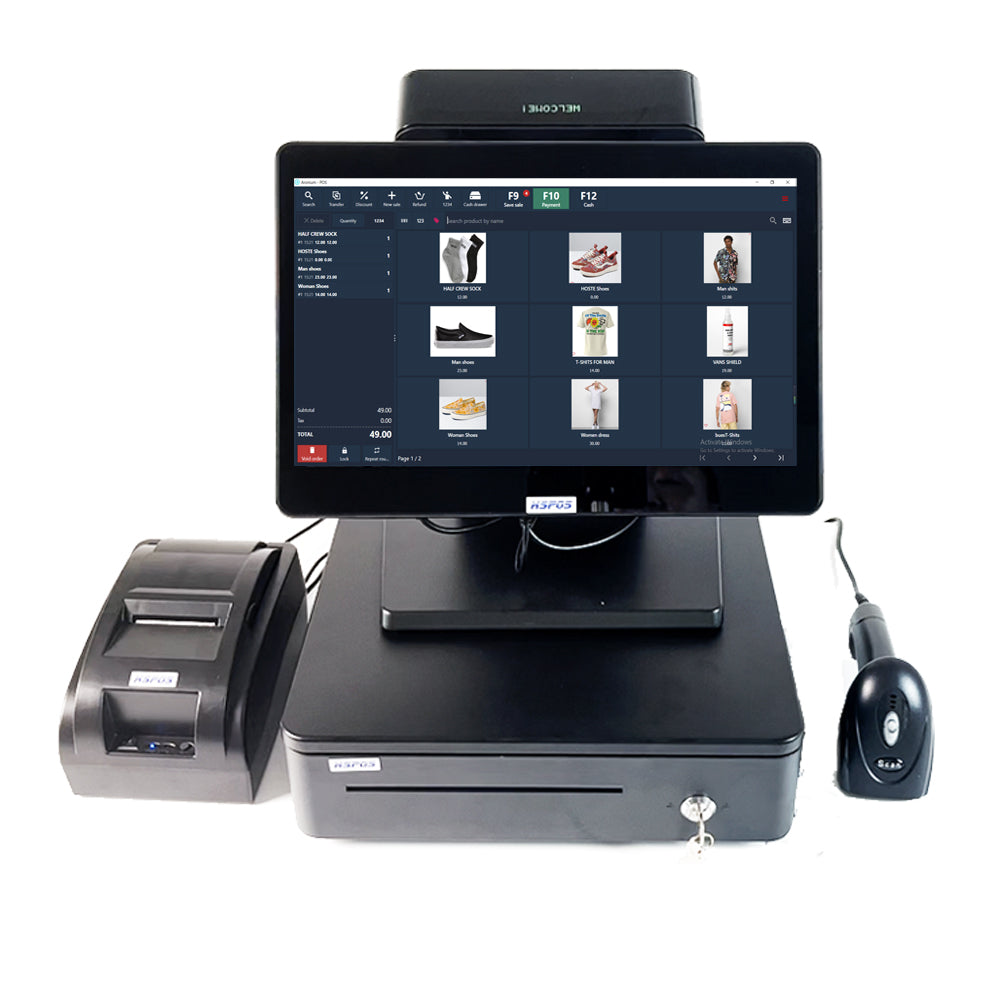
- Dedicated Desktop POS Terminal: Replace the fragile tablet with a fixed-base terminal.
- *Recommendation*: Our 14-inch Desktop POS Terminal offers the heat dissipation and port density (USB, LAN, Serial) needed for peripheral-heavy environments.
- High-Speed LAN Receipt Printer: In a busy kitchen or boutique, Bluetooth interference can cause missed tickets. A hardwired Ethernet connection is the gold standard for reliability.
- *Recommendation*: The TechPOS HS-M80 (Ethernet Version) ensures that orders from DoorDash or UberEats land in the kitchen the millisecond they are placed.
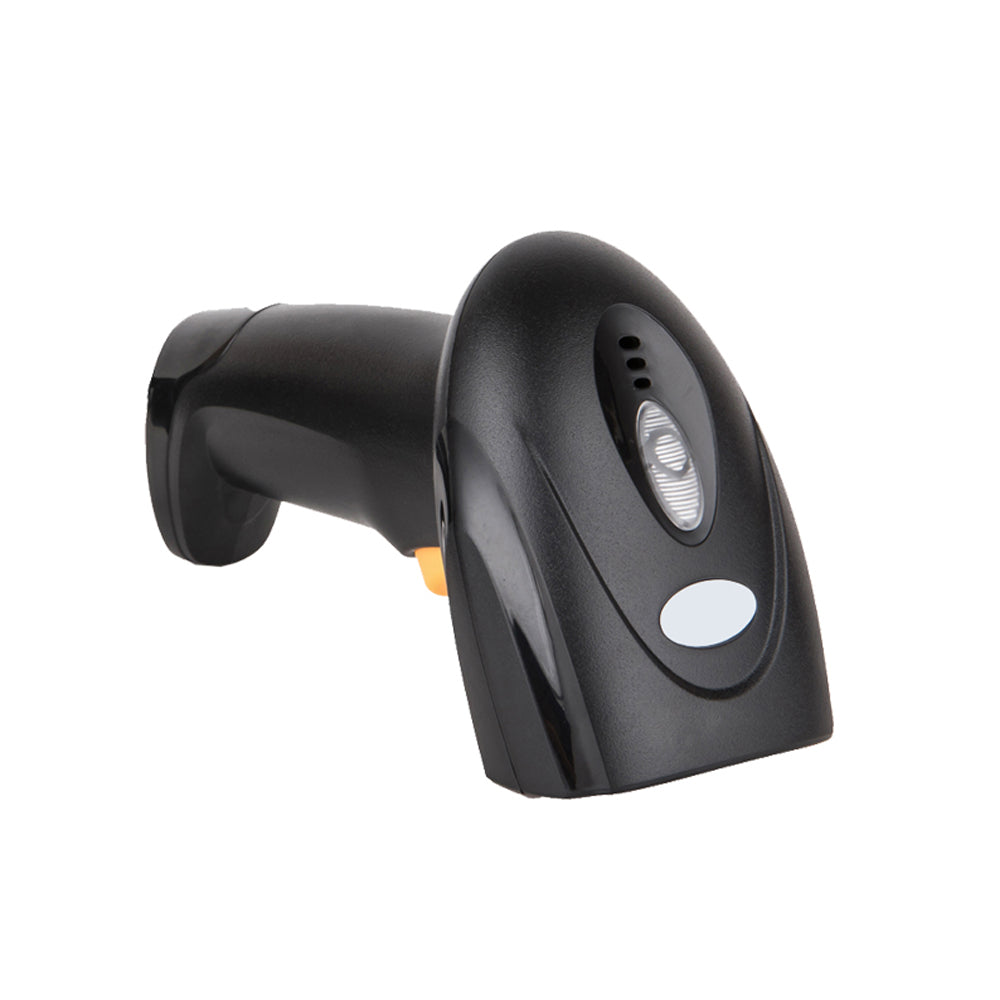
- Barcode Scanner (1D/2D): For retail boutiques, a fast 2D scanner is essential for reading QR codes, digital coupons, and standard UPC codes.
- Customer-Facing Display (CFD): Transparency builds trust. A secondary screen showing the itemized total and tax breakdown reduces checkout friction.
Pro Tip: Look for printers with an Auto-Cutter rated for at least 1.5 million cuts. Manual-tear printers lead to jagged receipts and frustrated staff during the lunch rush.
Tier 3: The Enterprise Retailer & Logistics Hub (Efficiency & Automation)
At the enterprise level—supermarkets, large-scale apparel manufacturers, and logistics hubs—POS hardware moves beyond "taking payments" and becomes a tool for workflow automation.
The Essential Checklist:
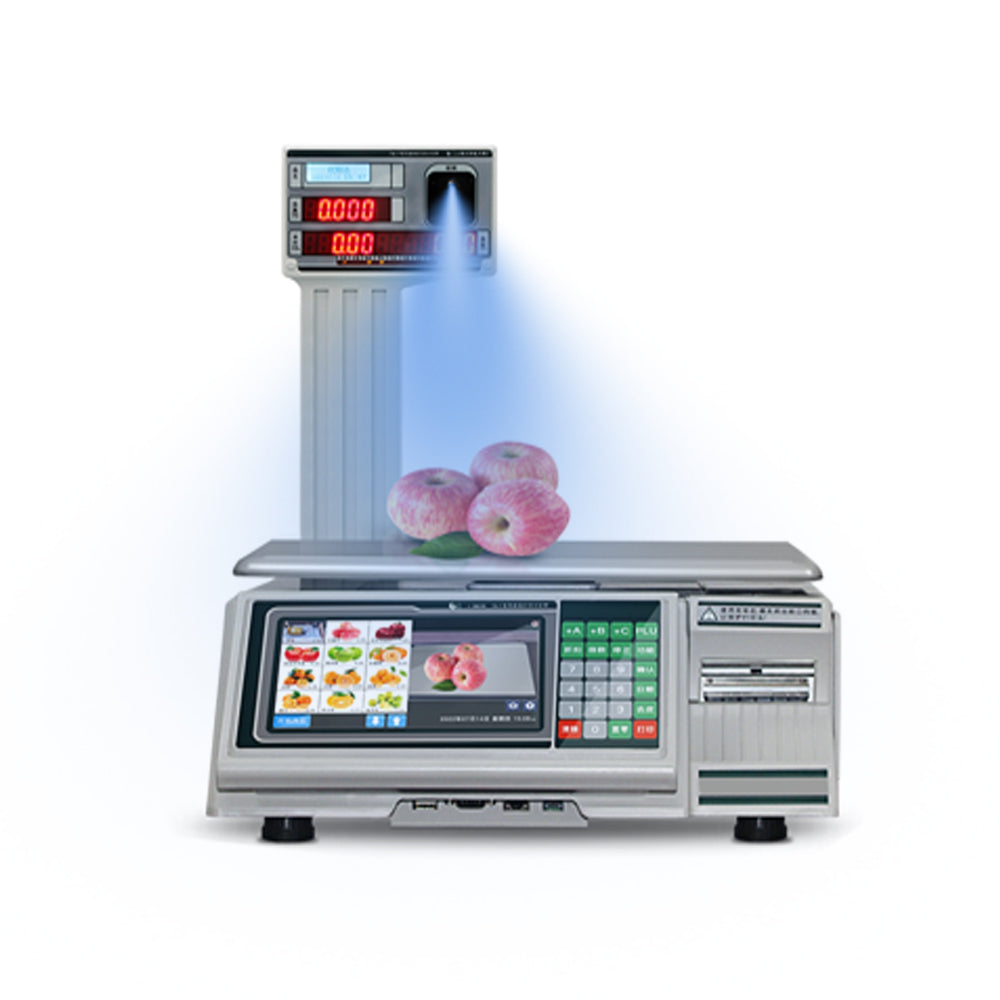
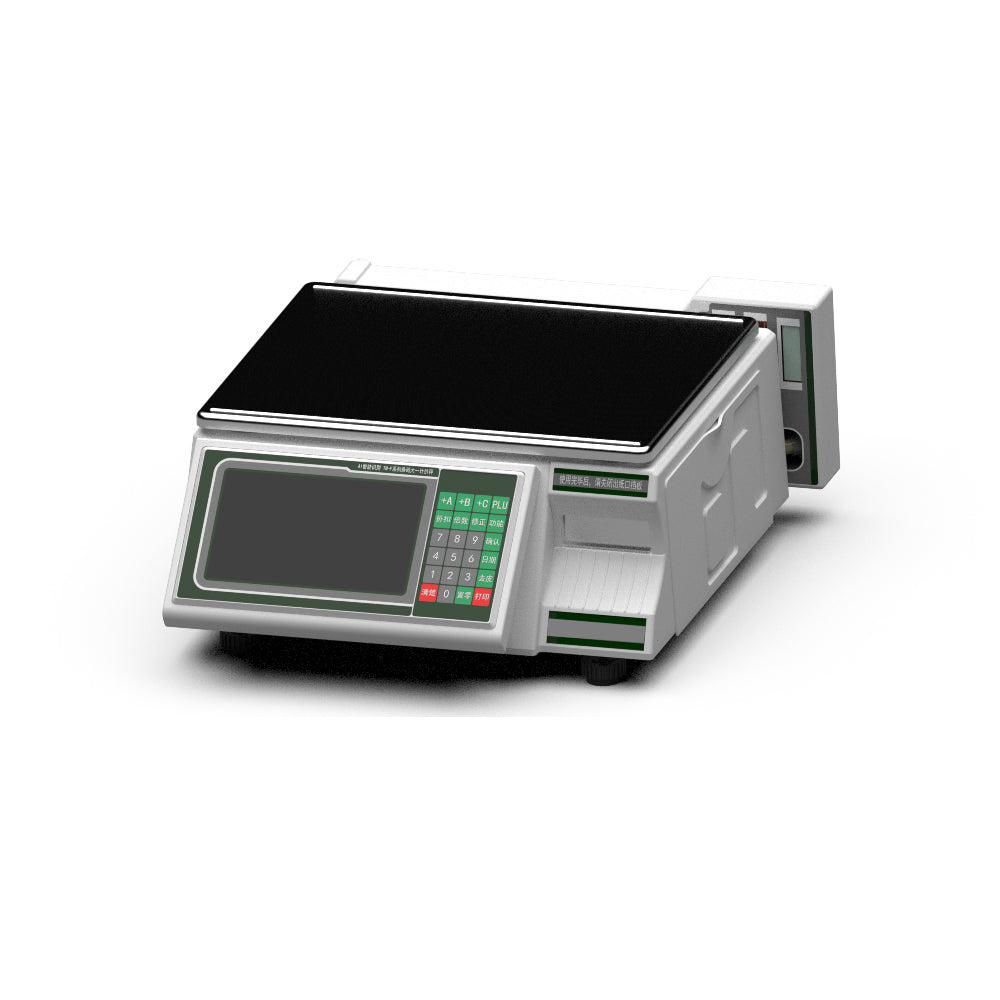
- AI-Powered Product Identification Scales: In grocery or bulk-retail, manual PLU entry is a major bottleneck.
- *Recommendation*: TechPOS AI Smart Scales utilize visual recognition to identify fruits, vegetables, or hardware components instantly, slashing checkout times by 40%.
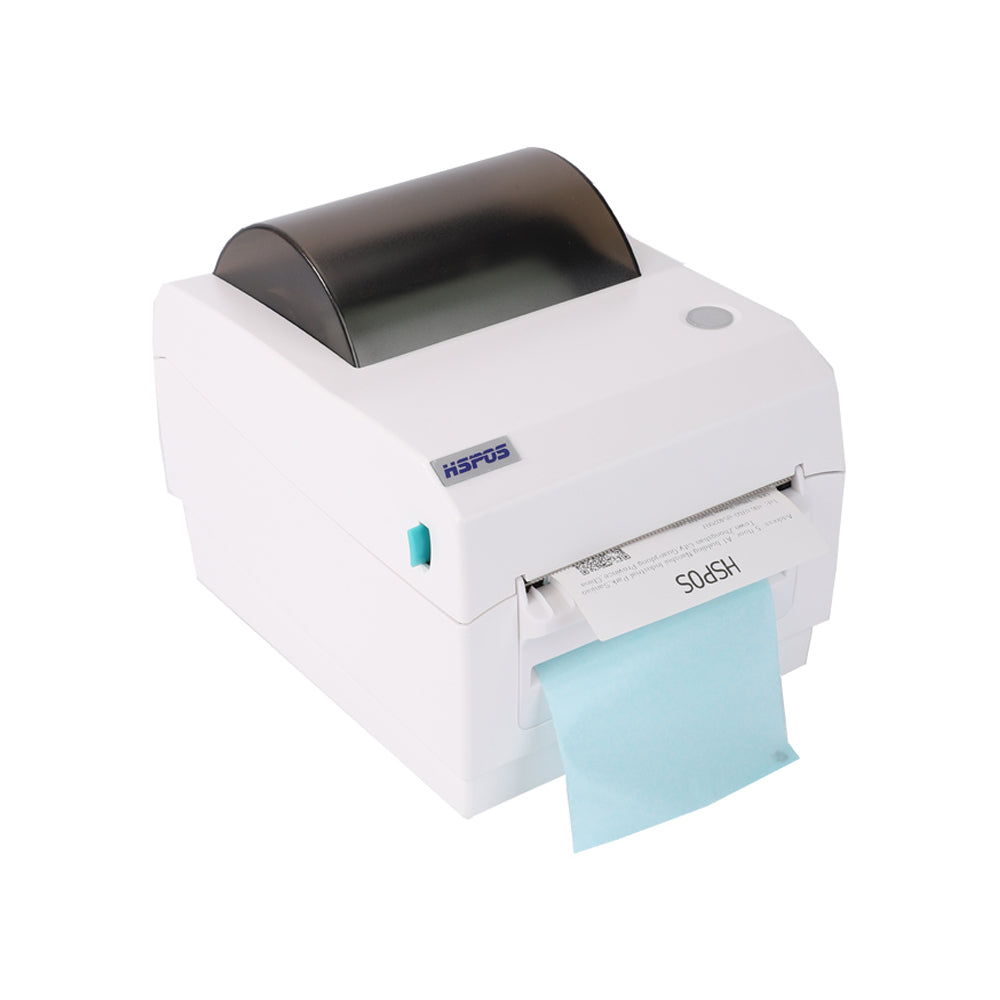
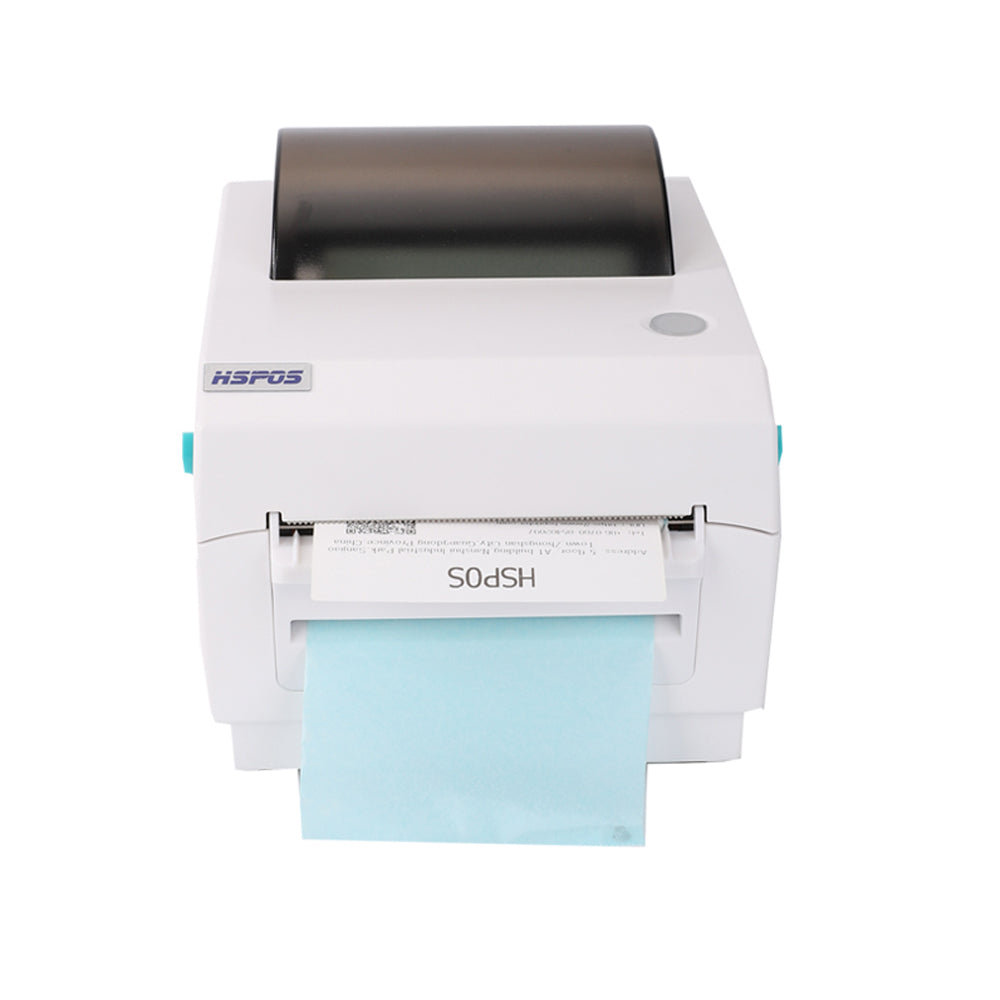
- Industrial Label & Shipping Printers: If you are fulfilling online orders from your retail backroom, you need a heavy-duty label solution.
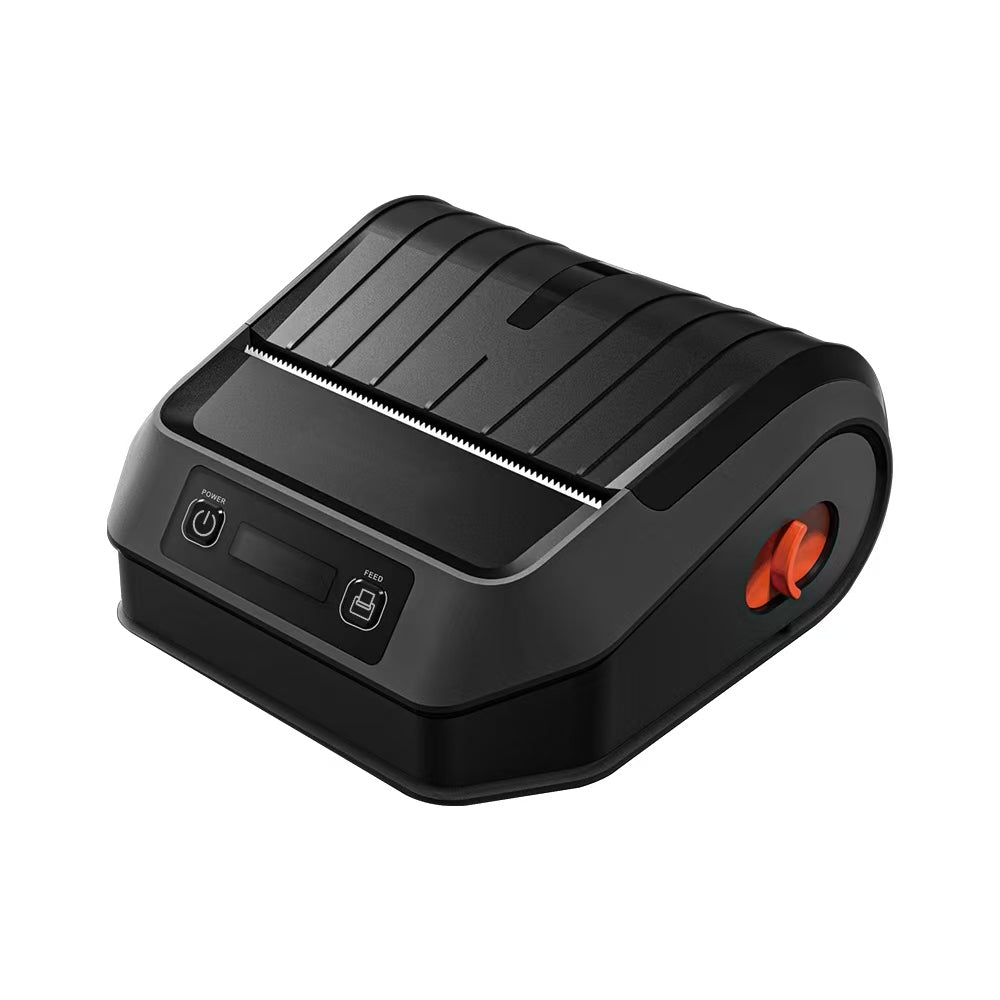
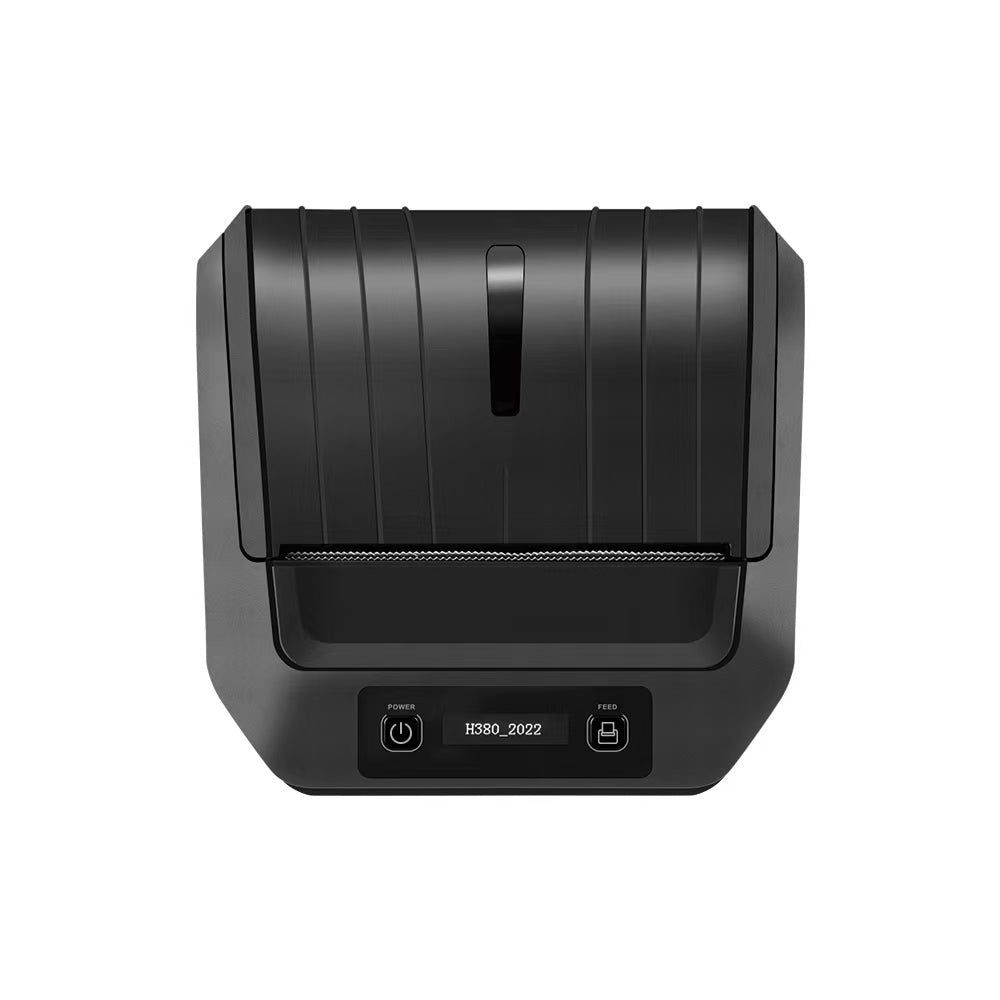
- *Recommendation*: The TechPOS HS-K38 4-inch Shipping Printer. It handles 4x6 shipping labels with ease, ensuring your logistics flow in Ontario or Melbourne never stops.
- Wash Care & Textile Printers: For apparel manufacturers and high-end boutiques, compliance is key.
- *Recommendation*: The TechPOS HS-3064TA 300 DPI Wash Care Printer. This ensures your garment labels (satin/nylon) are crisp, wash-resistant, and professional.
- KDS (Kitchen Display Systems): In high-volume dining, paper tickets are replaced by ruggedized screens that track "Time to Table" metrics and kitchen efficiency.
The Technical Specs You Cannot Ignore (The "Fine Print")
Before you finalize your purchase, ensure your selected hardware meets these technical benchmarks:
1. DPI (Dots Per Inch)
- 203 DPI: Standard for receipts and basic shipping labels.
- 300 DPI: Mandatory for small fonts (care labels) or complex QR codes. If you print 2D barcodes, always opt for the HS-3064TA.
2. Interface Options (Connectivity)
Ensure your hardware offers a "Triple Interface" (USB + Serial + Ethernet). This future-proofs your business; if you move from a standalone PC to a networked cloud system, you won't need to buy new printers.
3. Protocol Compatibility
Your hardware must support the ESC/POS (for receipts) or TSPL/ZPL (for labels) languages. All TechPOS equipment is built on these universal protocols, ensuring 100% compatibility with apps like Shopify, Square, and UberEats.
Why TechPOS for Your Business Expansion?
Choosing a hardware partner is about more than just the equipment—it’s about the supply chain. TechPOS provides a unique advantage for businesses in North America and Oceania:
- Local Warehousing: We ship directly from our Ontario (Canada) and Melbourne (Australia) hubs. This means 3-7 day delivery, avoiding the weeks of delay associated with cross-border shipping.
- B2B Engineering Support: Our team understands the technical nuances of ESC/POS and Bluetooth concurrency. We don't just ship boxes; we provide the scripts and setup guides to ensure your 1-to-7 device setup works on Day 1.
- Scalability: Start with a single HS-M80 and grow into a full-scale AI-driven enterprise.
Final Summary: Your Decision Matrix
| Business Scale | Primary Need | Key Hardware Recommendation |
|---|---|---|
| Pop-up / Mobile | Portability | HS-M80 Bluetooth Receipt Printer |
| Retail / Restaurant | Reliability | 14-inch Desktop POS Terminal |
| Warehouse / Logistics | Speed & Compliance | HS-K38 4-inch Shipping Printer |
| Apparel / MFG | High Detail | HS-3064TA 300 DPI Printer |
Ready to build your ultimate POS stack?
Don't let outdated hardware throttle your growth. Explore our full catalog of industrial-grade POS solutions and get your business running at peak efficiency.
👉 Shop the Full TechPOS Collection: Visit our Store Now
How to Connect Multiple Delivery Tablets (DoorDash, UberEats, Skip) to a Single Bluetooth Receipt Printer
The AI Revolution in Fresh Produce Retail: How Smart Product Identification Scales Are Slashing Supermarket Checkout Times
Related Posts

The Ultimate Fulfillment Tool for E-commerce Sellers: TechPOS TP-K38 High-Speed Thermal Label Printer Review

The Ultimate Guide to Android-Compatible Barcode Printers in Australia & Canada: Reliable Hardware for Shopify & DoorDash

Multi-Platform Integration: Connecting Your 14-inch POS to Shopify, Square, and UberEats

The Future of AI Weighing: How Smart Scales are Transforming Grocery Checkout in 2026

The 2026 Master Guide to Setting Up Multiple Delivery Tablets with the HS-M80 (TP-M30)

Ending the 'Ghost Order' Nightmare: Why Your Kitchen Needs Industrial Concurrency

The Multi-Tablet Revolution: How to Connect 7 Food Delivery Devices to One Bluetooth Printer